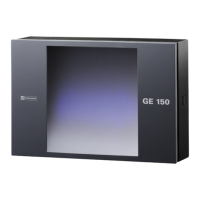
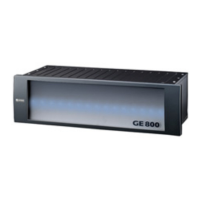
GE 800 3. Assembly of components
1.1/1209 9
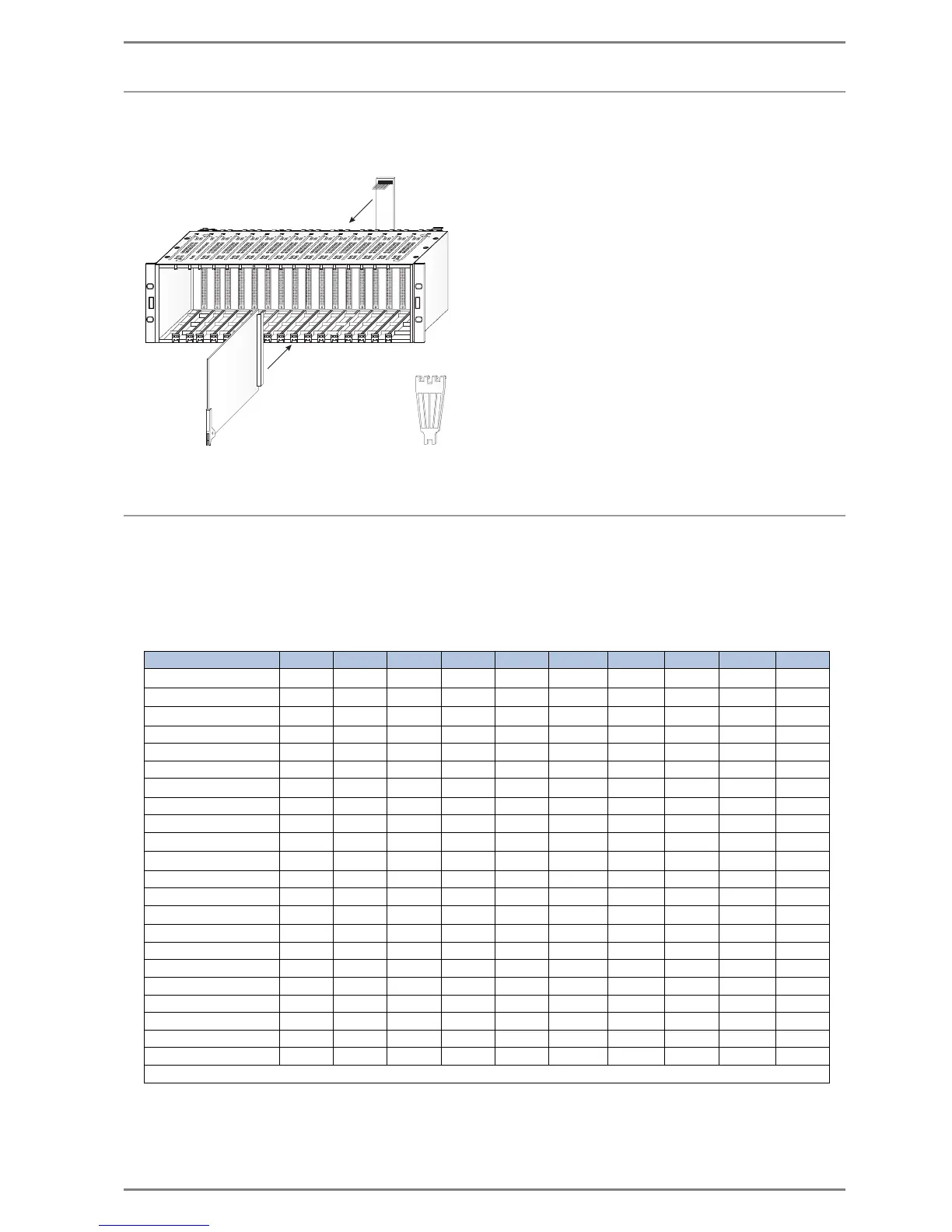
Installation of plug-in cards
The plug-in cards are inserted into the 19" housing from the front panel side and fixed with the attach-
ment-clips. The corresponding installation boards are mounted at the rear of the central.
Installation Boards for GE 800
The plug-in cards can be used with the following installation boards:
9...available separately
0...included in Extent of Supply
E...via ethernet port on G8A-NET
G8A-C G8A-I G8A-K G8A-T G8A-V24 G8A-GEN G8A-NET G8A-TEL G8A-PRO G8A-EW
G8-16A
99
G8-16E
99
G8-8E8A
99
G8-CNET-E1 0
G8-LAN E
G8-CNET-W 0
G8-AUD
9* 999*
G8-IF E
G8-IP E
G8-TEL4
99
G8-GED
9999
G8-GEN 0
G8-GEP E
G8-GET
9999
G8-NET 0
G8-S0 0
G8-SELCALL 0
G8-TEL 0
G8-V24 0
G8-V24-PRO 0
G8-V24-PROIP 0
G8-VOIPSERV 0
* At installation boards G8A-C and G8A-T the four relay outputs of the G8-AUD are not carried out.


 To Next Page