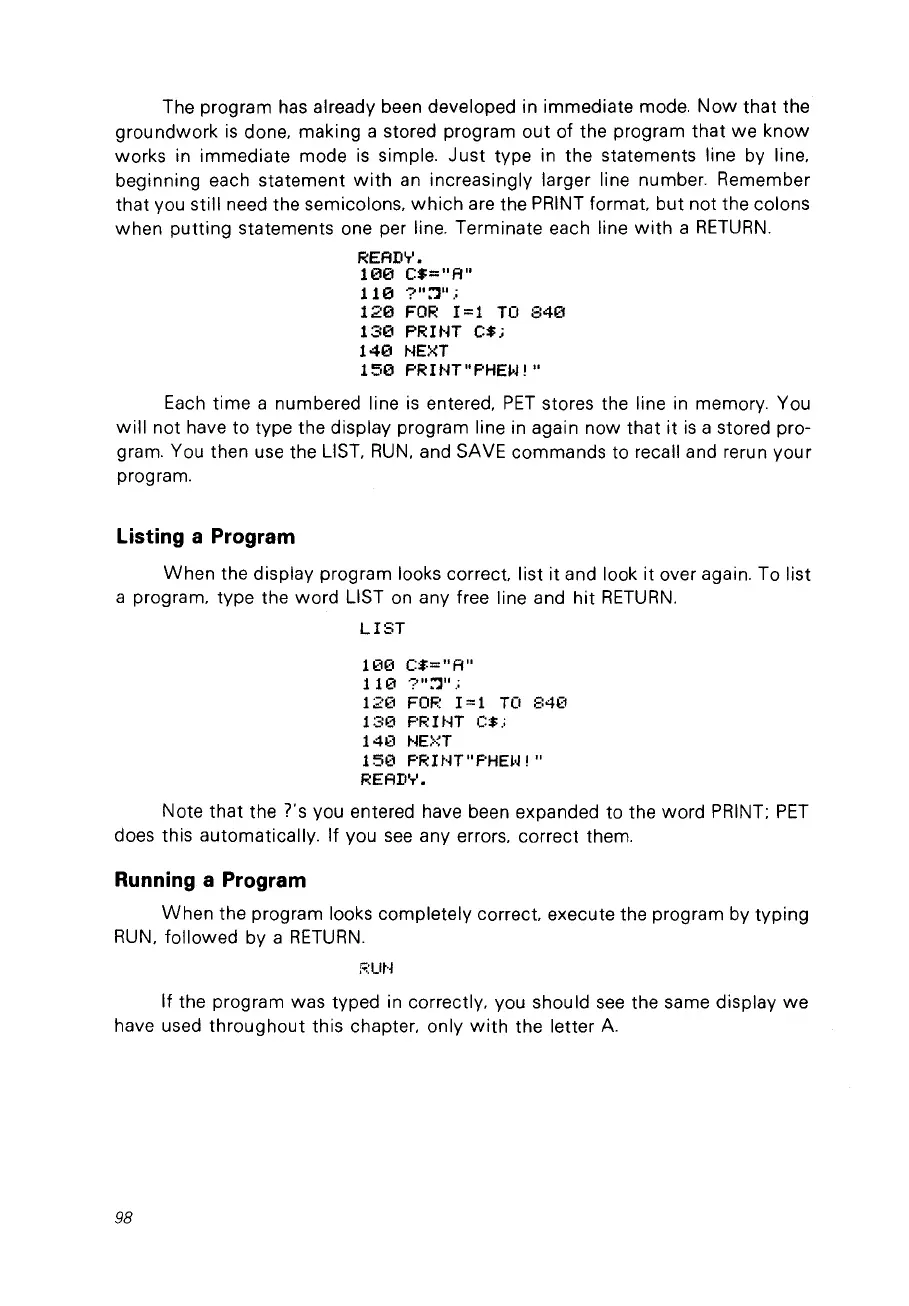
The program has already been developed in immediate mode.
Now
that the
groundwork
is
done, making a stored program
out
of the program
that
we know
works in immediate mode
is
simple.
Just
type in the statements line by line,
beginning each statement
with
an
increasingly larger line number. Remember
that vou still need the semicolons,
which
are the PRINT
format
but not the colons
when
putting
statements one per line. Terminate each line
with
a
RETURN.
READ'r'.
100
C$="A"
110
?"::']".;
120
FOR
1=1
TO
840
130
PRHH
C$;
140
NEXT
150
PRINT"PHEIoJ!"
Each
time
a numbered line
is
entered,
PET
stores the line in memory. You
will
not have to type the display program line in again now that it
is
a stored pro-
gram. You then use the LIST,
RUN,
and SAVE commands to recall and rerun your
program.
Listing a Program
When the display program looks
correct
list
it
and look it over again. To list
a program, type the
word
LIST
on
any free line and
hit
RETURN.
LIST
100
C$="A"
110
?"::']".;
120
FOR
1=1
TO
840
130
PR1tH
C$.;
140
NEXT
150
PR
ItH"
PHEI~
! "
READ'r'.
Note
that
the ?'s vou entered have been expanded to the
word
PRINT;
PET
does this automatically. If vou
see
any errors, correct them.
Running a Program
When
the program looks completely
correct
execute the program by typing
RUN,
followed by a
RETURN.
;';:Ut·j
If the program was typed in correctly, vou should
see
the same display
we
have used throughout this chapter, only
with
the letter
A.
98



 To Next Page