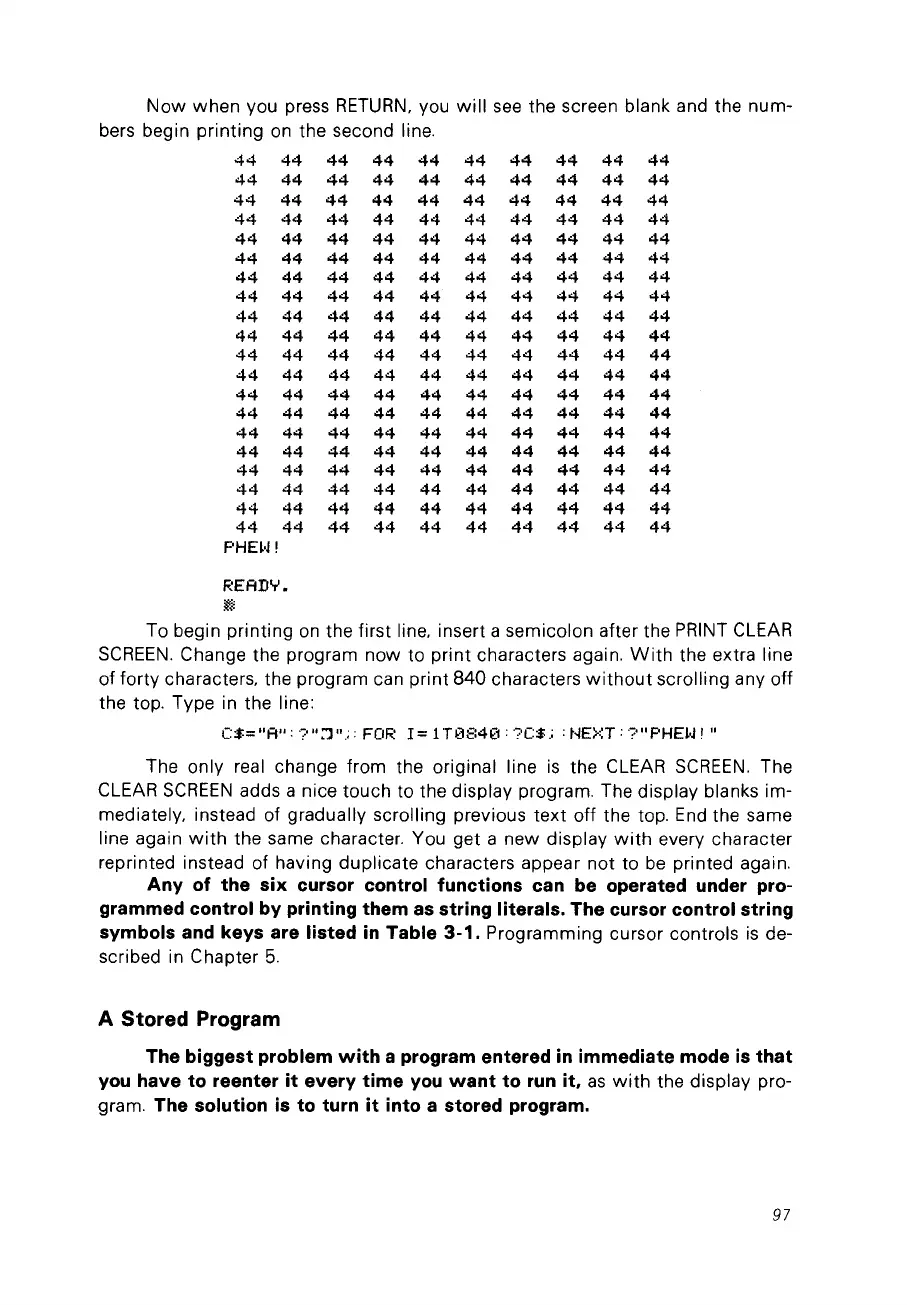
Now
when
vou press
RETURN,
Vou
will
see
the screen blank and the num-
bers begin
printing
on
the second line,
44
44
44 44
44
44 44
44
44 44
44
44
44
44
44 44 44
44
44
44
44
44
44
44
44 44
44 44
44
44
44
44
44
44
44 44
44 44 44 44
44
44
44
44 44 44 44
44 44
44
44
44
44 44 44
44 44
44
44
44
44
44
44
44
44
44
44 44
44 44
44
44
44 44
44
44 44
44
44
44
44
44
44
44
44
44
44
44 44
44
44
44 44 44
44 44
44 44
44
44
44
44
44
44
44 44
44
44 44
44
44
44 44
44
44
44
44
44 44
44
44
44
44
44 44
44 44 44 44
44
44
44
44
44 44 44
44
44 44
44
44
44
44
44
44
44
44
44 44
44
44
44
44
44
44 44 44 44 44 44
44
44
44
44
44
44
44
44 44
44
44
44 44
44
44
44 44 44
44 44
44
44
44 44 44 44
44 44 44
44
44
44 44
44 44 44 44
44 44
44
PHHJ!
READY.
~
To begin
printing
on
the first line, insert a semicolon after the PRINT CLEAR
SCREEN,
Change the program now to
print
characters again,
With
the extra line
of forty characters, the program can
print
840
characters
without
scrolling any off
the top. Type in the line:
C:t-="A":
';:''':')'',;:
FOR
1=
1T084€1: ?c:t-.; :
NE>::T:
';:'''PHEl'J' "
The only real change from the original line
is
the CLEAR
SCREEN,
The
CLEAR
SCREEN
adds a nice touch to the display program. The display blanks im-
mediately, instead of gradually scrolling previous
text
off the top. End the same
line again
with
the same character. You get a new display
with
every character
reprinted instead of having duplicate characters appear
not
to
be
printed again,
Any of the six cursor control functions can be operated under pro-
grammed control by printing them
as
string literais. The cursor control string
symbols and keys are Iisted
in
Table
3-1.
Programming cursor controls
is
de-
scribed in Chapter
5.
A Stored Program
The biggest problem
with
a program entered
in
immediate mode
is
that
you
have to reenter
it
every time
you
want
to
run
it,
as
with
the display pro-
gram, The solution is to turn
it
into a stored program.
97



 To Next Page