Writing
Strings
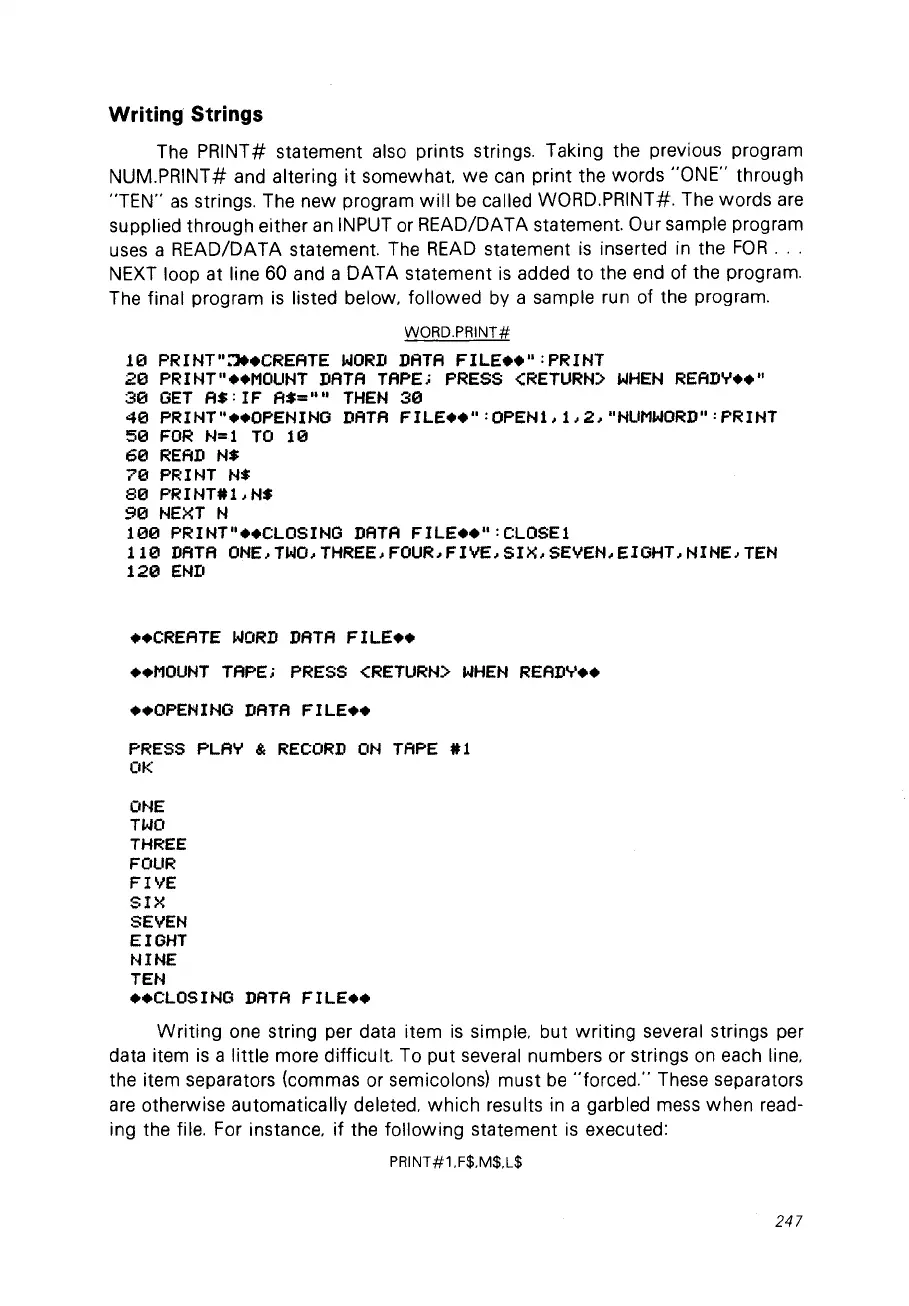
The PRINT# statement also prints strings. Taking the previous program
NUM.PRINT# and altering
it
somewhat. we can print the words "ONE" through
"TEN"
as
strings. The new program
will
be
called WORD.PRINT#. The words
are
supplied through either
an
INPUT
or
READ/DATA statement. Our sample program
uses
a READ/DATA statement. The
READ
statement
is
inserted
in
the
FOR
...
NEXT
loop at line 60 and a DATA statement
is
added to the end of the program.
The final program
is
listed below. followed by a sample run of the program.
WüRD.PRINT#
10
PRINT"~.CREATE
WORD
DATA
FILE
••
":PRINT
20
PRINT"
••
MOUNT
DATA
TAPE;
PRESS
<RETURN)
WHEN
READ..,.
••
"
30
ûET
A$:
IF A$=""
THEN
30
40
PRINT"
••
OPENINû
DATA
FILE
••
" :OPENL
1,2,
"NUMWORD"
:PRINT
50
FOR
N=l
TO
10
60
RE
AD
N$
70
PRINT
N$
80
PRINT#LN$
90
NEXT
N
100
PRINT"
••
CLOSINû
DATA
FILE
••
":CLOSEl
110
DATA
ONE,TWO,THREE,FOUR,FIVE,SIX,SEVEN,EIûHT,NINE,TEN
120
END
••
CREATE
WORD
DATA
FILE
••
••
MOUNT
TAPE;
PRESS
<RETURN)
WHEN
READ..,.
••
••
OPENINû
DATA
FILE
••
PRESS
PLA..,.
&
RECORD
ON
TAPE
#1
OK
ONE
TWO
THREE
FOUR
FIVE
SIX
SEVEN
EIûHT
NINE
TEN
••
CLOSINû
DATA
FILE
••
Writing
one string per data item
is
simple. but writing several strings per
data item
is
a little more difficult. To put several numbers or strings
on
each line.
the item separators (commas or semicolonsl must
be
"forced." These separators
are
otherwise automatically deleted.
which
results
in
a garbled
mess
when read-
ing the file. For instance. if the following statement
is
executed:
PRINT#1.F$.M$.L$
247



 To Next Page