Here there
is
a second statement
following
the
IF
...
THEN
statement. If the con-
dition
is
satisfied
(A
is
equal
to
Dl.
both
B=C
and
C=C+1
are executed.
If
the con-
dition
is
not
satisfied
(A
is
not
equal
to
0)
neither of these actions
is
executed.
Note particularly
that
C
is
not incremented. whereas
for
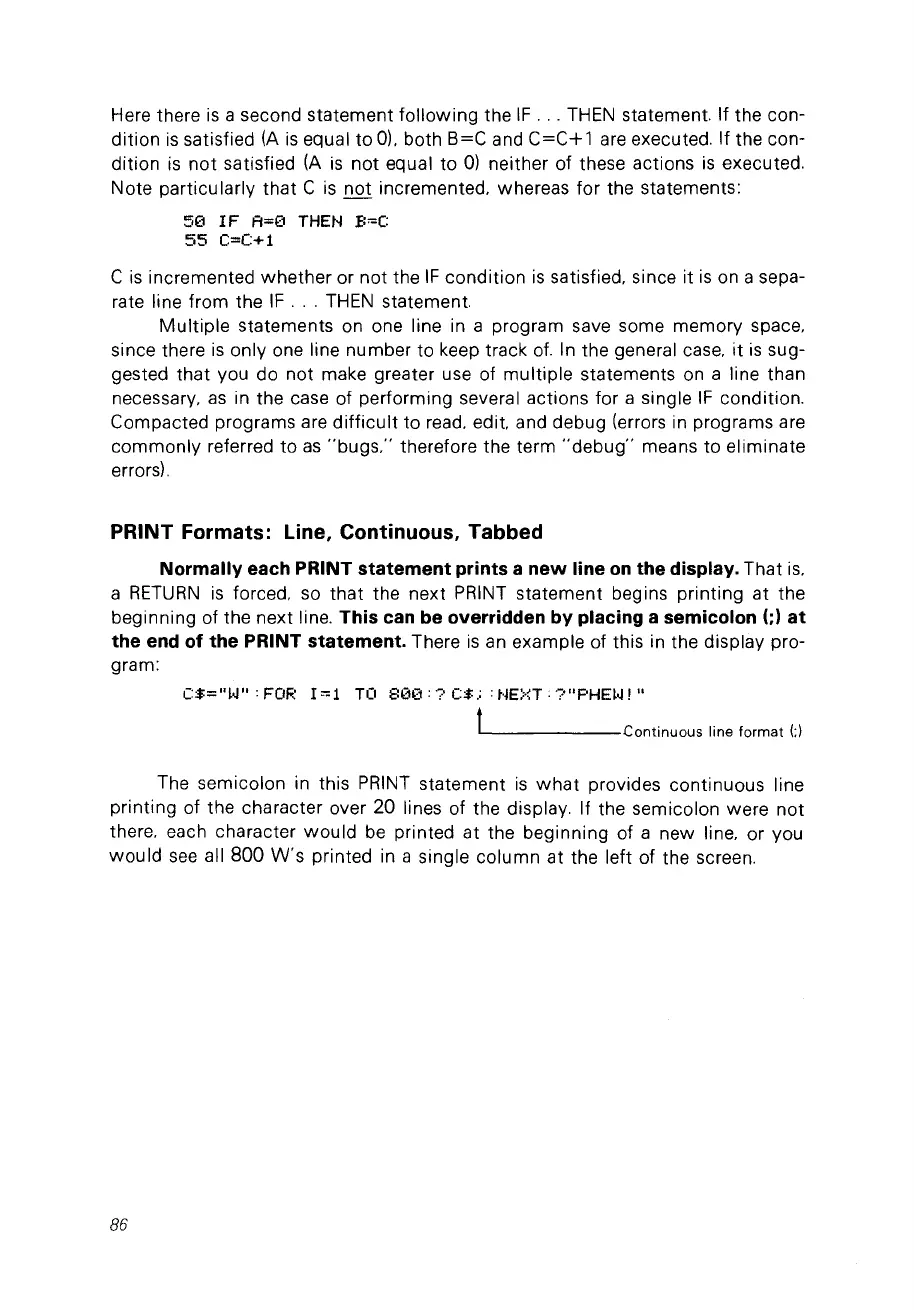
the statements:
50
IF
A=0
THEN
B~C
55
C=C+1
C
is
incremented
whether
or not the
IF
condition
is
satisfied. since it
is
on a sepa-
rate line from the
IF
...
THEN
statement.
Multiple
statements on one line in a program save some memory space.
since there
is
only one line number
to
keep track
of.
In the general case.
it
is
sug-
gested
that
vou do not make greater use of
multiple
statements on a line than
necessary.
as
in the case of performing several actions for a single
IF
condition.
Compacted programs are
difficult
to
read. edit. and debug (errors in programs are
commonly
referred
to
as
"bugs:'
therefore the term
"debug"
means
to
eliminate
errors).
PRINT Formats: Une, Continuous, Tabbed
Normally each PRINT statement prints a
new
line
on
the display. That
is.
a
RETURN
is
forced. so
that
the next PRINT statement begins printing at the
beginning of the next line.
This can be overridden by placing a semicolon
(;)
at
the end of the PRINT statement. There
is
an example of this in the display pro-
gram:
C:$="~.J":FOR
1"'1
TO
800:?C$.;
:NE~·~T·?"PHEW!"
------Continuous
line
format
(;)
The semicolon in this
PRINT
statement
is
what
provides continuous line
printing of the character over 20 lines of the display. If the semicolon were
not
there. each character
would
be
printed at the beginning of a new line. or vou
would
see
ail
800
W's
printed in a single column at the left of the screen.
86



 To Next Page