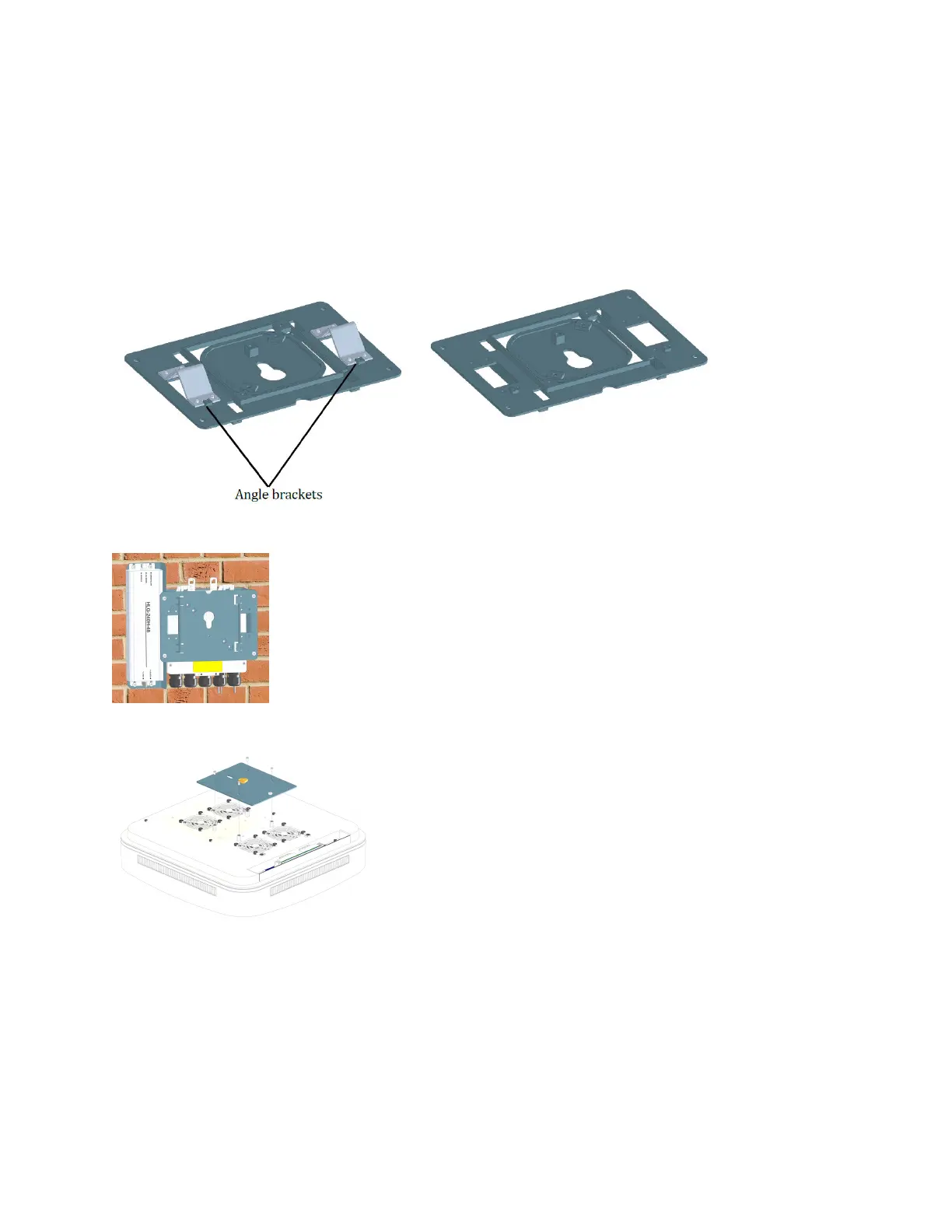
8. Aach the splice box to the U-bracket.
a. Open the splice box cover.
b. Aach the splice box to the U-bracket using the three M4 screws provided in the mounng kit.
c. Close the cover and ghten the screws.
9. Remove the angle brackets from the splice box plate.
10. Aach the splice box plate to the splice box with the four M4 screws included in the mounng kit.
11. Aach the base plate to the UAP2.
12. Insert the SFP+ modules in the UAP2 Primary and Secondary ports. Depending on the conguraon, one
or two SFP+ modules (Primary and Secondary) may be required.
DRAFT: CONFIDENTIAL
Chapter 4: Mount the Fiber UAP2
CommScope ERA
®
UAP2 with Fiber Interface Installaon Guide , Release
P/N M0203AB, DRAFT Rev D 36










 To Next Page