ComNav 1101 Autopilot5 - 2 GETTING STARTED
STANDBY Mode
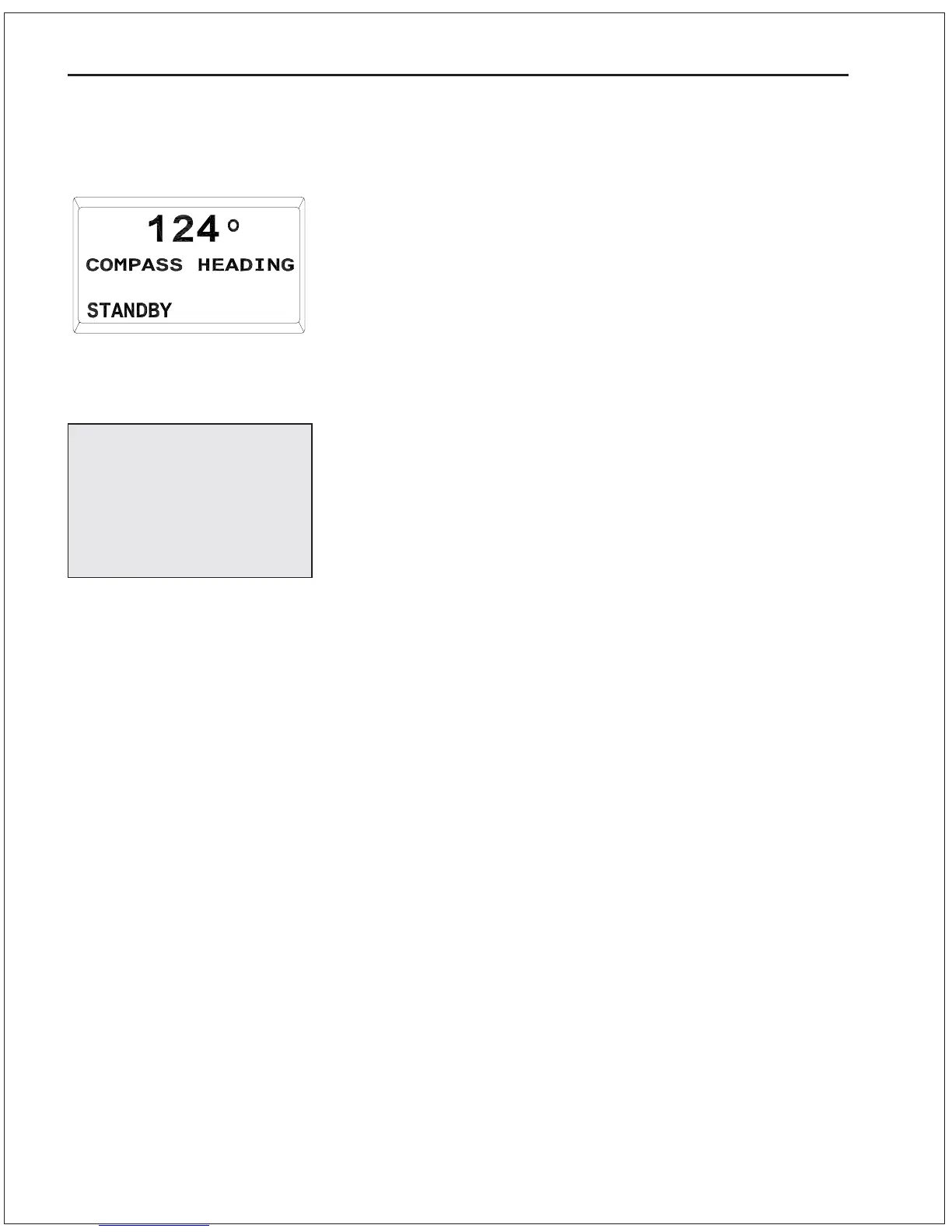
The Autopilot first turns on in STANDBY mode. The display will
show the vessel’s actual compass heading but the Autopilot has no
control over the steering of the boat. Steering must be controlled
manually.
On
To turn the Autopilot on, press and hold the STBY/OFF button until
the Autopilot beeps to indicate it is in the STANDBY mode. If you
release the button too soon, the Autopilot will turn itself off.
Off
To turn the Autopilot off from any mode, press and hold the
STBY/OFF button for 2 seconds.
Changing Modes
To change modes, press and hold the required mode button
(STBY/OFF, POWER STEER, AUTOPILOT or NAV) until the Autopilot
beeps and the appropriate mode screen appears.
Menu
In STANDBY mode there are six parameters that can be changed.
These parameters appear in a menu that can only be accessed from
STANDBY mode.
Double press the STBY/OFF button while in STANDBY mode to enter
the Standby menu. Turning the ADJUSTMENT KNOB will move the
cursor (the arrow to the left of the parameter names) up and down
indicating the parameter to be changed. To select the indicated
parameter, press the STBY/OFF button once. The value to the right
of the parameter name will begin to flash. While it is flashing, the
value may be changed by rotating the ADJUSTMENT KNOB. To save
the new value, press the STBY/OFF button once.
In the Standby menu there are two pages of parameters. If you are
on the last parameter of the upper page, turn the ADJUSTMENT
KNOB clockwise to move to the second page. If you are on the top
parameter of the second page, turn the ADJUSTMENT KNOB
counterclockwise to move up to the top page.
To exit the menu and return to STANDBY mode, press the STBY/OFF
button once. The menu will time out and return to STANDBY mode
after four seconds if no changes are made.
Display in STANDBY Mode
In case of emergency,
press the STBY/OFF
button to immediately
restore manual control
of your vessel.



 To Next Page