ComNav 1101 Autopilot
5. While the number next to compass is flashing you may change
it by turning the ADJUSTMENT KNOB. To add the offset, turn
the knob clockwise and to subtract turn counter clockwise.
An offset of 005 will add five degrees to the compass readout
while an offset of 355 will subtract five degrees from the
compass readout.
6. Once you have finished the offset adjustment, double press the
STBY/OFF button to go back to STANDBY mode.
Now that the compass readout is synchronized to the vessel’s
steering compass, you are ready to begin some steering trials.
These exercises are best done in an open area away from
marine
traffic and obstacles.
Test POWER STEER mode
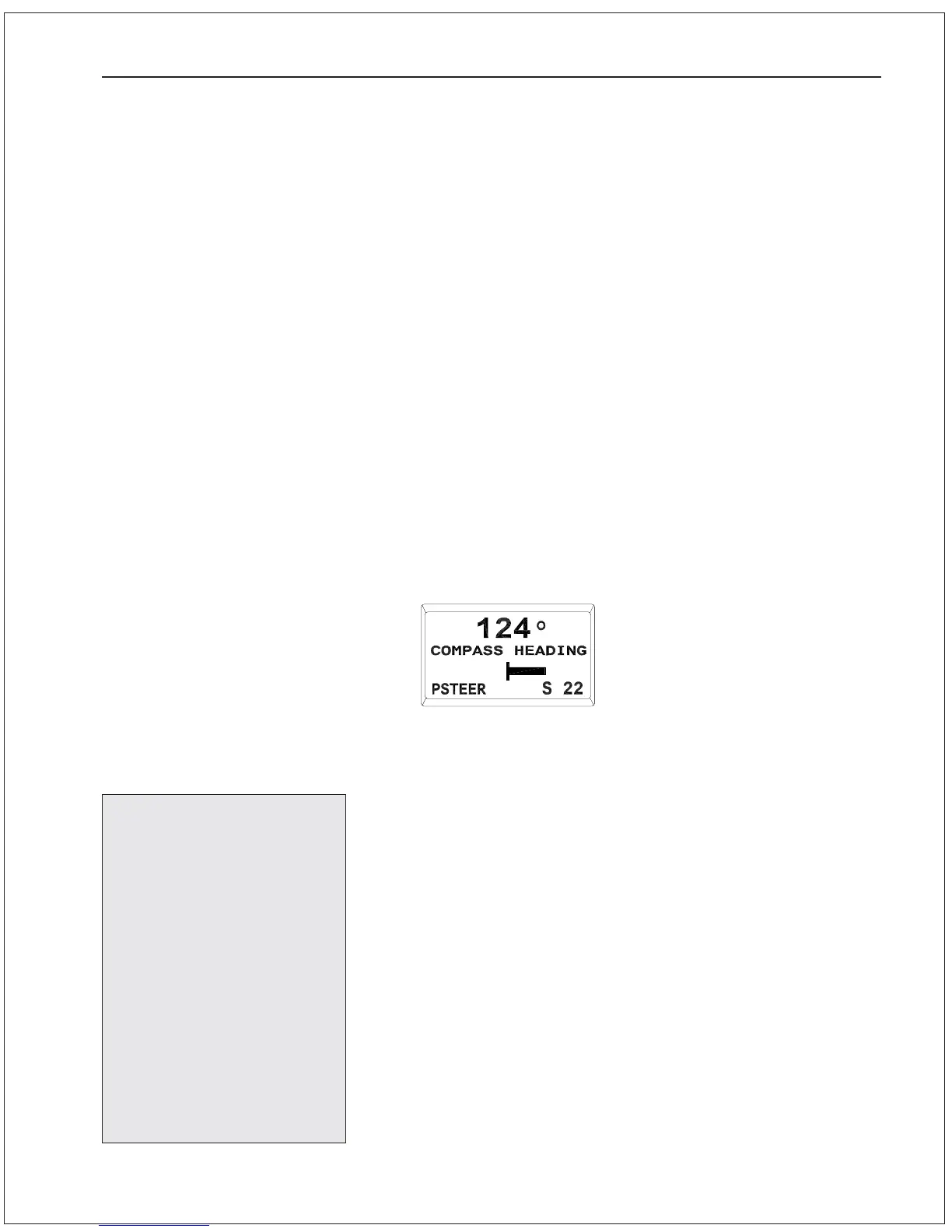
Put the Autopilot in POWER STEER mode by pressing the POWER
STEER button until the display comes up as shown here:
In this mode, use the two dodge buttons to move the vessel’s
rudder to port or starboard. The Autopilot displays the rudder
position in both digital and graphical form in addition to showing the
vessel’s current heading.
1. Test out POWER STEER mode by using the PORT DODGE and
STARBOARD DODGE buttons. It is important to gain an
understanding of how the vessel responds in POWER STEER
mode at various speeds.
This completes the basic
portion of the Sea Trials.
Additional Sea Trials
procedures appear in the
sections “Basic Opera-
tions” and “Advanced
Operations”. You may
proceed directly to these
Sea Trials or perform
them later. Be sure to
read all procedures
before commencing Sea
Trials and follow the
Setup and Sea Trials
Checklist.
GETTING STARTED 5 - 15



 To Next Page