ComNav 1101 Autopilot
Steering Parameters Menu
You are now ready to “tune” your Autopilot’s steering parameters.
To change any steering parameter:
1 . The Autopilot must be in AUTOPILOT mode
(steering parameters can also be changed in NAV MODE).
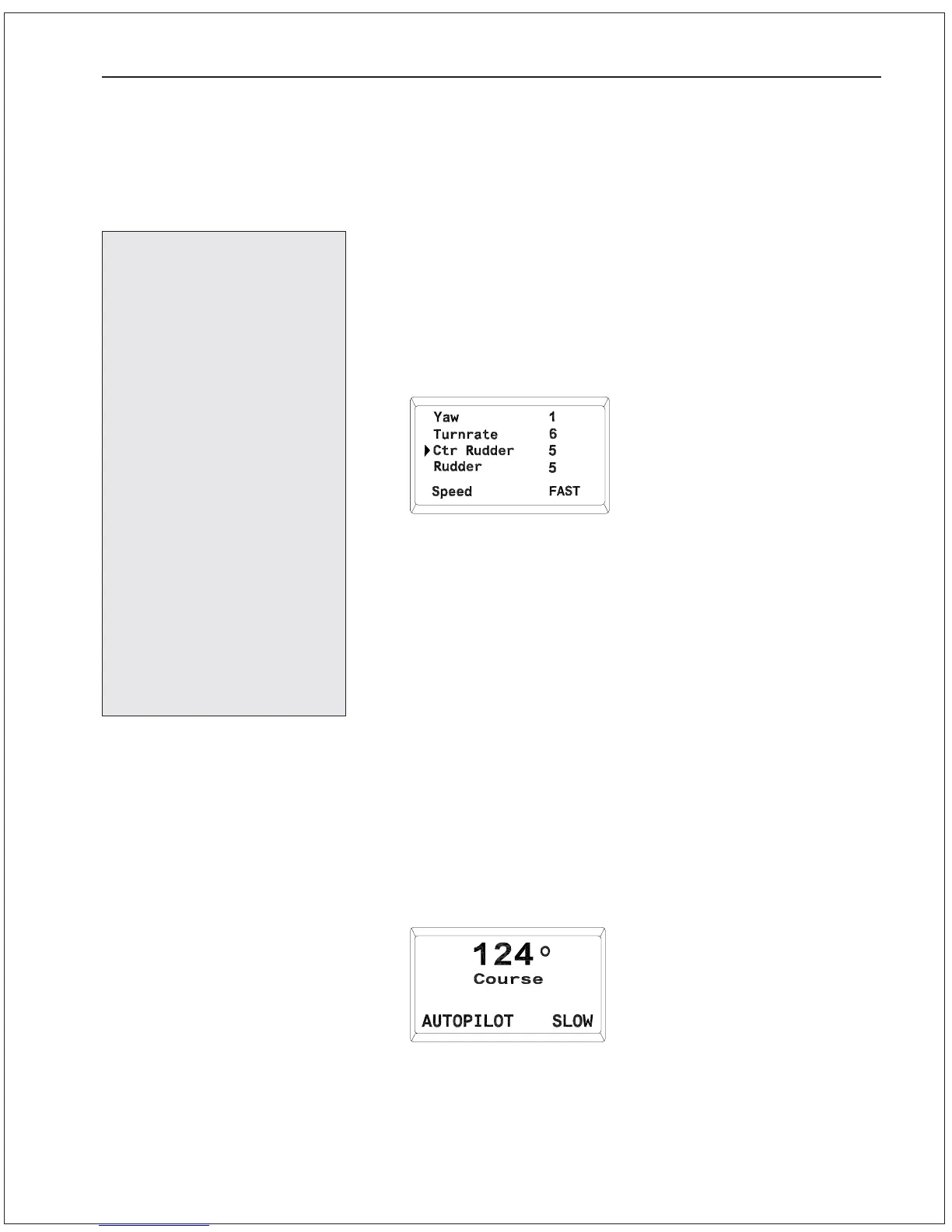
2. Press the button for the parameter you wish to change (YAW,
TURN RATE, CNTR RUDDER or RUDDER). The Steering
Parameter menu will appear with the cursor pointing to the
parameter you selected and the value of that parameter
flashing:
3. Use the ADJUSTMENT KNOB to change the value.
4. To save the value and return to AUTOPILOT mode, press the
button for the parameter you just changed.
5. To select another parameter to change, press the button for
that parameter. Any changes made so far will be saved.
6. After 5 seconds of no user input, the Steering Parameter saves
all changes and returns to AUTOPILOT mode.
Slow Settings
Adjust and fine-tune the steering parameters for Slow Speed
operation as follows:
1. Adjust the vessel’s speed so that it is moving at its normal
working speed or a slow cruising speed.
2. To enter AUTOPILOT mode, press the AUTOPILOT button until
the display comes up as shown here:
IMPORTANT
Do not attempt to
change Steering Param-
eters while the vessel is
at or near the automatic
Speed Trip Point.
The Autopilot may switch
from fast to slow Steer-
ing parameters (or vice
versa) at this time.
If the Speed Trip Point is
crossed while the
Steering Parameters
menu is
displayed, the
Autopilot will automati-
cally overwrite the new
Steering Parameter menu
over the old one, and you
may inadvertently make
unwanted changes.
BASIC OPERATIONS 6 - 10



 To Next Page