ComNav 1101 Autopilot
Test Dodge Function
By testing the Dodge function you can familiarize yourself with an
important safety feature of your 1101 Autopilot. Remember that
the Autopilot executes a Dodge, it is not Turn Rate controlled.
1 . Adjust the vessel speed so that it is traveling at the normal
working speed or a slow cruising speed. Ensure you are
heading in a direction which leaves plenty of room for
maneuvering.
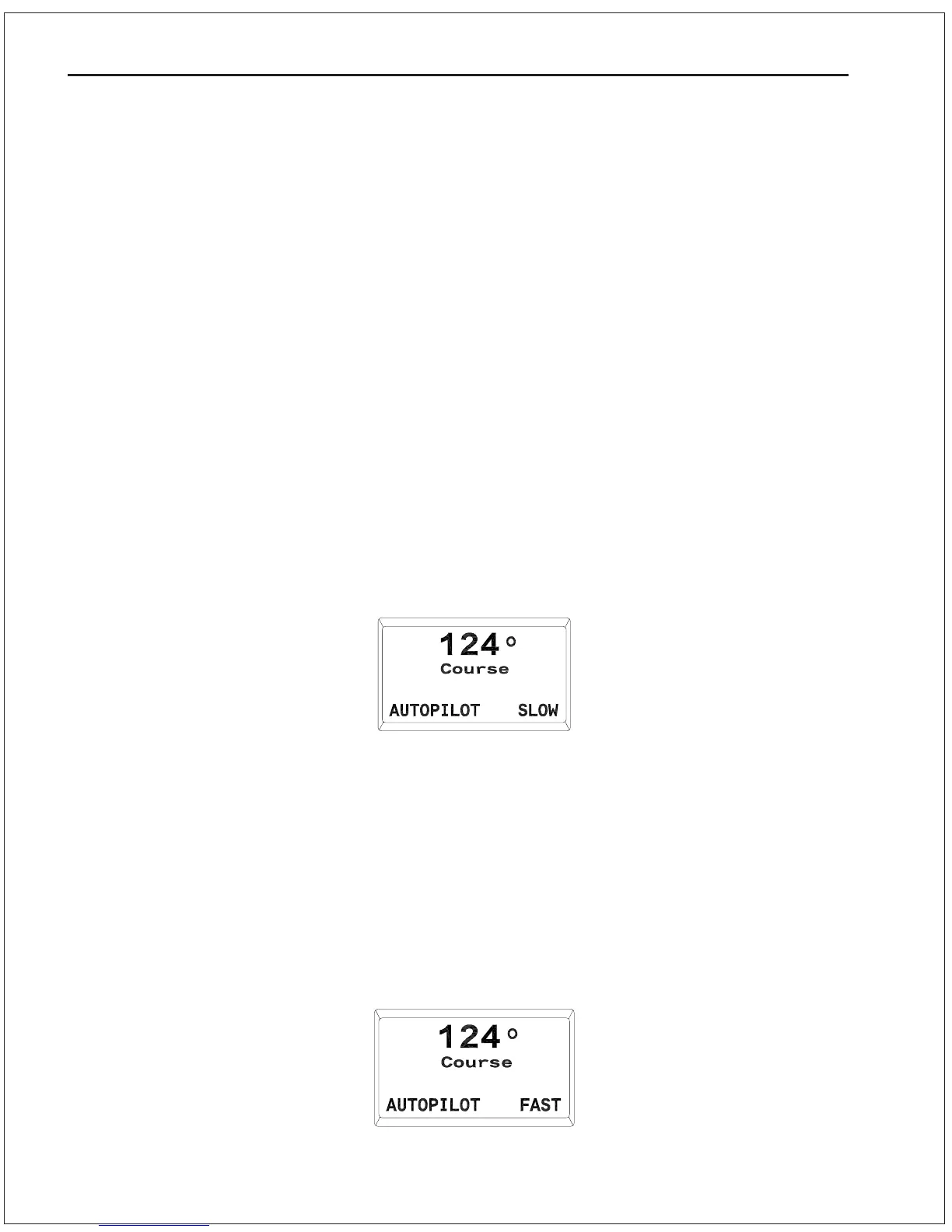
2. Place the Autopilot in AUTOPILOT mode. Check that “SLOW” is
displayed in the bottom right hand corner of the screen.
3. Press and hold either the PORT or STARBOARD DODGE button.
The following screen will appear:
4. The vessel will turn rapidly in the selected direction. The turn
will not be turn limited.
5. Release the DODGE button and observe that the vessel returns
to its original heading. You will now be traveling parallel to your
original track (see Figure 11).
6. Repeat the Dodge in both directions and observe the
performance of your vessel during these maneuvers.
7. Repeat the Dodge maneuvers with the vessel traveling in
AUTOPILOT mode at normal passage speed or a fast cruising
speed. “FAST” should be displayed in the bottom right hand
corner of the screen:
Yaw
The yaw setting tells the Autopilot how far off course the vessel may
wander before the Autopilot corrects the error. At the default value
of 1 there is 0.5 degrees of “dead band” on either side of the
programmed course.
6 - 15 BASIC OPERATIONS



 To Next Page