ComNav 1101 Autopilot
Error Messages
The 1101 Autopilot monitors various parameters during its
operation and continually checks them for faults. A detection of a
fault will cause an error message to be displayed. Additionally, the
audible alarm will sound. This section contains a list of error
messages and the possible causes for them. The messages are
listed in alphabetical order.
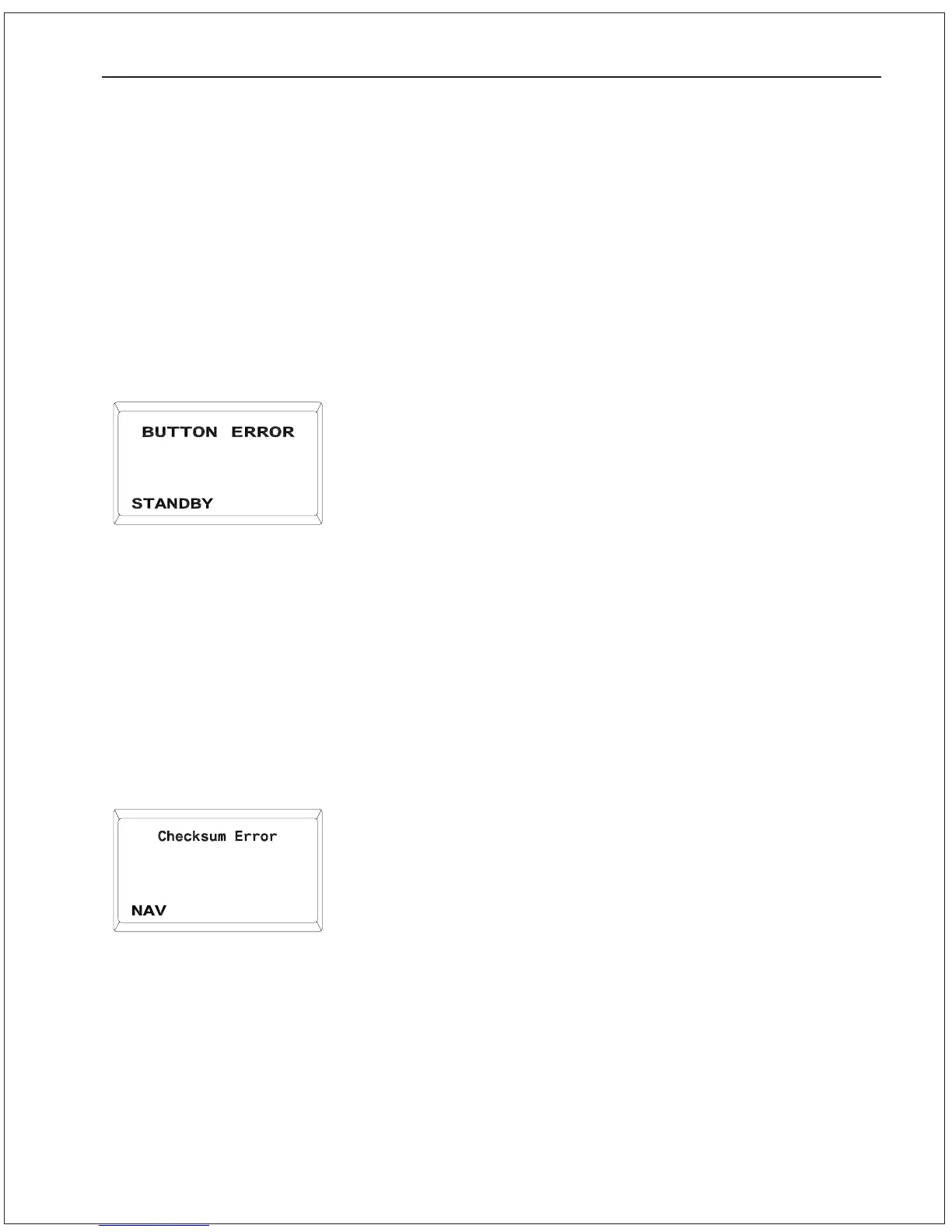
Button Error
One or more buttons on the 1101 Head are stuck in the closed
position. Alternatively, a Remote unit may have a faulty button.
Pressing the SPEED button will clear the error, but the function
controlled by the stuck button will be unavailable until the fault is
corrected.
1. Unplug the Remote unit from the SPU to see if the problem
clears up. If it does, the Remote requires servicing from a
ComNav dealer or the factory.
2. If the problem is not on a Remote, locate the stuck button on
the 1101 Head. Gently prize out the button-cap using a small
slot screwdriver. Carefully inspect the yellow gasket material
under the button-cap. Return the unit to a ComNav dealer or
the factory for servicing if there are any punctures or cracks in
the gasket. Otherwise, clean the button-cap and gasket and re-
assemble.
Checksum Error
The Navigation Device connected to the Autopilot is sending data
sentences with incorrect checksums.
1. Verify that the Navigation Device is functioning properly.
2. Ensure that the cabling between the Navigation Device and the
Autopilot is sound and that all wire connections are tight.
Ensure that shielded cabling is used.
3. Consult the Navigation Device manual to determine whether
there are any configurable options for the format of the data
sentences. Generally speaking, if more than one version of
NMEA 0183 is available, use the highest number version.
4. If the above suggestions do not rectify the problem, the error-
checking feature on the Autopilot can be turned off. To do so,
follow these steps:
a) Turn the Autopilot on and place it in STANDBY mode.
b) Double-press the STANDBY button to enter the Standby
menu.
PROBLEM SOLVING 9 - 6



 To Next Page