ComNav 1101 Autopilot
To check the Hard-over to Hard-over time of your vessel, perform the
following steps:
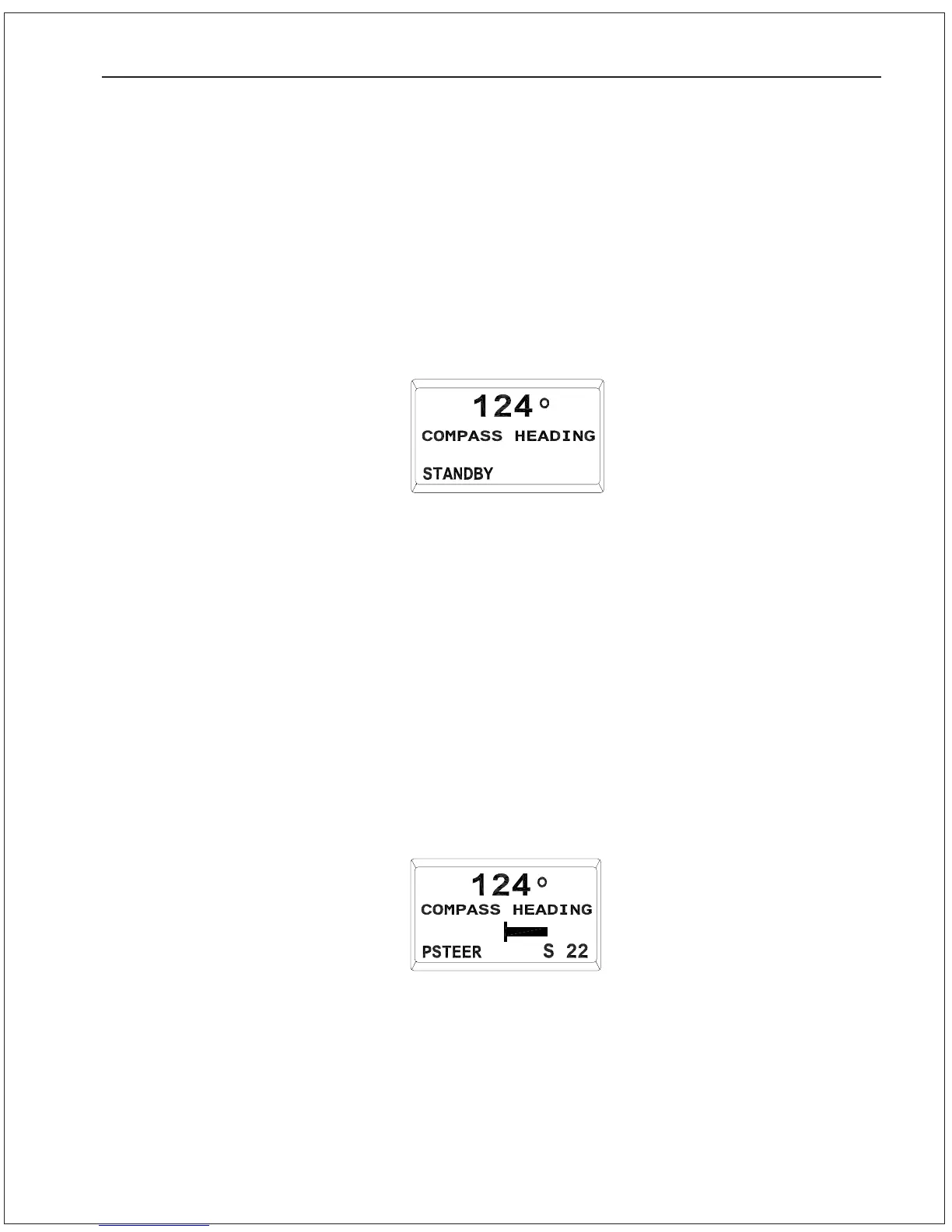
1. Place the Autopilot in Power Steer mode by pressing and
holding the STBY/OFF button until Autopilot beeps and comes
up in STANDBY mode. Then press the POWER STEER button
until the display changes to show Power Steer mode as shown
here:
4. If your compass was not supplied by ComNav, contact your
ComNav dealer or the factory for assistance with
Compass Configuration.
The Rudder Drive Test and Compass Configuration portion of the
Dockside Setup are now complete.
Use the ADJUSTMENT KNOB and position the cursor to “Exit”, then
press the SPEED button. The Autopilot will exit DOCKSIDE SETUP
mode and return to STANDBY mode. The display will change to:
Rudder Hard-over to Hard-over time
You need to check the rudder Hard-over to Hard-over time of the
steering system to ensure that there is adequate rudder response
which will achieve the best steering performance when using your
Autopilot.
GETTING STARTED 5 - 9



 To Next Page