5-6 Removable Drives & Upgrades
Writer: Rebecca Wiggins Saved by: Rebecca Wiggins Saved date: 10/07/97 11:17 AM
Part Number: 284809-003 File name: Ch05.doc
To install additional memory, follow these steps:
1. Turn off the computer and disconnect all external devices.
2. Remove the battery pack from the battery bay and the diskette
drive or battery pack from the DualBay.
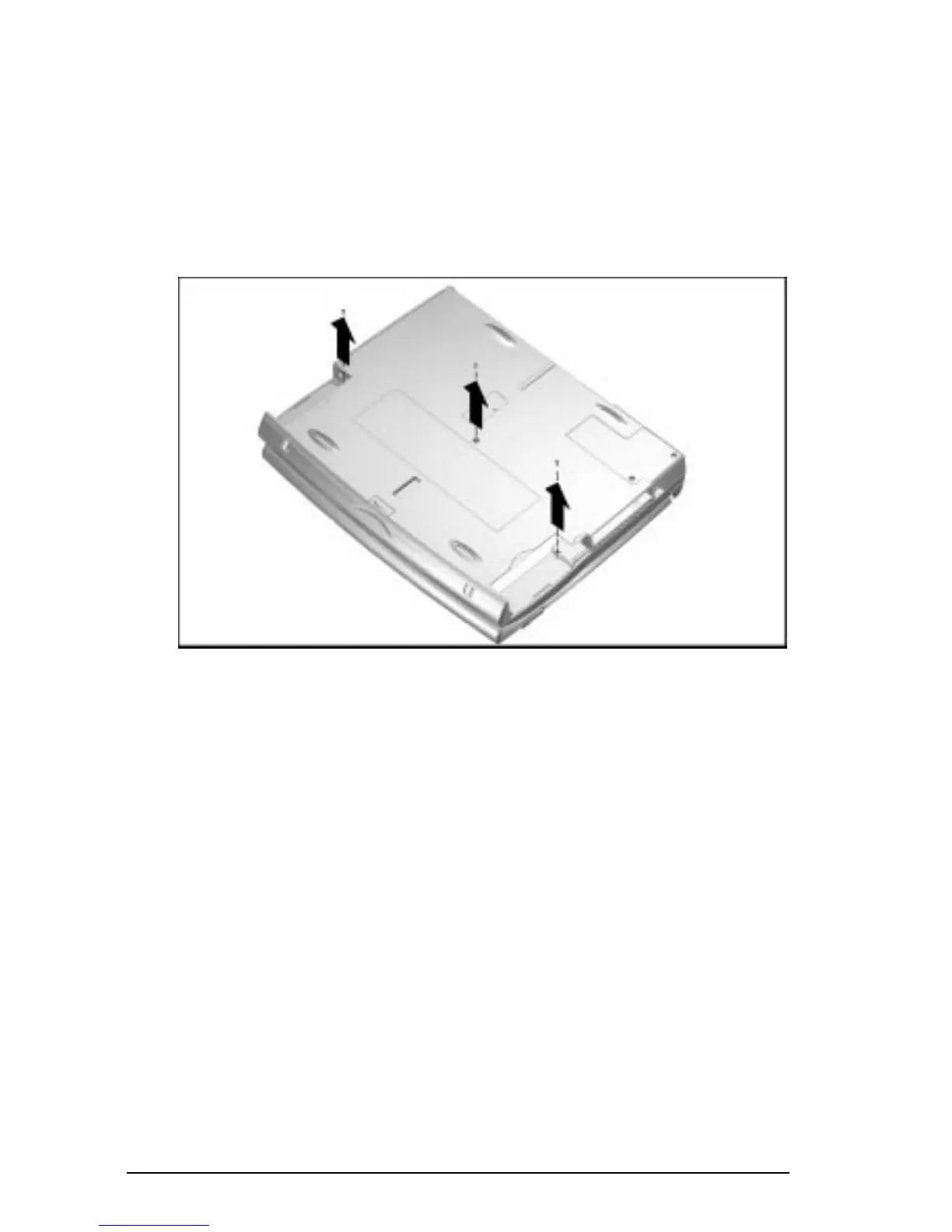
3. Turn the computer bottom side up and remove the three
screws as shown.
NOTE:
Set the screws aside in a safe place.
Accessing the Memory Compartment











 To Next Page