. . . . . . . . . . . . . . . . . . . . . . . . . . . . . . . . . . . . .
ArmadaStation Removal and Replacement Procedures
5-19
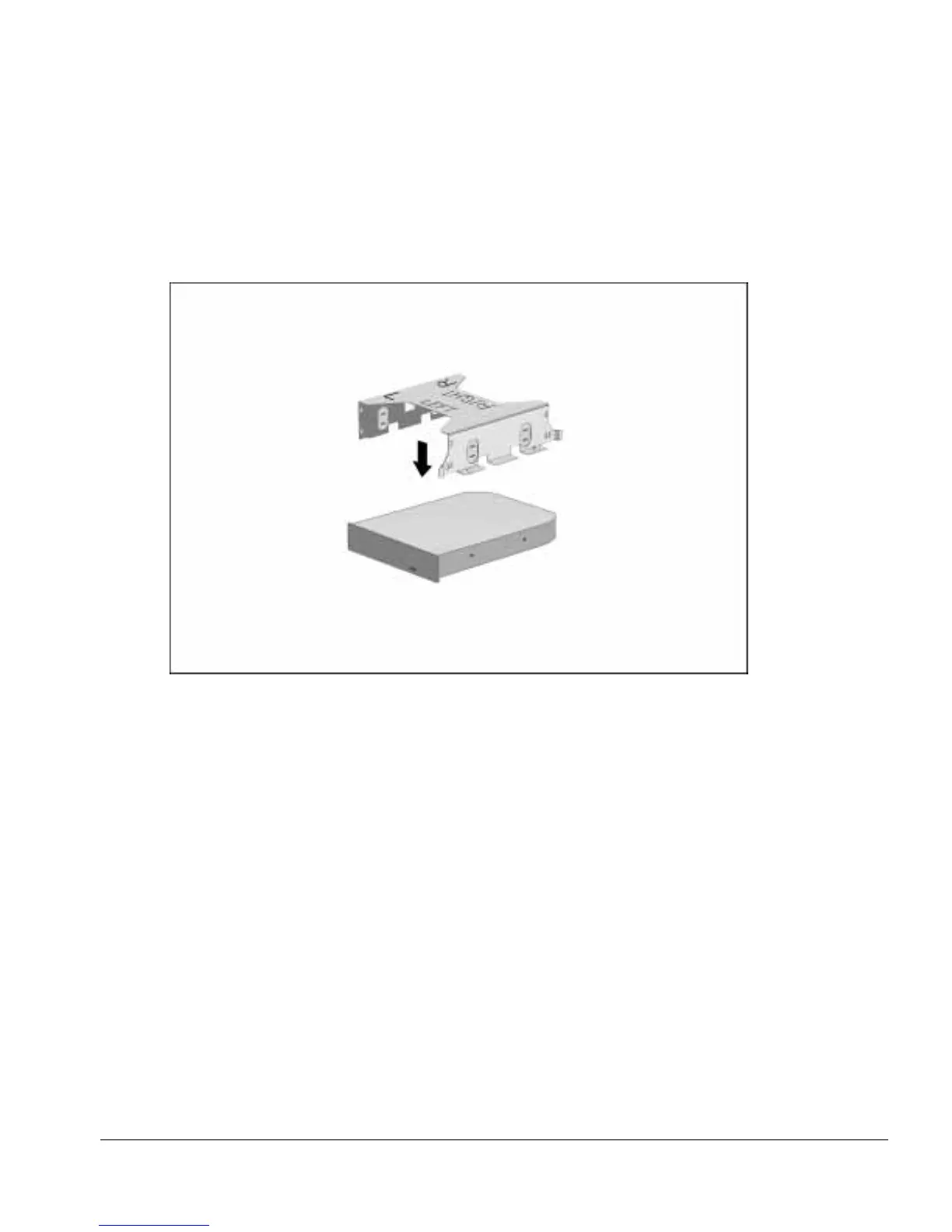
5. Place the drive cage over the half-height drive. Align the front of the drive with the
tab on the front of the drive cage (Figure 5-18).
NOTE: The drive cage should be aligned so the “L” and “LEFT” indicators can be
read when the half-height drive is installed in the ArmadaStation left half-height bay.
Figure 5-18.
Aligning the Half-Height Drive with the Drive Cage



 To Next Page