. . . . . . . . . . . . . . . . . . . . . . . . . . . . . . . . . . . . .
ArmadaStation Removal and Replacement Procedures
5-37
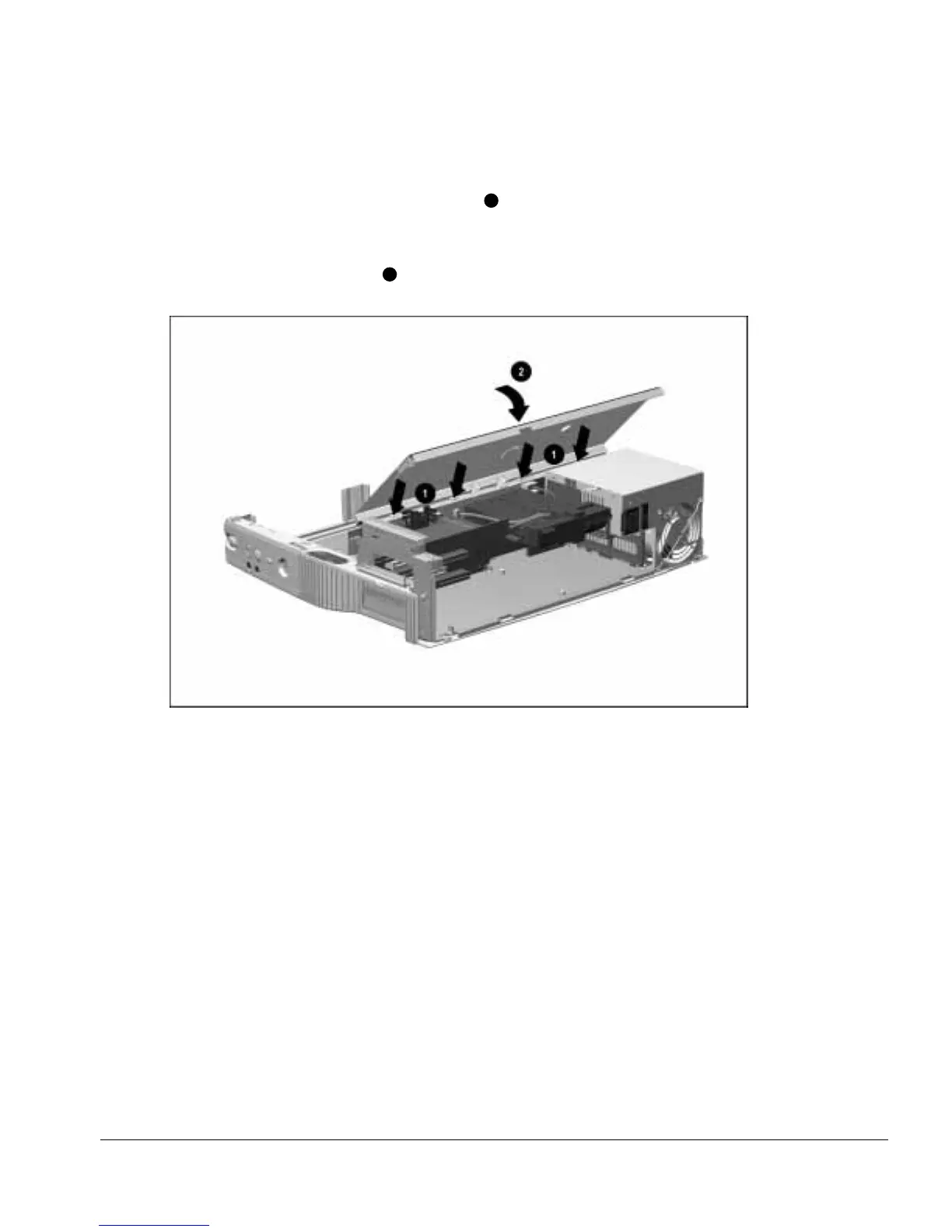
To install the top brace, follow these steps:
1. Align the tabs on the front of the top brace
1
with the slots on the top of the
backplane assembly (Figure 5-36).
2. Swing down the back edge of the top brace until the brace is resting on the base
assembly and power supply
2
.
Figure 5-36.
Installing the Top Brace
3. Install the two screws securing the top brace to the base assembly and power supply.



 To Next Page