How to Identify the Cause of a Problem
(continued)
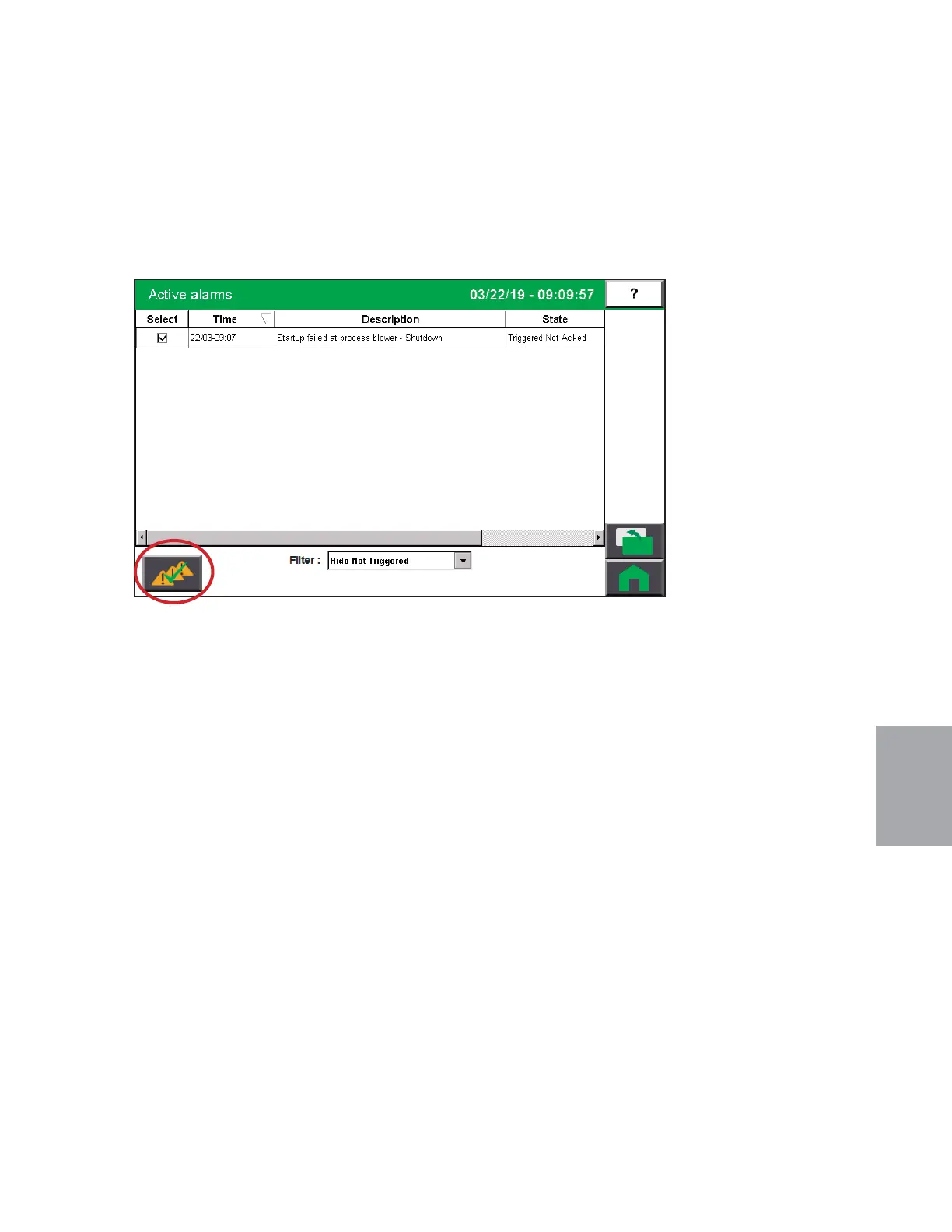
When an alarm message is displayed:
1 Press the “Acknowledge Alarm” button when the alarm occurs.
2 Find the error message in the diagnostics table of the following troubleshooting sec-
tion of this manual, or the troubleshooting section of the applicable component user
manual. Take any necessary steps, as directed, to resolve the problem.
6
Troubleshooting
(continued)
Troubleshooting l 6-5


 To Next Page