page-74 EVOLUTION COVER
Length of keyswitch cable 25 ft. (7.6 m)
TROUBLESHOOTING
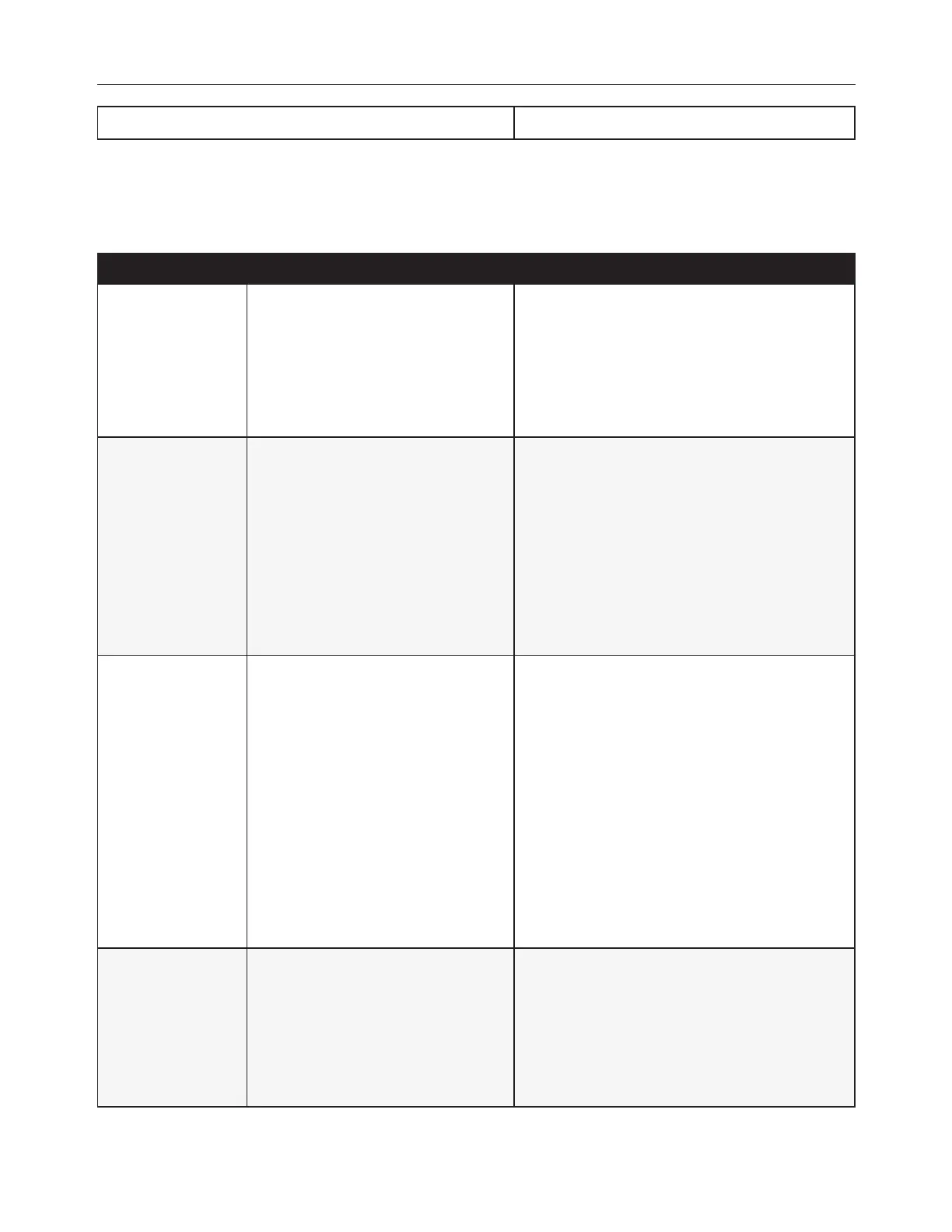
PROBLEM PROBABLE CAUSES SOLUTIONS
The cover does not
raise or lower (Silent
motor and no
movement)
l
The GFCI is tripped.
l
The power source is disconnected.
l
Reset the GFCI.
l
Verify that the power source is enabled.
l
Check the breaker panel.
l
Verify whether the cables were damaged or
pinched.
The cover does not
raise or lower. (Motor
humming and some
visible movement)
l
Posts are frozen.
l
Jack assemblies are jammed.
l
The motor is obstructed.
l
Posts are obstructed.
l
The debris on the cover is too
heavy.
l
Remove all the debris from the top of the cover.
l
Verify whether any posts are obstructed.
l
Use methanol to free ice buildup on posts.
l
Apply grease on the post assemblies.
l
Verify the relative position of the four posts
(See Foundation Preparation section).
l
Call your Local authorized Covana dealer.
The posts are not
equally positioned.
l
The post screws (attached to the
outer shell) are loose.
l
The chain skipped during operation.
l
A spring pin at the bottom of a jack
is broken.
l
A drive shaft has fallen off.
l
Excessive weight on one side of the
cover.
l
Lower the cover completely and fasten the post
back in at the correct height.
l
Verify whether a drive shaft has fallen off and if
it is the case, reinstall the shaft.
l
Lower the cover and replace the chain.
l
Replace any missing or broken spring pin by
lifting the outer sleeve, using an awl and a
hammer..
l
Remove all debris from the top of the cover.
l
If all previous attempts failed, contact your
local authorized Covana dealer.
The shades are
loose, retract
improperly and/ or
disconnect from the
brackets. The
shades are wrinkling
or bulging at the
roller.
l
The internal spring is not wound
enough.
l
Too much tension in the internal
spring.
l
Holding bracket not parallels.
l
Consult shade installation manual.
l
Remove the bottom bar and reset the tension
back to “4 turns”.
l
Make sure the outer sleeves are sitting on the
foot plate, reposition the holding bracket so the
roller shade is moving straight.
240799 OWNER'S MANUAL REVISION 4



 To Next Page