User Interface
106 / 135
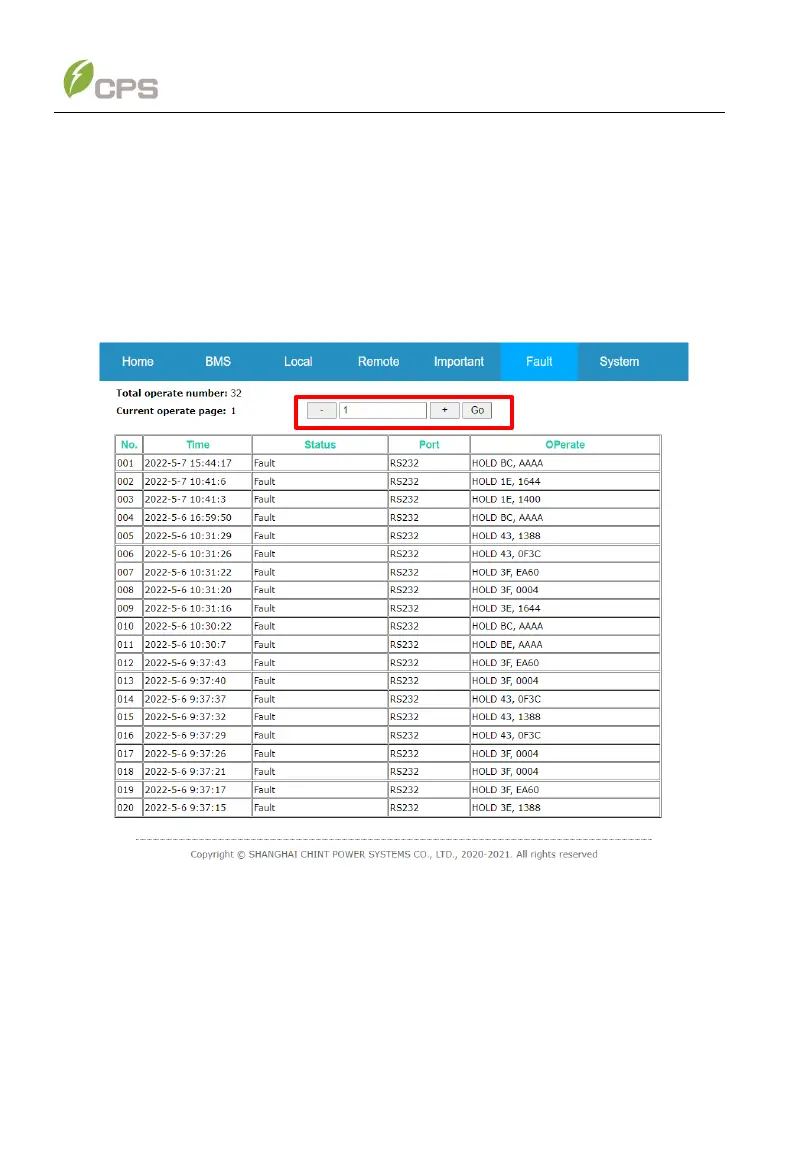
The Operate menu displays a maximum of 260 system parameter modification
records. Once the number of operate entries exceeds 260, the oldest record will be
overwritten. Enter a page number in the middle textbox and then click the right-hand
Go button, it skips to the target operate page. Clicking “–” and “+” buttons to switch
between its previous page or the next page.
Figure 6-57 Operate Sub-menu



 To Next Page