Indicates Alarm (light up 0.5s, light off 2s)
Protective action (light up 0.5s, light off
0.5s)
Remote control mode is enabled
Remote control mode is disabled
6.2 Mobile application functions
You can view the real-time information of the PCS through the application; you can
modify the PCS parameters through the application; and you can view the real-time
fault information, PCS information and BMS information etc.
6.2.1 APP download
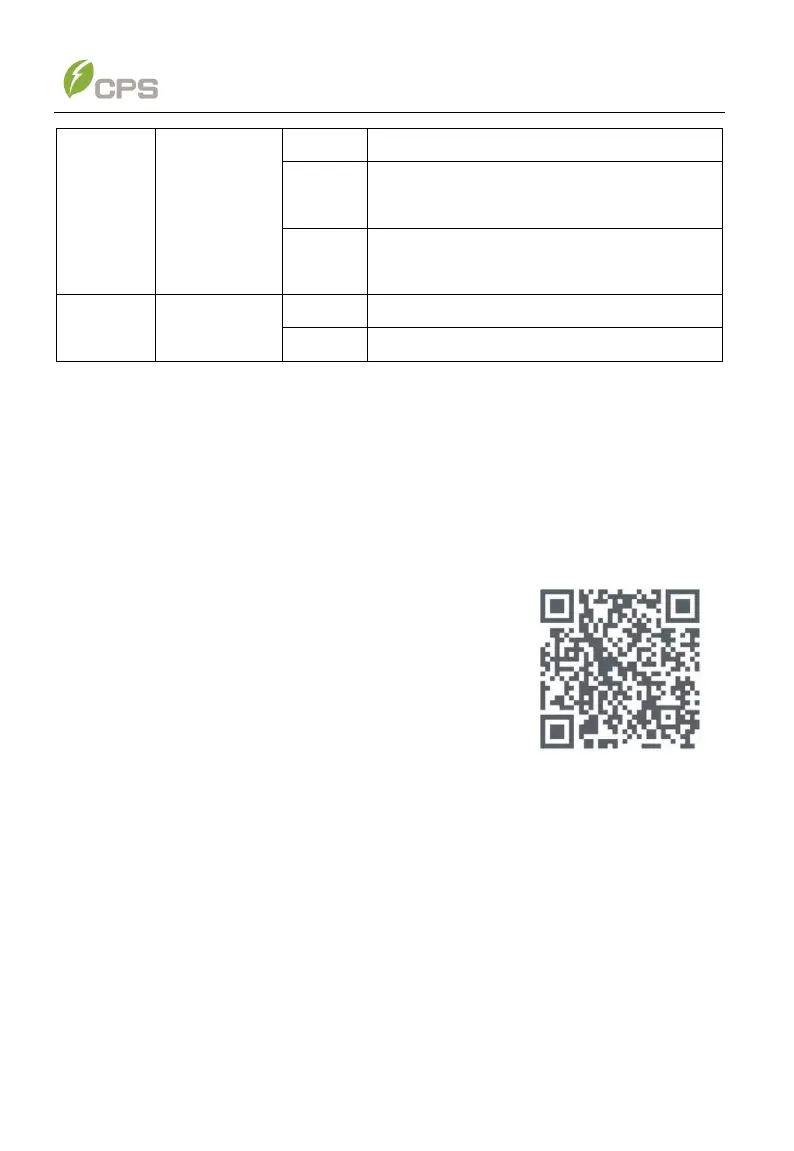
The PCS settings can be accessed through the
chint_power APP.
To download the app for iPhone or Android, start by
scanning the QR code shown on the right or searching
“chint_power” in the app store.
6.2.2 APP Setting
Once powered, the PCS will automatically create a wireless network that can be
visible as an Access Point from the user communication devices (tablet, smartphone,
etc.). Users can perform the following procedures to set the APP easily.



 To Next Page