User Interface
89 / 135
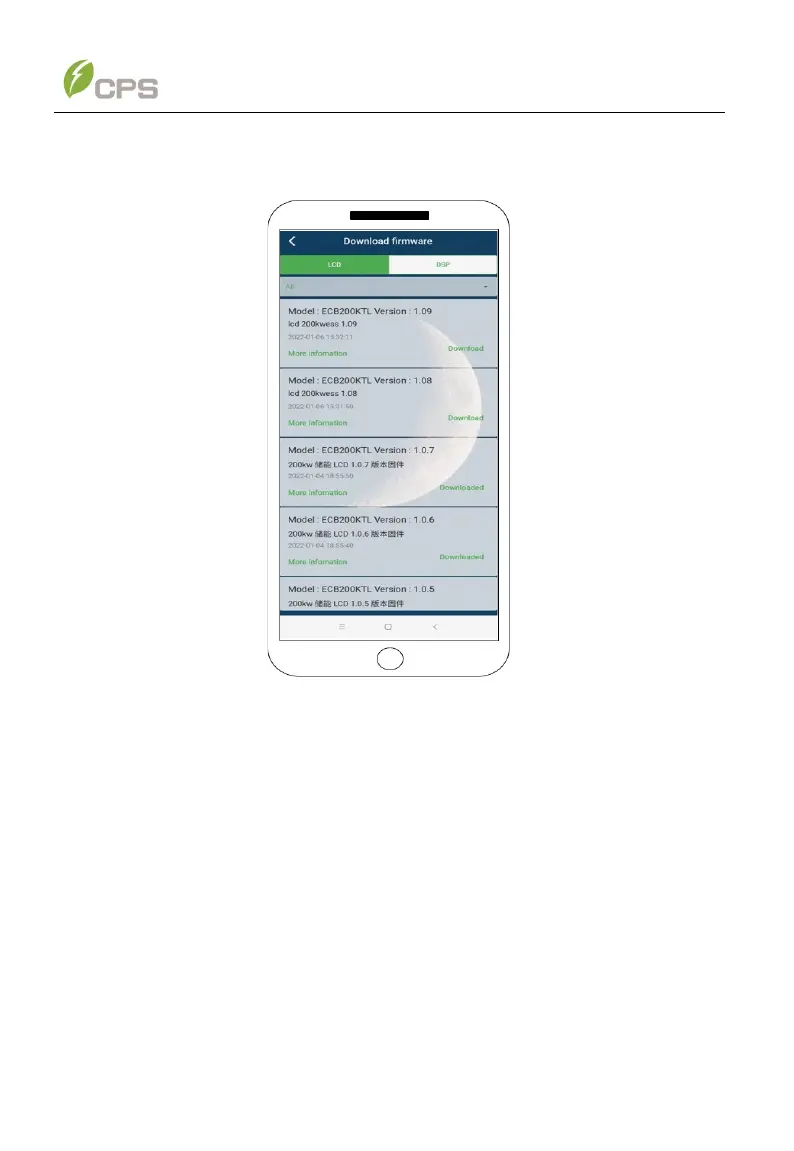
Firmware upgrade options include upgrading LCD firmware and upgrading DSP
firmware. See Figure 6-30 below.
Figure 6-30 Upgrade firmware
6.3 Web application functions
6.3.1 Ethernet connection and setting
Connect the two ports of Ethernet wire between the PCS and your computer. The
steps to connect to the Gateway are as follows and may vary depending on the
computer operating system:
Click Control panel or Windows setting → network and Internet (view network status
and tasks) → change adapter settings → right-click Ethernet → properties (figure
6-31)→ Double click Internet Protocol version 4 → Advanced → add IP address:
10.122.1.100, subnet mask: 255.255.255.0 in the IP address area → add gateway:
10.122.1.254 in the default gateway area (figure 6-32) →OK.



 To Next Page