EasyManua.ls Logo

CPS ECB200KTL/US-800 - User Interface; LED Lights and Indication

Default Icon
135 pages
Print Icon
To Next Page IconTo Next Page
To Previous Page IconTo Previous Page
Loading...
User Interface
38 / 135
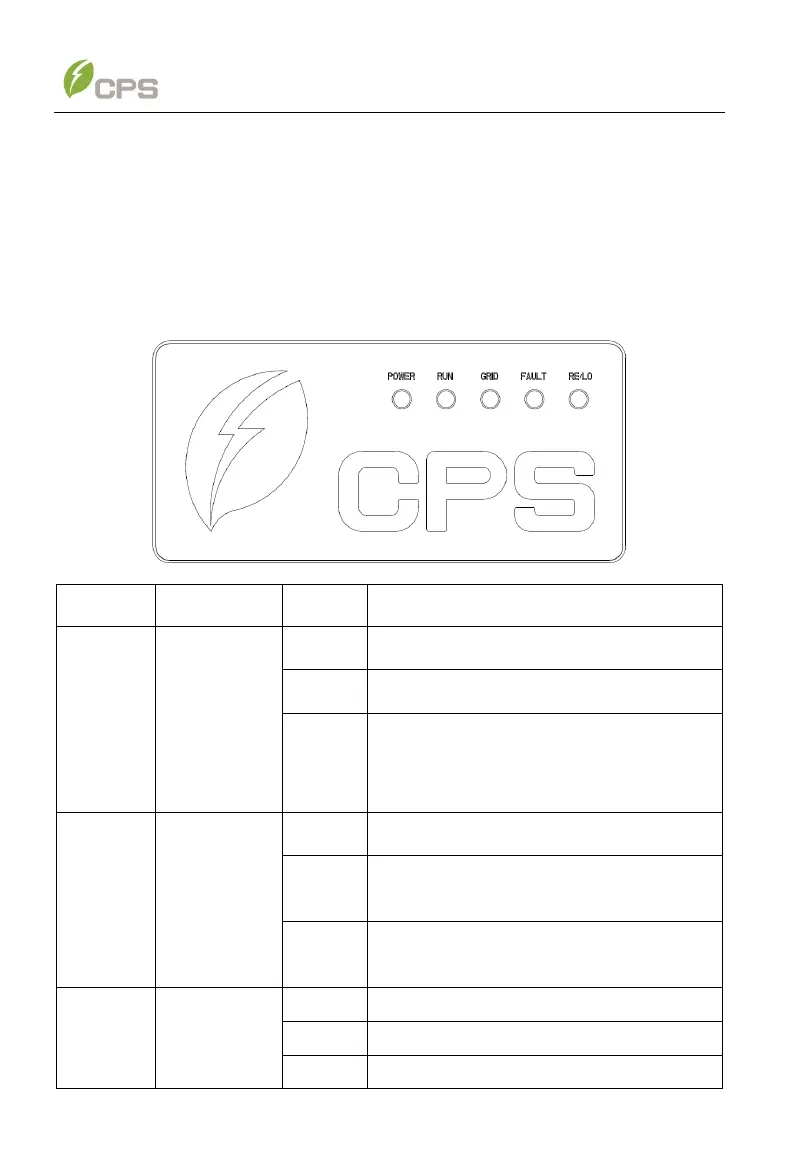
6 User Interface
There are four user interfaces, i.e. LED light, mobile application, Web application and
Modbus.
6.1 LED lights and indication
LED light
Name
Status
Indication
POWER
Working
power
indicator
Light on
Energized (control panel starts to work)
Light off
Power supply not working
Slow
flash
The system is not powered on or the
communication between MCU and DSP is
abnormal
RUN
Grid-tied
operation
indicator
Light on
In Power generation state
Slow
flash
Derated running status (light on 0.5s, light
off 2.0s)
Light off
In other operation status or power supply
not working
GRID
Grid status
indicator
Light on
Grid on
Light off
Power supply not working
Flash
Grid fault (light on 0.5s, light off 2.0 s)