Electrical Installation
31 / 135
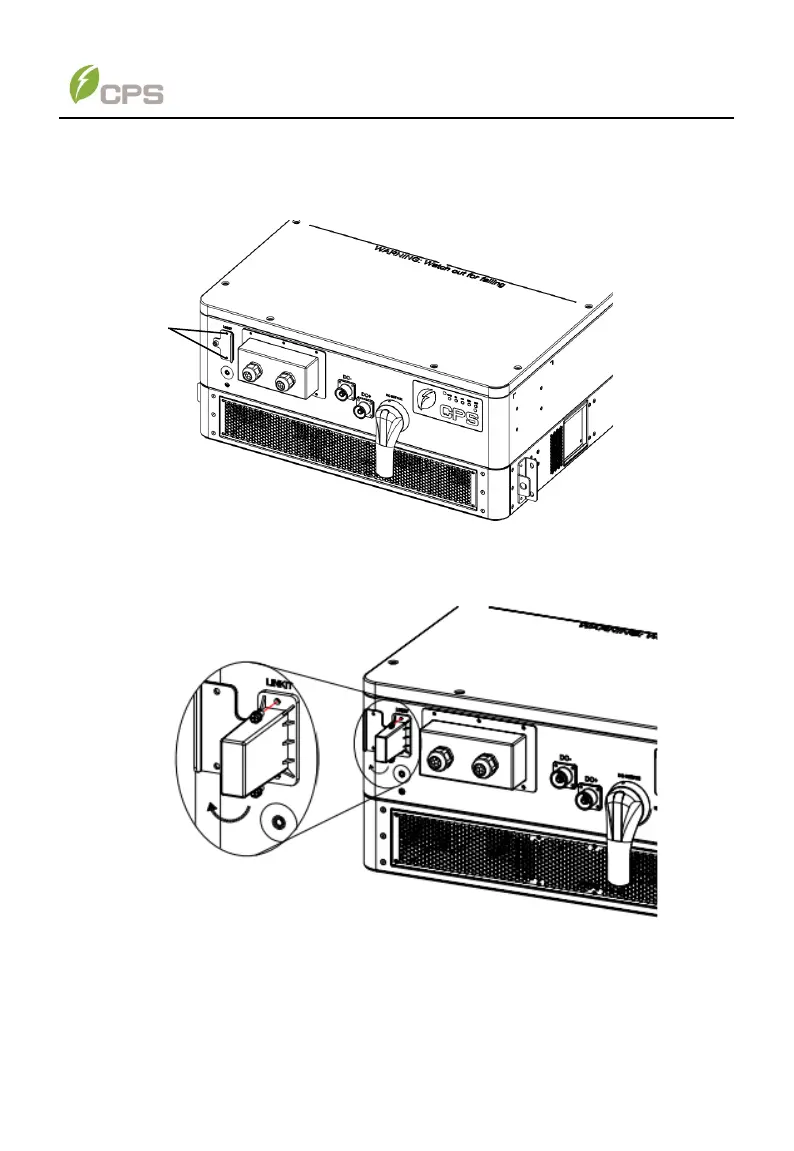
4.6.2 LINKIT module Installation
1. Unscrew the two fastening screws on the protection cover of the LINKIT interface
as showed below.
Figure 4-12 Unscrew the fastening screws
2. Rotate the protection cover onto its opposite side, and then plug in LINKIT
module and re-tighten the two fastening screws.
Figure 4-13 Re-tighten LINKIT module



 To Next Page