User Interface
92 / 135
Figure 6-34 Set system parameters
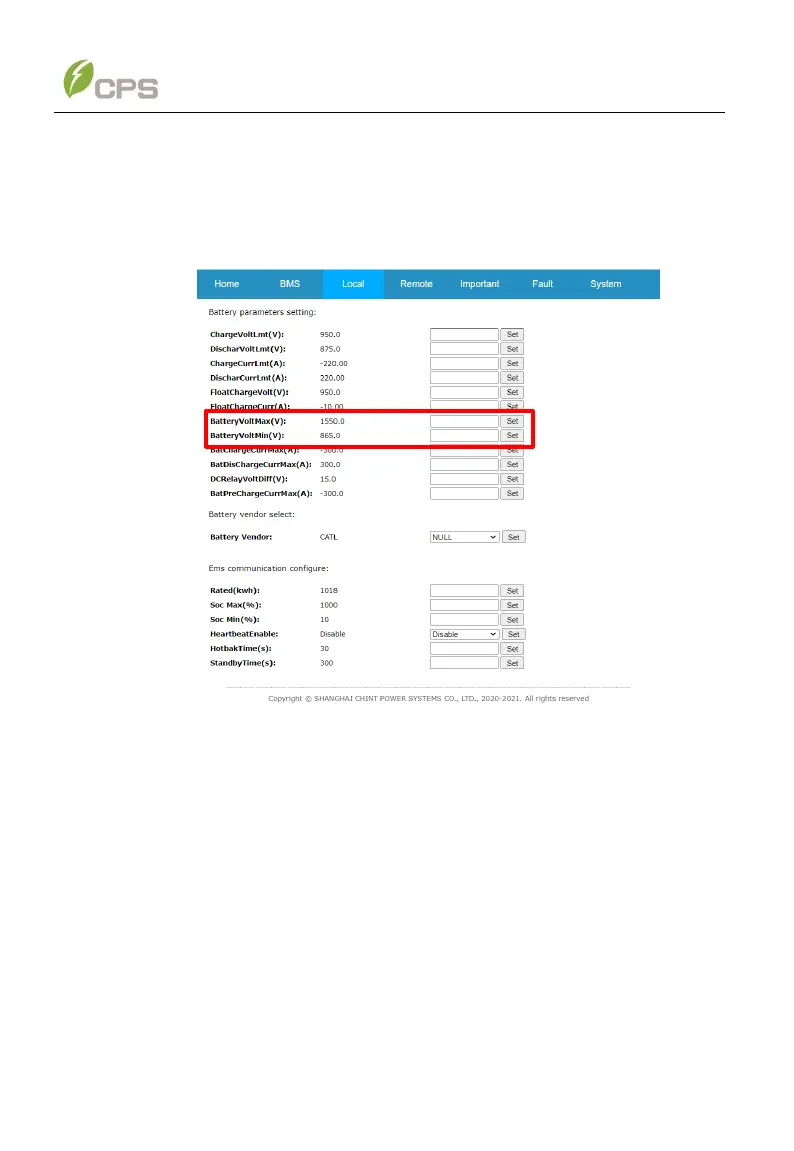
3. Click Local menu and then choose Battery item in the drop-down list to set
Maximum battery voltage and Minimum battery voltage according to the
requirements of battery OEM.
Figure 6-35 Set battery voltage
4. When the device screen shows normal operation status and the RUN light
on the LED panel is illuminated, it indicates that the grid connection and
power generation are successful. You can now browse through the real-
time data in the web application.



 To Next Page