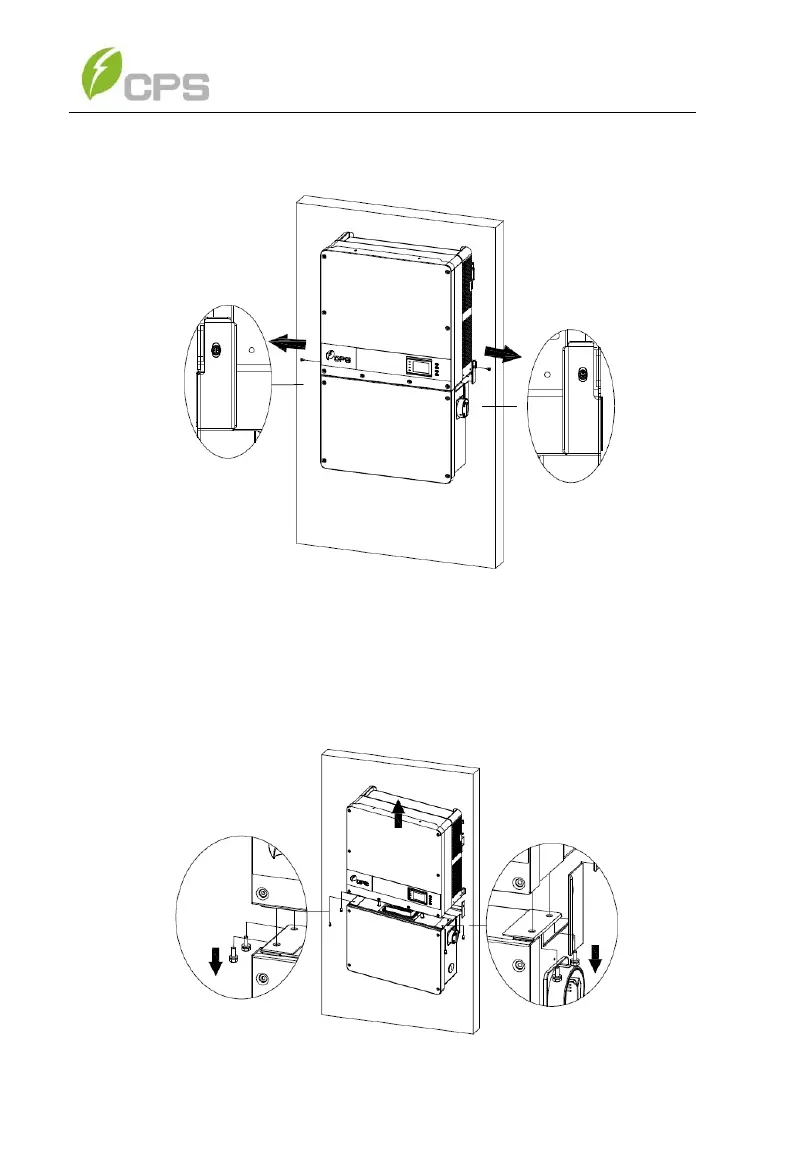
2. Use a No. 3 Phillips head screwdriver to unscrew the 2 screws on
both sides of the inverter.
Figure 8-3 Remove the screws on both sides
3. Use a No. 10 Hex wrench to remove the 4 screws between the
inverter and the wiring box. Lift the inverter enclosure and
disconnect from the wiring box.
Figure 8-4 Disconnect the main housing from the wiring box



 To Next Page