©2015 Cradlepoint. All Rights Reserved. | +1.855.813.3385 | cradlepoint.com
29
User Manual / CBA850
11/5/15
Netmask: The netmask controls how many IP addresses
can be used in this network. The default value is usually
acceptable for most situations.
IPv4 Routing Mode: Each network can use a unique
routing mode to connect to the Internet. The default of
NAT is desirable in most congurations.
• NAT: Network Address Translation hides private IP
addresses behind the router’s IP address.
• Standard: Without NAT exposes the subnet
addresses which requires them to be externally
routable.
• IP Passthrough: IP Passthrough passes the IP
address given by the modem WAN through the
router. Hotspot, VPN, and GRE must be disabled.
Any Wireless interfaces must be removed from
this network in order to enable IP Passthrough.
• Hotspot: Provide Hotspot Services on this Network, requiring Terms of Service or RADIUS/UAM
authentication before WAN access will occur on both Wireless and Wired LAN connections.
IPv6 Settings
IPv6 Address Source: The Address source has three settings. The default of Delegated is desirable in most
congurations.
• Delegated: The address is provided by a router connected to this router’s WAN.
• Static: The address is provided by the router admin.
• None: No use of an IPv6 WAN address, IPv6 is disabled on the WAN.
IPv6 Address: An IPv6 Address is a unique numerical label for a computer or device using the Internet Protocol
(IP). IPv6 addresses are typically in the format composed of 8 sets of 4 hexadecimal numbers. Leading zeros
can be ignored and the longest set of continuous zeros can be replaced with ::. For example, the IPv6 address
of 0001:0000:0234:5678:0000:0000:9abc:0def can be expressed as 1:0:234:5678::9abc:def.
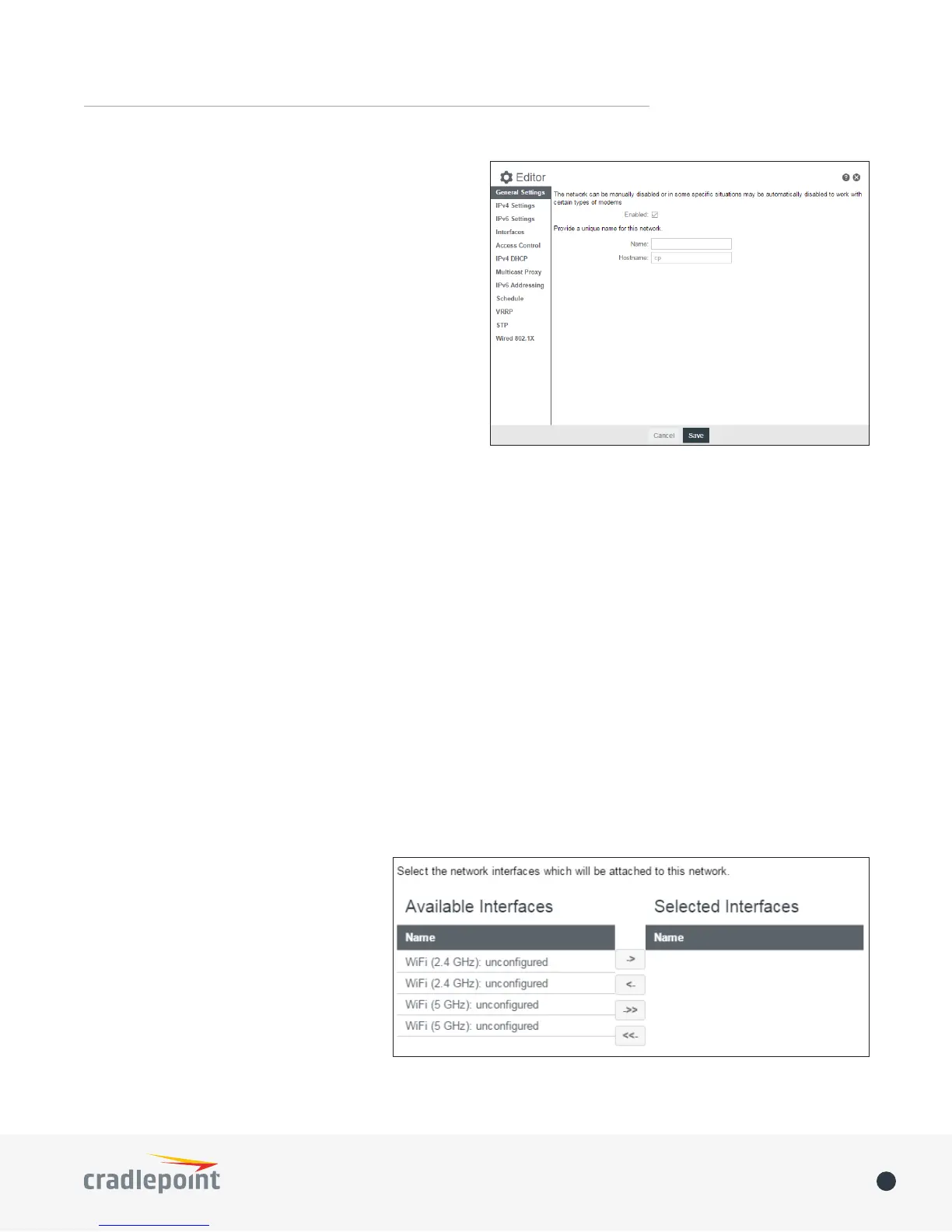
Interfaces
Select the network interfaces which will be attached to this network by either dragging desired interface or
clicking left or right arrows to move them between Available Interfaces and Selected Interfaces.
Access Control
UPnP Gateway: Select the UPnP (Universal Plug and Play) option if you want to enable the UPnP Gateway
service for computers on this network.
Admin Access: When enabled users may
access these admin pages from this
network.
IPv4 DHCP
DHCP Server
• Enable DHCP Server: When the
DHCP server is enabled, users
of your network will be able to
automatically connect to the
Internet without any special
conguration. It is recommended that you leave this enabled. Advanced DHCP server conguration is















 To Next Page