©2015 Cradlepoint. All Rights Reserved. | +1.855.813.3385 | cradlepoint.com
45
User Manual / CBA850
11/5/15
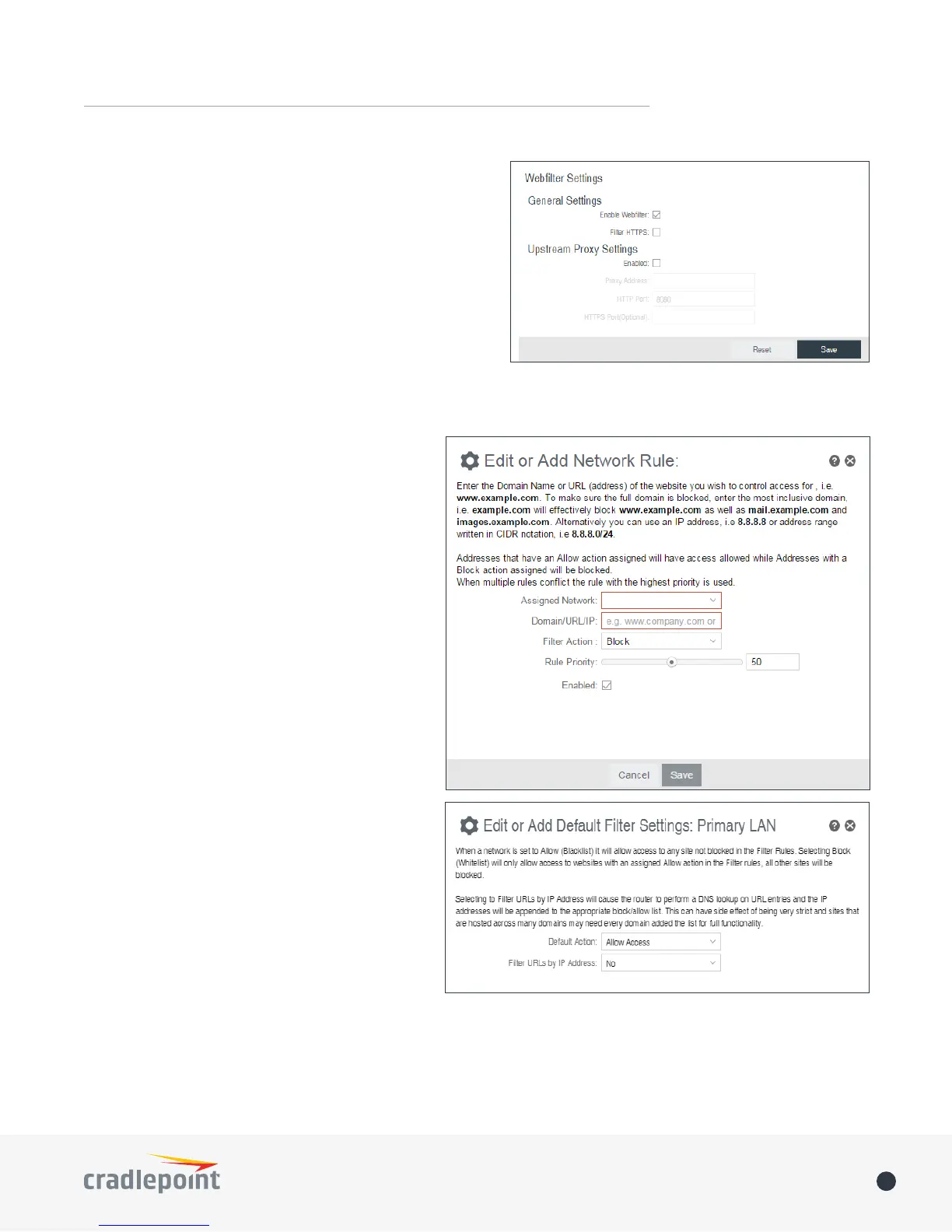
HTTP Port: The port the HTTP Proxy is listening on.
HTTPS Port (Optional): The port for the proxy to forward
HTTPS trac to. HTTPS is not transparently intercepted
and must have the LAN clients congured to use the
Cradlepoint router as a proxy for HTTPS to work properly.
NETWORK WEB FILTER RULES
Domain / URL lter rules allow you to control
access from your network to any external domain
or website. Rules are assigned to a specic LAN
network and the highest priority rule will have
precedence when there is a conict. Addresses can
be added by URL/Domain name or by IP address.
IP address ranges can be ltered by using CIDR
notation, e.g. 4.2.2.2/24.
Exceptions to existing rules can be created by
adding another rule with higher priority. For
example if access to maps.example.com is desired,
but example.com is blocked with a priority of 50.
The addition of an allow rule for maps.example.
com with a priority of 49 or less will allow access.
When creating rules keep in mind that some sites
use multiple domains so each domain may need a
rule added to produce the desired behavior.
To add a Network Web Filter Rule, click Add.
Default Network Filter Settings
When a network is set to Allow (Blacklist) it will
allow access to those sites not blocked in the
Filter Rules. Selecting Block (Whitelist) will only
allow access to websites with an Allow action in
the Filter rules, all other sites will be blocked.
Selecting to Filter URLs by IP Address will cause
the router to perform a DNS lookup on URL
entries and the IP addresses will be appended
to the appropriate block/allow list. This can have
side eect of being very strict and sites that are
hosted across many domains may need every domain added the list for full functionality.
The settings can be changed by selecting a network and clicking the Edit button.















 To Next Page