CABRIOLE’
CRAMARO TS S.r.l. – 37044 COLOGNA V.TA (VR) - VIA QUARI DESTRA, 71/G TEL. +39 0442/411688 / FAX + 39 0442/411690
E-MAIL info@cramaro.com WEBSITE: http://www.cramaro.com - Manual n° MCA016-EN-ED00 – date 15/01/15
page 43
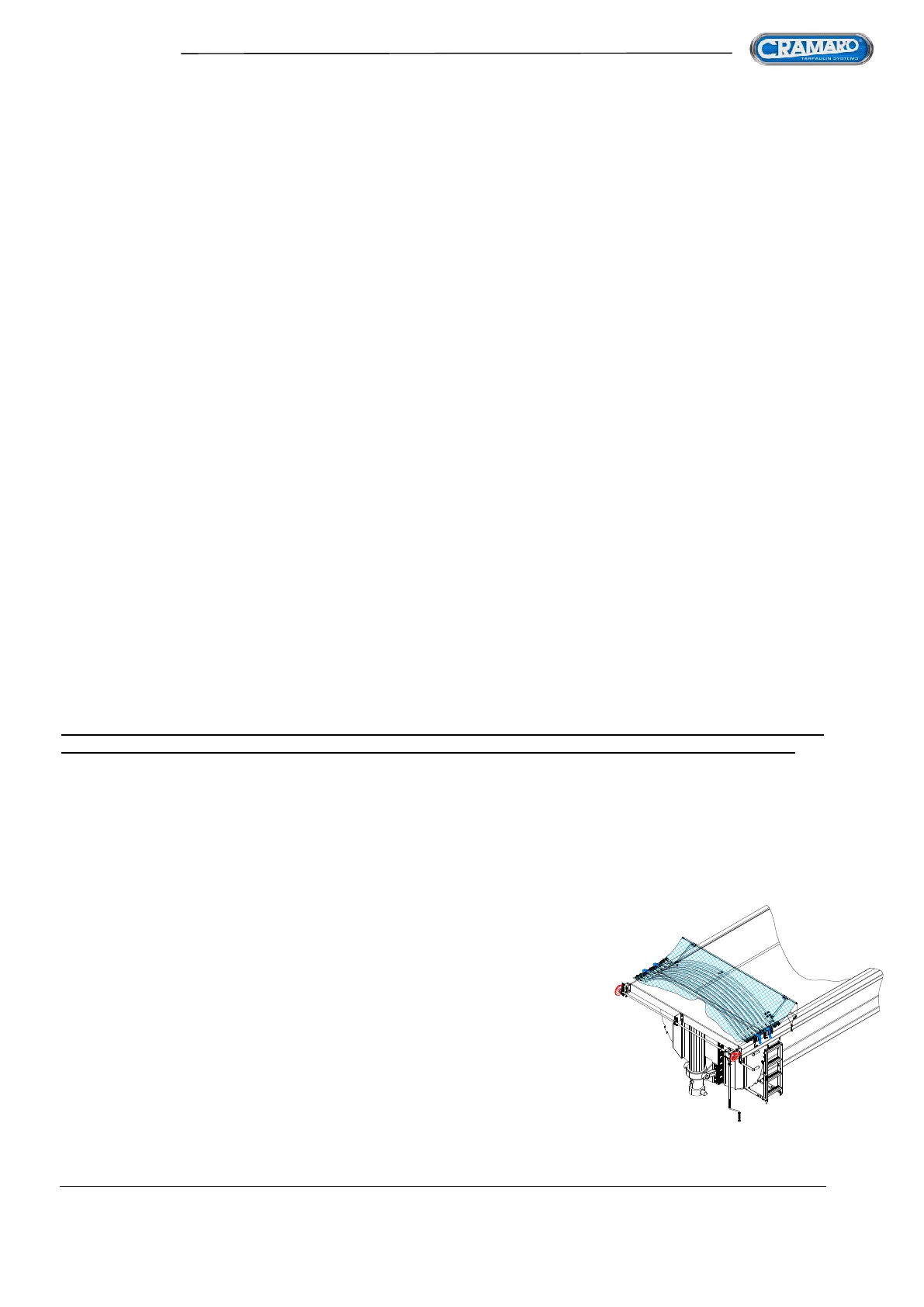
FIG 68
Repeat the steps above to recognise and save a new remote control.
IMPORTANT NOTE: You can only add one remote control at a time.
DELETING THE CONTROL UNIT MEMORY
The control unit's memory, used to recognise the remote controls, can be erased at any time.
Proceed as follows to erase the control unit's memory:
1. Press the (red) mushroom-shaped emergency button to switch the device off and wait at
least 1 second
2. Release the (red) mushroom-shaped emergency button to switch the device on again
3. Within 3 seconds after start-up, press buttons A and D on the remote control simultaneously
until the control unit LED lights up for about 100 ms (wait for about 3 s). This means that the
control unit has entered the learning mode.
4. Release buttons A and D of the remote control and wait at least 1 second;
within 10 seconds, in the control unit learning mode, activate the code delete function.
5. Deleting codes from the memory: press and hold buttons A and D on the remote control
simultaneously until the control unit LED is activated (wait for about 3 s) with two
consecutive pulses of about 100 ms to indicate that the control unit has successfully
performed the function and exited the learning mode.
REPLACING THE REMOTE CONTROL BATTERY
To replace the battery, you must open the remote control by removing the fastening screws on the back
with a screwdriver, gently extract the battery to be replaced and, being careful not to dirty it with grease
or anything else, replace it with a new one, then carefully close the body of the remote control.
The battery model used to operate both the TWO and FOUR button remote controls is
Coin model type CR 2032
N.B. THE FIXED DOOR ON THE BACK OF THE CONTROL UNIT MUST ABSOLUTELY NOT BE
OPENED. OPENING IT IMMEDIATELY VOIDS THE WARRANTY OF THE CONTROL UNIT ITSELF
- ASSEMBLING THE SHEET AND ACCESSORIES -
Normally, the tarpaulin is supplied PRE-ASSEMBLED, that is, with the bows already inserted into the
sheet and with the various side anchoring elements already assembled and ready to be installed on the
container.
The first thing to do as soon as you have carefully removed the SHEET PACKAGE from the box is to
make sure that everything is in order and that the pulling ropes are not tangled with each other (usually
they are individually rolled up and taped) and that the package of sheet and
bows is still securely tied.
Flip over the sheet package and lift it with a suitable mechanical means
(forklift, etc.).
Being careful of where the front and back are



 To Next Page