23
NOT AVAIL TIME” in the INITIAL PROGRAMMING
section of this manual. Press the “CLR” key to
return to “SETUP MODE 1”.
MASTER RESET - Press key “F”
(PASSWORD REQUIRED)
Allows the service technician to restore factory
defaults to the machine or reset the Controller
Board’s memory after installing a new EPROM.
Since this feature resets interval sales data, care
should be taken prior to using. Press the letter “F”
on the keypad and “MASTER RESET” will show on
the display. Press the “” key and the display will
read “Master Reset Continue? = Y CLR = N. To
reset press the “” Key and display will show
“Resetting” then show software version and then the
idle message will scroll. Press the “CLR Key to
return to “Master Reset”. Press the “CLR” key to
return to “SETUP MODE 1” or press the “A” key to
advance to the next menu item below. Please see
table on next page for programming options effected
by MASTER RESET. NOTE: A power out error
message will be generated when a master reset is
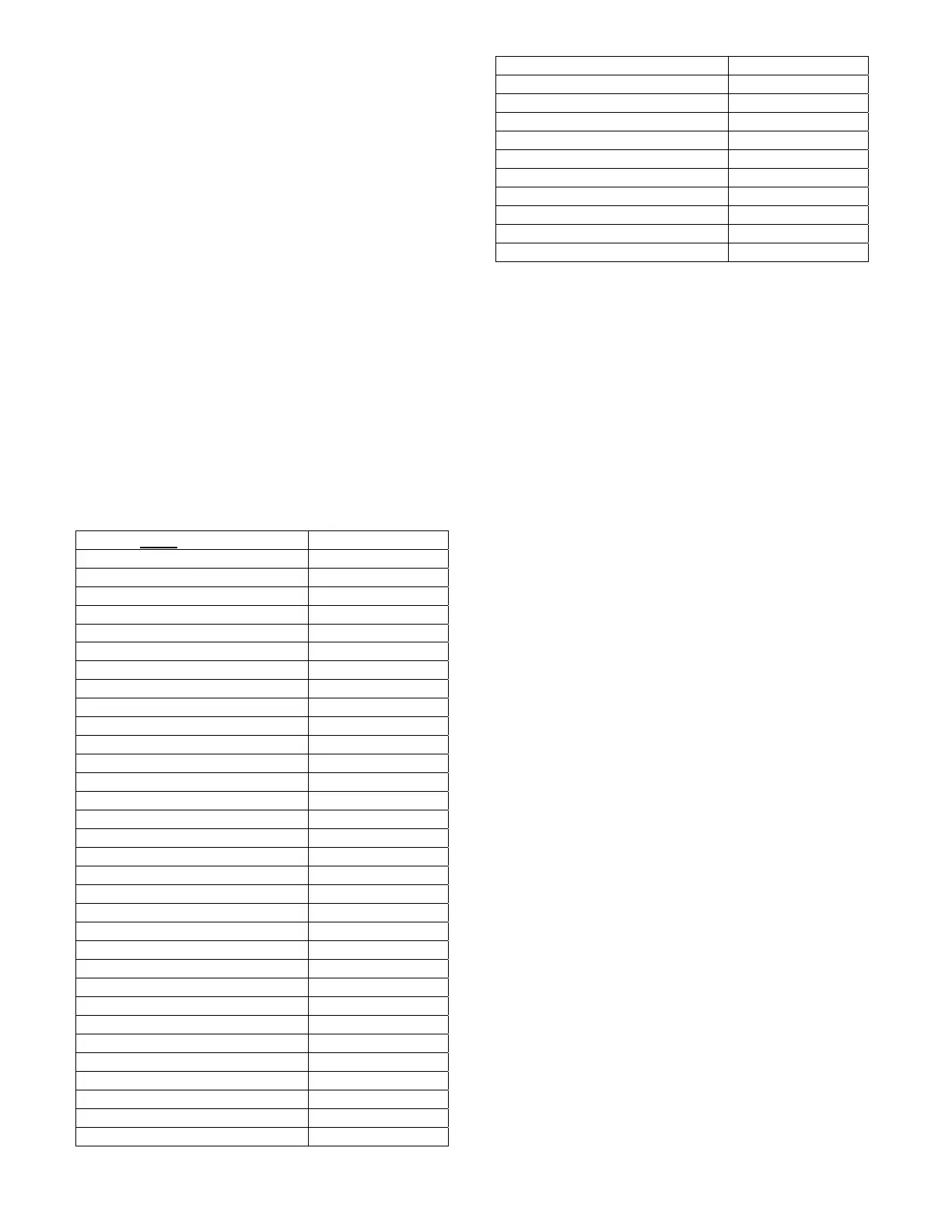
performed. The table outlines the results of using
MASTER RESET.
ITEM
RESET TO
CASH BOX $0.00
SALES $0.00
NUMBER SOLD 0
SALES PER COLUMN 0
ESCROW OFF
FORCE OFF
SET REGULAR PRICES 99.95
SET HAPPY HOUR PRICES 99.95
LIST ERRORS Pwr Out
TUBE FILL/DISPENSE CLEARED
DAYLIGHT SAVINGS OFF
NOT AVAILABLE OFF
CREDIT TIMER OFF
DOOR OPEN 0
POWER OUT 1
IDLE MESSAGE RESET
ENABLE DOLLAR SIGN ON
MACHINE NUMBER UNCHANGED
SET HAPPY HOUR CLEARED
NOT AVAILABLE TIME CLEARED
HEALTH CONTROL OFF
PASSWORD 0000
STS ENABLE OFF
CUSTOM STS CLEARED
NOVEND LIMIT 0
SOLD OUT ENABLED
PRICE DISPLAY ON
SHELF CONFIG G
INTERVAL CLEARING OFF
DISPLAY TEMPERATURE ON
TEMPERATURE UNITS DEG F
SERIAL # UNCHANGED
LOCATION ID UNCHANGED
CR ASSET # UNCHANGED
NA ASSET # UNCHANGED
CM ASSET # UNCHANGED
SOLD OUT TIMES CLEARED
DEX PASSWORD 000000
DOOR OPEN TIME CLEARED
POWER OUT TIME CURRENT TIME
STORAGE TEMP 57º F (13.8º C)
REFRIG TEMP 37º F (2.7º C)
CONSUMER OVERPAY OFF
MACHINE NUMBER - Press key “1”
(PASSWORD REQUIRED)
Allows assigning a user number to the machine for
audit and/or inventory control requirements. Press
the number “1” on the keypad and “MACHINE
NUMBER” will show across the display and then
change to the number currently assigned to the
machine (i.e. ID 1). Press the “” key and the
display will read “ID”. Enter the new number
(numeric field, 4 characters maximum). If the new
number is less than 4 characters press the “” key
after entering it and the display will read “OK”
momentarily and will return to “SETUP MODE”.
Press the “CLR Key to return to “Machine Number”.
Press the “CLR” key to return to “SETUP MODE 1”
or press the “A” key to advance to the next menu
item below.
SET HAPPY HOUR - Press key “2”
(PASSWORD REQUIRED)
Allows the service technician to turn Happy Hour ON
or OFF. Press the number “2” on the keypad and
“SET HAPPY HOUR” will show across the display.
Happy Hour. Press the Key and display will show
“Happy Hour: Off (On). Press “” - turn On (Off).
Press the “CLR Key to return to “Set Happy Hour”.
Press the “CLR” key to return to “SETUP MODE 1”
or press the “A” key to advance to the next menu
item below.
SET NOT AVAIL TIME - Press key “3”
(PASSWORD REQUIRED)
Password protected. Before entering or changing
this setting you must enter the password if one has
been assigned. This mode allows up to 4 different
time periods that use of the machine may be
restricted. Refer to Initial Set Up section Set Not
Available Times on page 12.
CONSUMER OVERPAY - Press key “4”
(PASSWORD REQUIRED)
Allows the service technician to set the machine up
to allow consumer overpay to vend. This will allow a
vend if there is not enough change in the mech to be
paid to consumer. Factory default will be Off. Press
the number “4” key and display will show “Consumer
Overpay”. Press “” Key and display will show










 To Next Page