Page 40 of 57
f. Replace RS485 Interface Board.
g. Replace Port Board.
h. Replace BevMAX Refresh 6 Media Atlas H Board.
4. Before replacing any Control Boards:
a. Check that the Port Board is getting 5VDC from the Red/Yellow Wire in Pin 4 of P1 Connection
of the Port Board to Red/Yellow Wire in Pin 1 of P1 Connection of the Environmental Board.
b. Ohm the RS485 Communication Wiring from the Port Board to the Environmental Board.
1) Check continuity of the Blue Wire in Pin 2 of the P1 Connection of the Port Board to the
double Blue Wire in Pin 23 of P1 Connection of the Environmental Board.
2) Check continuity of the White Wire in Pin 3 of the P1 Connection of the Port Board to
the double White Wire in Pin 12 of P1 Connection of the Environmental Board.
3) Replace the Port Board.
4) Replace the BevMAX Refresh 6 Media Atlas H Board.
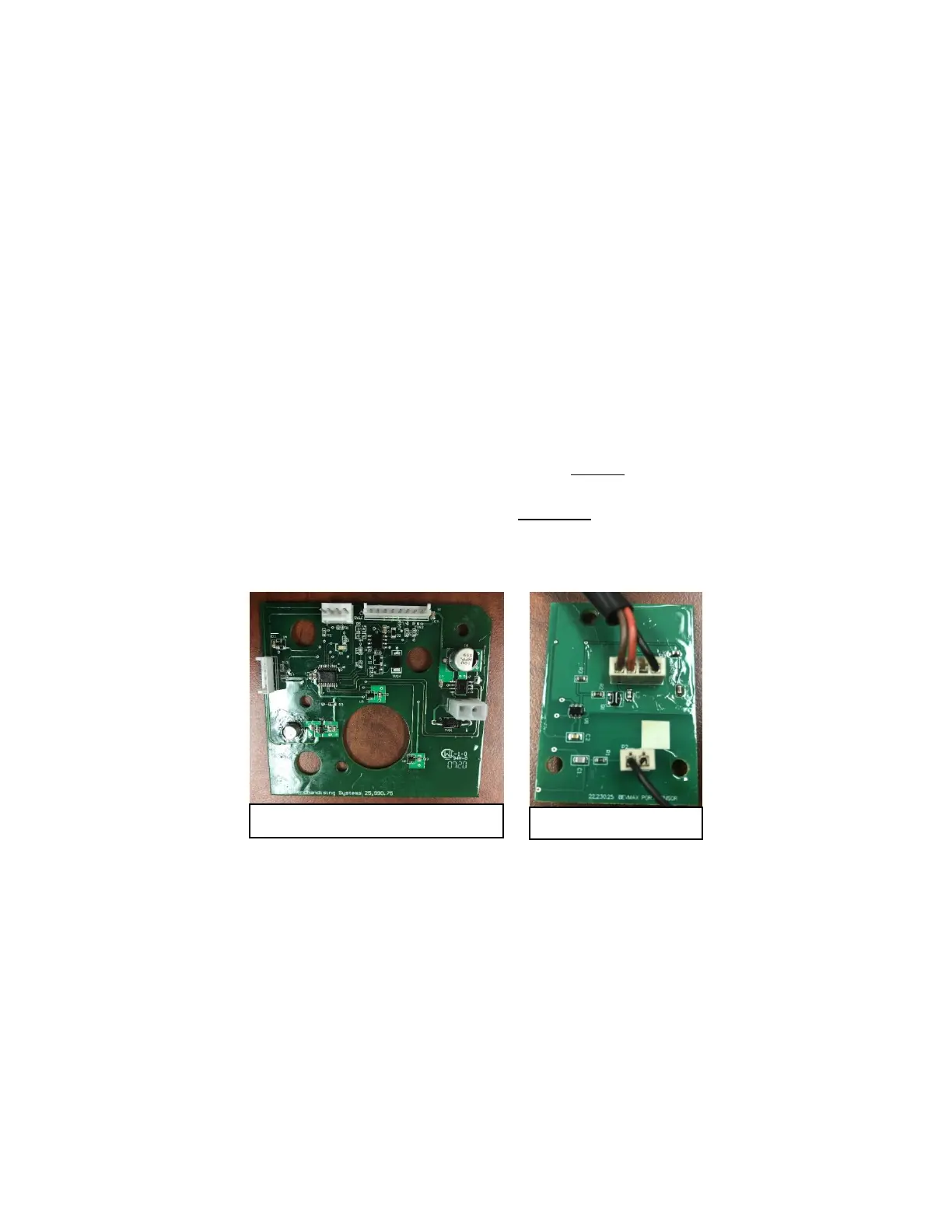
5. If Port Door is still open and Display still reads “Please Remove Product”, ensure the Port Product
Detection Sensor Wire (Black Wire connected at bottom of Port Assembly) is connected and tight to the
FR4 Port Sensor Electrode.
6. Go to Test > Port and Cup Sensors > Turn Port Sensor On and test the Port Sensor by placing an item in
the Port.
a. Initially, the Vend Detect should read State OFF with nothing in the Port. If the Vend Detect
reads State ON with nothing in the Port, change the FR4 Port Sensor.
b. The Vend Detect should read State ON when something is placed in the Port, if the Vend Detect
reads State OFF with something in the Port, change the FR4 Port Sensor.



 To Next Page