Snack - Based Troubleshooting and Repair Guide
1670065 Page 34 of 54 September, 2002
TC ERROR
(SEE NOTE:
ON PAGE 10
UNDER
KEYPADS
SECTION)
An error is detected in
a motor circuit.
If the message “Fault Test” is dis-
played:
1. Record the selections listed.
2. Remove the product from those
spirals.
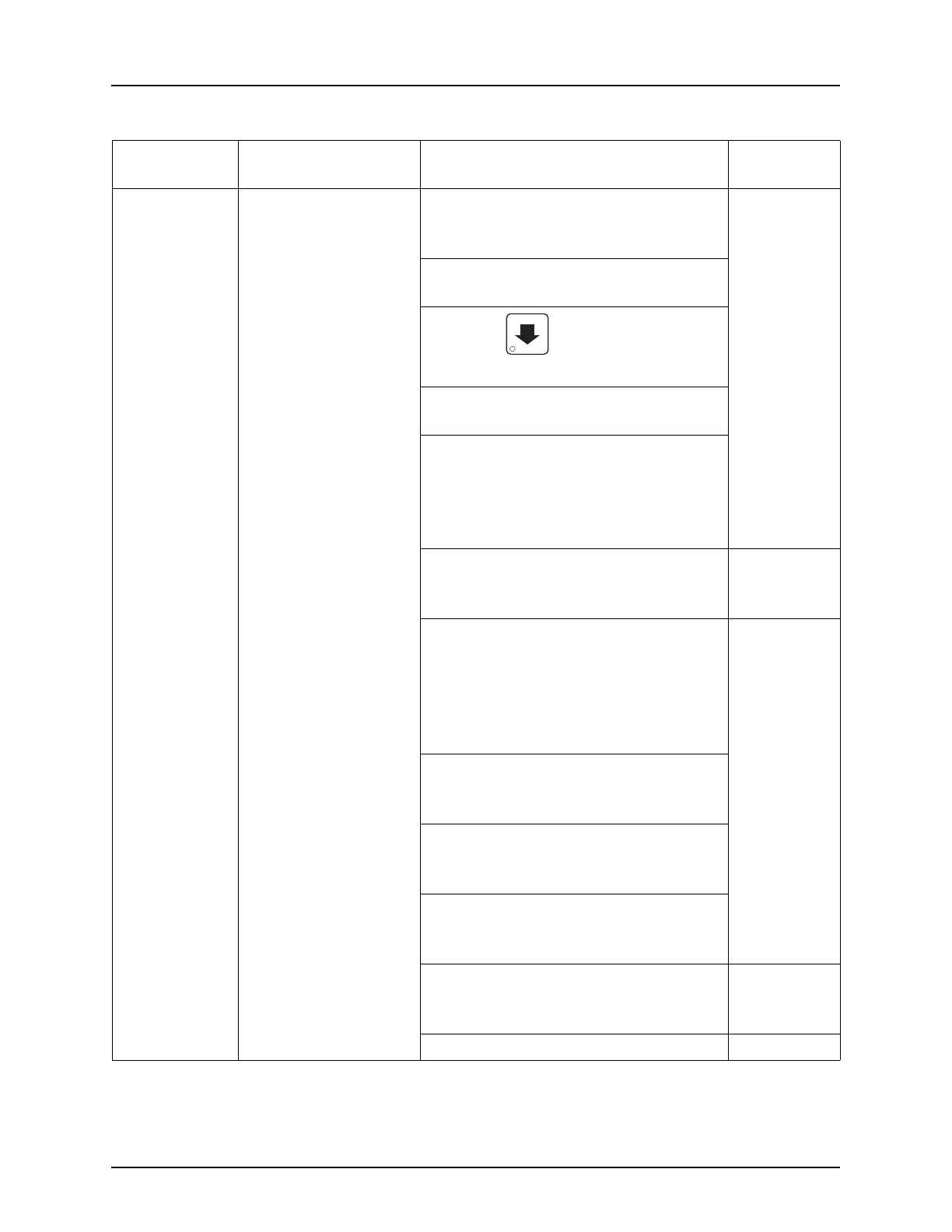
3. Press until the display
shows HOME MOTORS.
4. Verify the listed selections return
to home.
5. If they return to home check to be
sure that the product is fitting
“comfortably” in the spirals. If the
product fits too snug the tray will
more than likely continue to jam.
6. Check tray lists.
a. “T” stands for the tray level, “C”
stands for the column number.
Program-
ming Guide
7. Check for tray error by swapping
the tray with a known good tray.
a. Check wiring harness on the
tray.
b. Check the board on the back of
the tray.
8. Check the harness between the
connector and the interface PCB
for continuity.
9. Check the connectors on the inter-
face PCB and the main controller
PCB.
10. Check the harness between the
main controller PCB and the inter-
face PCB for continuity.
a. If the harnesses check good,
replace the main controller PCB.
Controller
Board on
page 39
b. Replace any bad harnesses.
Table 2. Possible Failures (Diagnostic Messages) - Continued
DIAGNOSTIC
MESSAGE
FAILURE DO THIS: REFER TO:







 To Next Page