Snack - Based Troubleshooting and Repair Guide
1670065 Page 54 of 54 September, 2002
Snack Center (Models 157, 158, 465, 484, 485, 486, 487, 488, 489) Shoppertron (Model 431)
NOTE:
When you installed the new controller board, chances are good that its memory (the
RAM) is scrambled. If that is the case, you may be locked out of the functions you
need to access in order to program the machine. To get around this, you will need to
clear the entire RAM. This not only erases any stray supervisor codes, but elimi-
nates accumulated sales totals, and any custom programming. YOU DO NOT
WANT TO DO THIS TO A MACHINE WHICH HAS NOT HAD ITS CONTROL-
LER BOARD CHANGED!! (Unless you enjoy doing a lot of unnecessary program-
ming, that is.)
Clearing RAM Procedure:
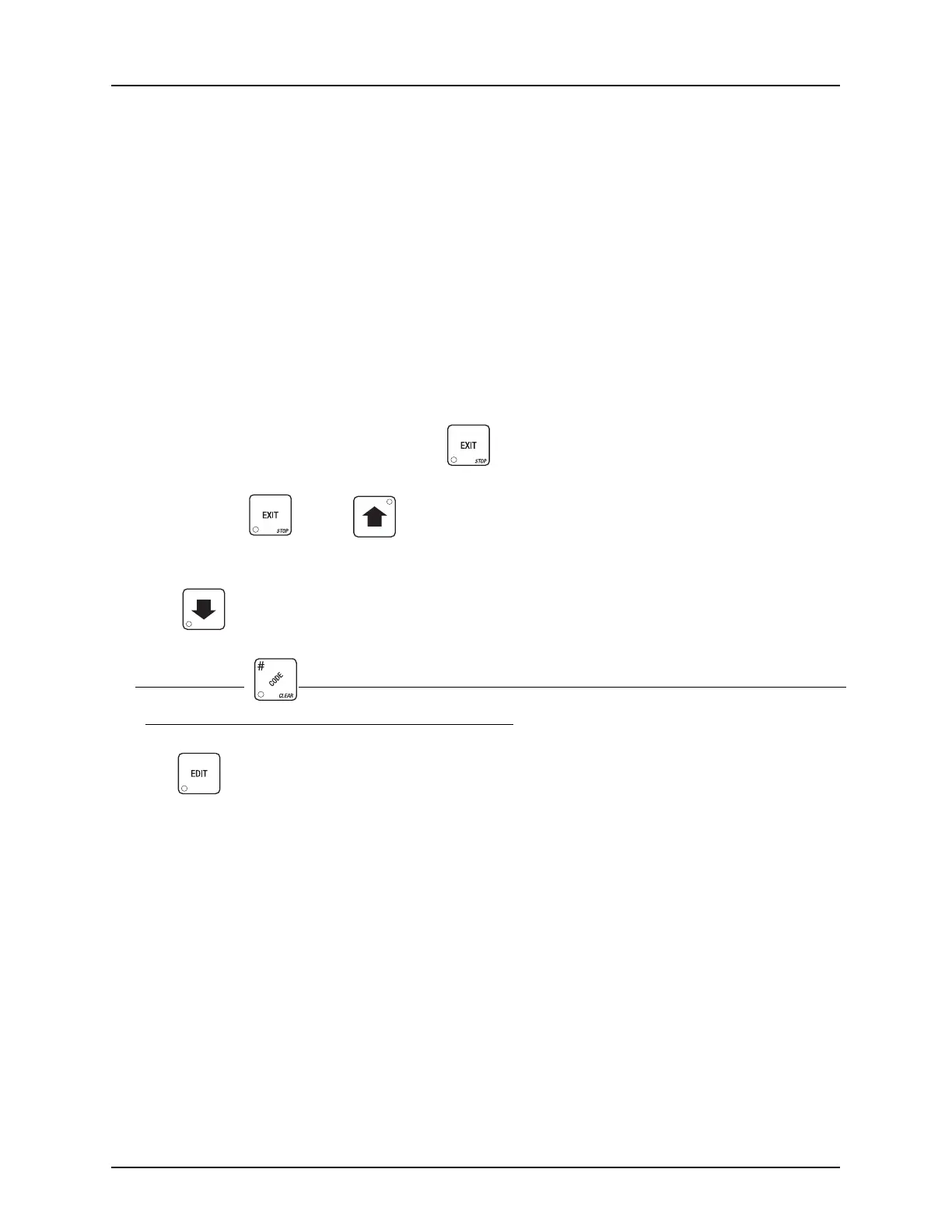
1. The machine must be on and in "ready" mode. This is when a message - any message (or part of
one) is scrolling across the display.
Press two times.
2. While holding , press on the service keypad.
The display shows the current software version.
3. Press . 3 to 4 times, or until the display shows CLEAR ALL.
4. Press and hold . The display shows CLEARING, then the beeper sounds and the display
shows FINISHED. You have now cleared RAM.
5. Press to continue the setup procedure.







 To Next Page