Snack - Based Troubleshooting and Repair Guide
1670065 Page 38 of 54 September, 2002
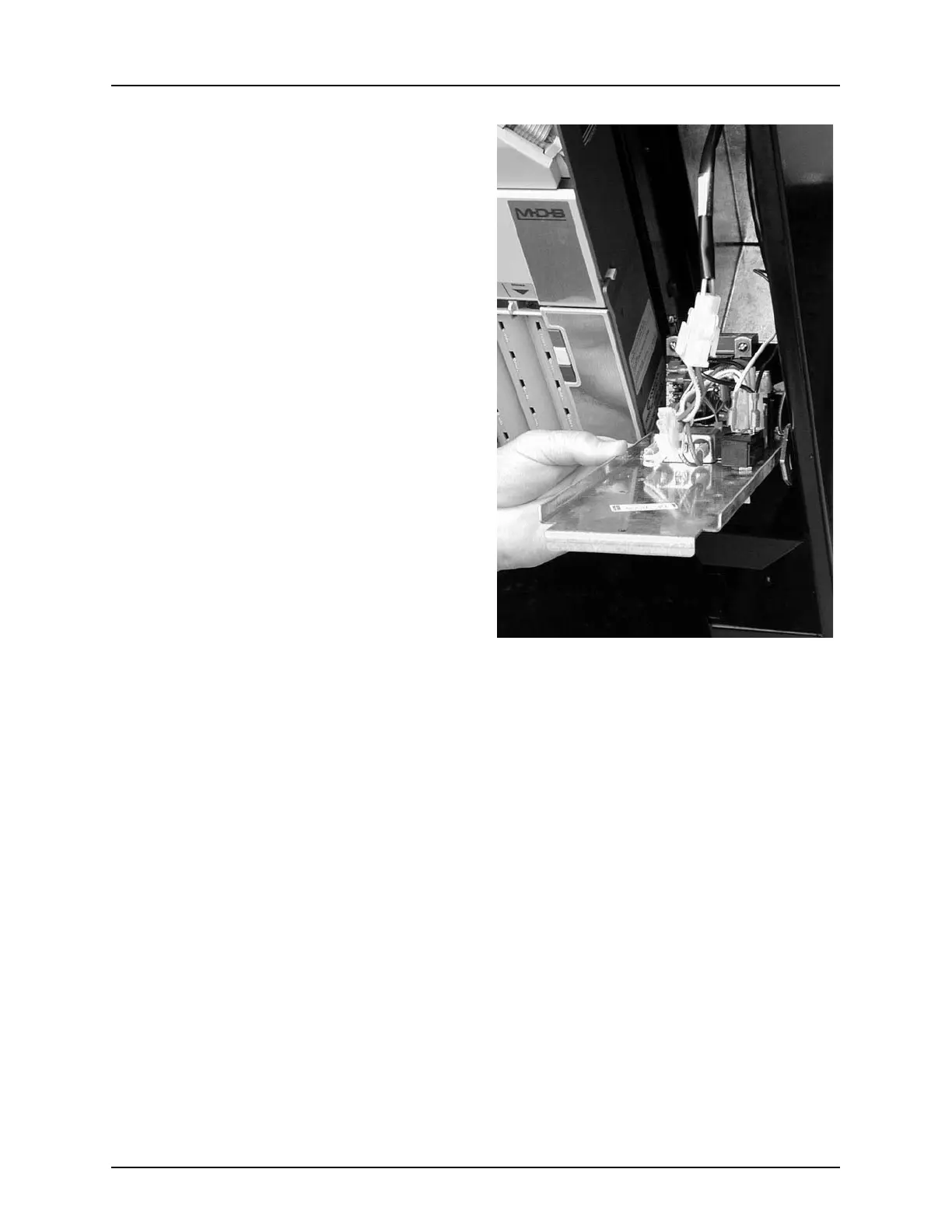
3. Make a note of where all the harnesses
attach, then disconnect them (figure 6).
Replacement
1. Connect all harness to their proper con-
nectors (figure 6).
2. Hook the lower edge of the power panel
onto the bottom of the cutout in the mon-
etary panel.
3. Tilt the power panel up until the top lip is
against the monetary panel.
4. Secure with the screw you removed ear-
lier.
Figure 6







 To Next Page