Product Manual — Doc. 7696D DGE-100 and DM-DGE-200-C • 47
Standby Timeout
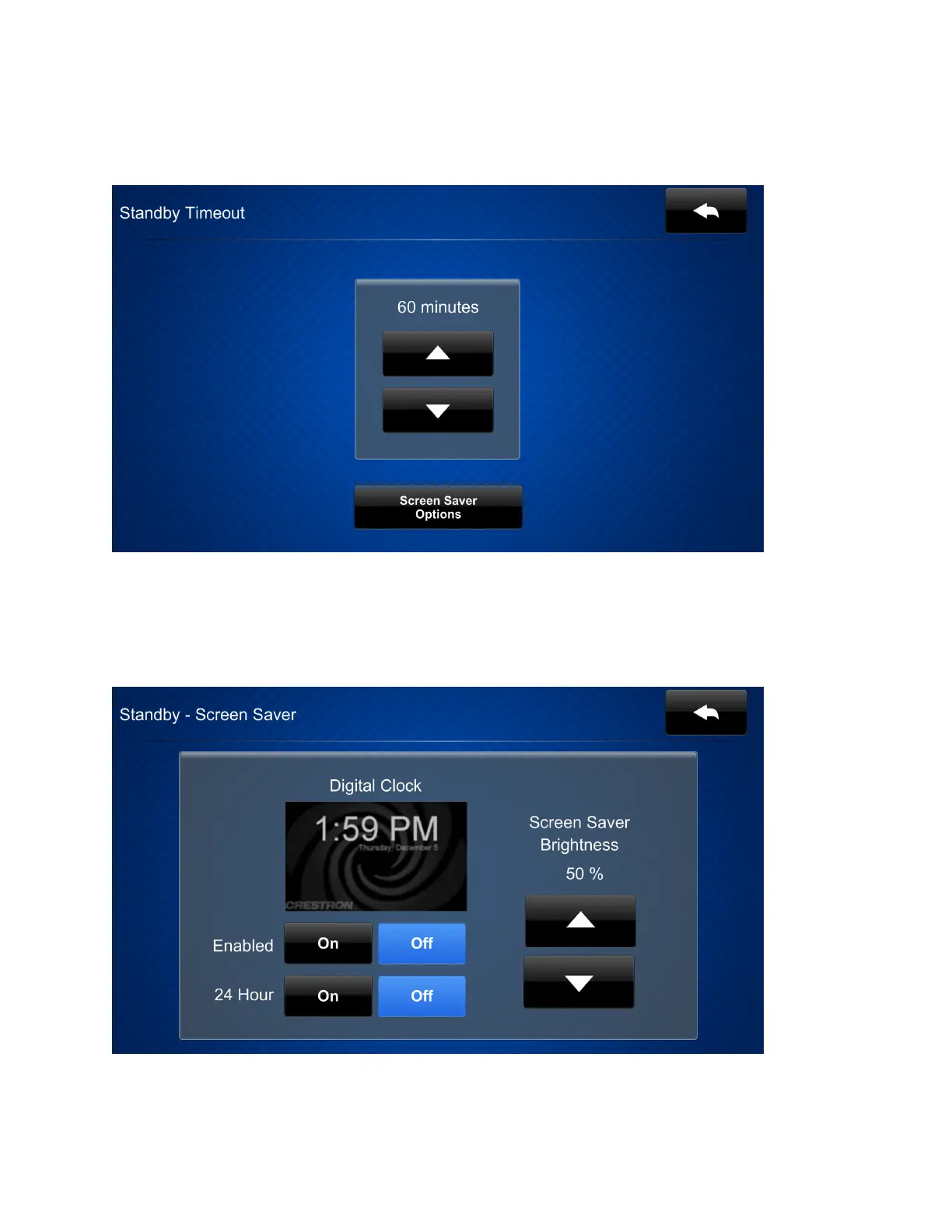
Tap Standby Timeout on the main setup screen to display the Standby Timeout screen.
Use the Standby Timeout screen to set the standby timeout settings for the DGE.
Tap the up and down arrow buttonsto set the DGE standby timeout duration from 0to120
minutes. Select "0" to turn off standby timeout (primarily for nontouch applications).
Tap Screen Saver Options to display the Standby - Screen Saver screen.


 To Next Page
 Loading...


