Product Manual — Doc. 7696D DGE-100 and DM-DGE-200-C • 3
DGE-100 Features
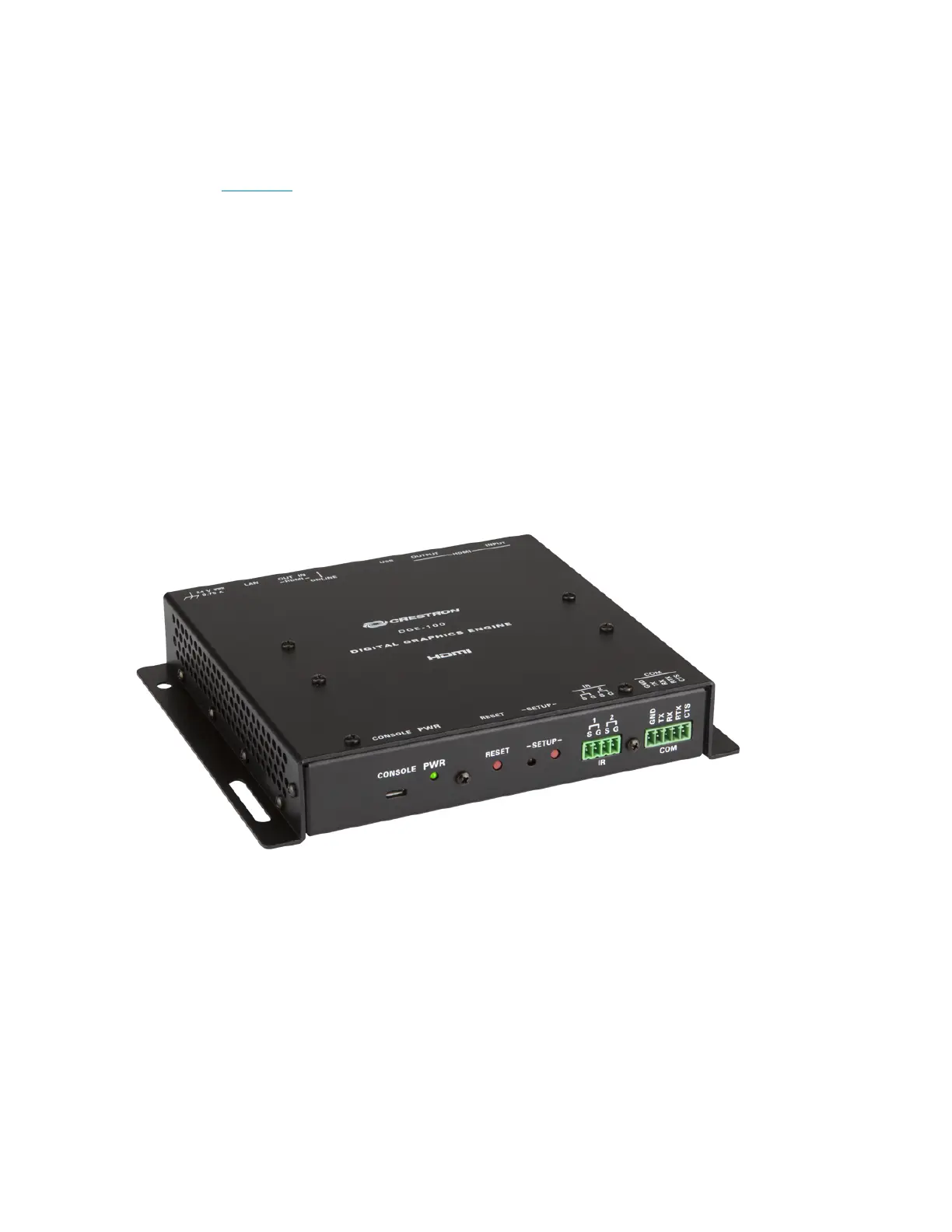
The Crestron® DGE-100 digital graphics engine transforms an HD touch screen display into an
advanced Crestron controller. The DGE-100 features Smart Graphics® technology that may be
used to create a custom graphical environment for controlling audio, video, lighting, shades,
HVAC, security, and other amenities. The DGE-100can also be used for functions with dual-
window video display, annotation, audio feedback, and web browsing. Its low-profile,
surface-mountable design allows for a discreet installation behind a flat-panel display, under a
table, or inside a lectern or equipment rack.
The DGE-100 features an HDMI® output for connecting to a display device, and includes a USB
HID port for touch, mouse, or keyboard input. Additional control ports are provided for
controlling the display device and other equipment. The HDMI input allows an AirMedia® wireless
presentation gateway or other high-definition video source to be connected and displayed on-
screen. Additionally, H.264 streaming video signals can be received over a high-speed Ethernet
connection, and Ethernet provides an interface to a Crestron control system.
1
Key features include:
l
Touch screen graphics engine for the Crestron® TSD-2220 or a third-party USB
HID-compliant touch screen
l
Supports OSM(on-screen menu)applications without a touch screen
l
HDMI® output supports display resolutions up to Full HD 1080p60 and WUXGA
l
Displays dual-window or full screen video from HDMI and H.264 streaming sources



 To Next Page