Product Manual — Doc. 7696D DGE-100 and DM-DGE-200-C • 81
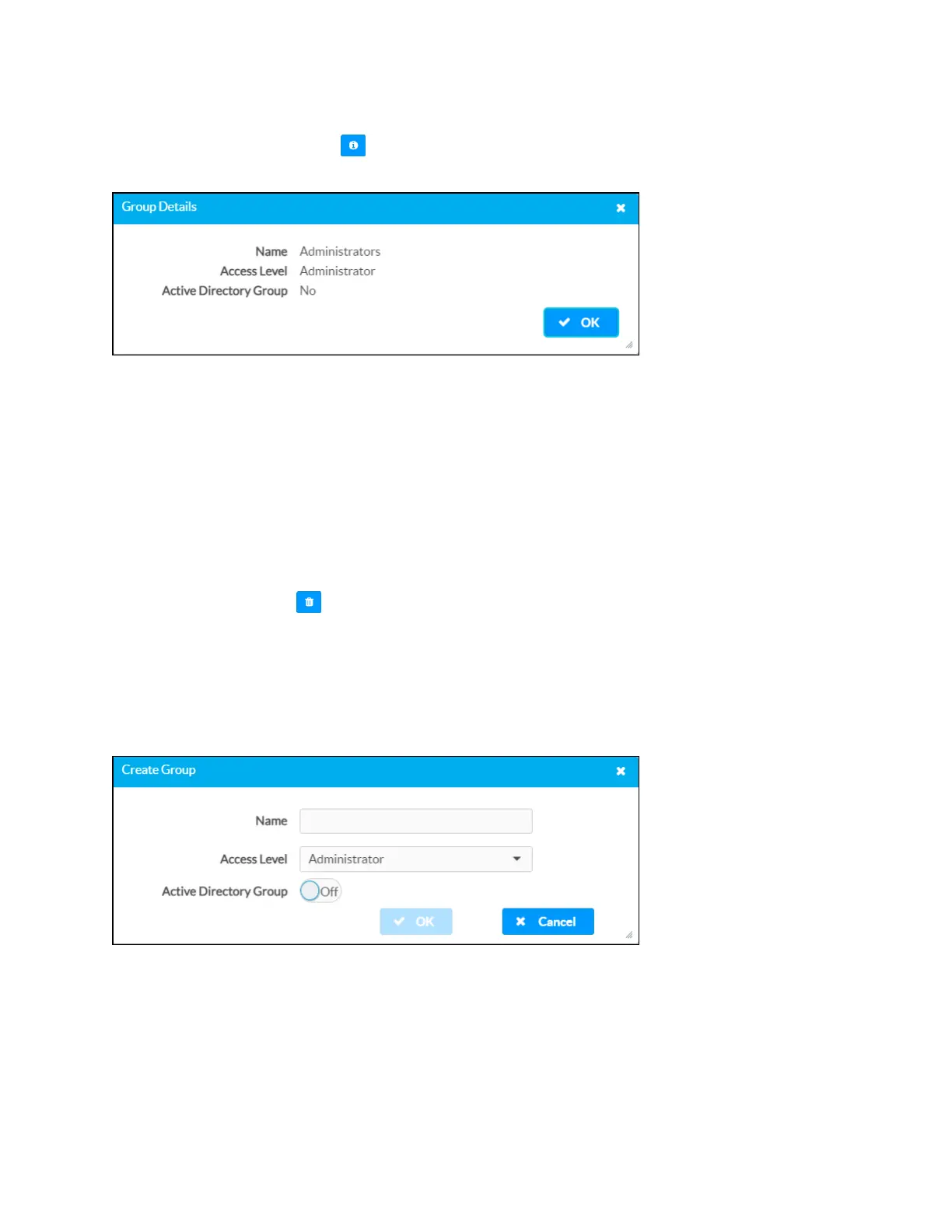
Group Details
Select the information button in the Actions column to view information for the selected
group. The Group Details dialog box is displayed.
The following settings are displayed for the current group:
l
Name: The chosen group name.
l
Access Level: The access level for the selected group (Administrator, Programmer,
Operator, User, or Connect).
l
Active Directory Group: Reports whether the group is (Yes) or is not (No) authenticated
through Active Directory.
Select OK to close the dialog box.
Delete Group
Select the trashcan icon in the Actions column to delete the group.
A dialog box is displayed asking whether the group should be deleted. Select Yes to delete the
group or No to cancel.
Create Group
Select Create Group at the bottom of the page to create a new DGE group. The Create Group
dialog box is displayed.



 To Next Page