96 • CCS-UC-1: Crestron Mercury Tabletop Conference System Product Manual – DOC. 7844M
View Participants
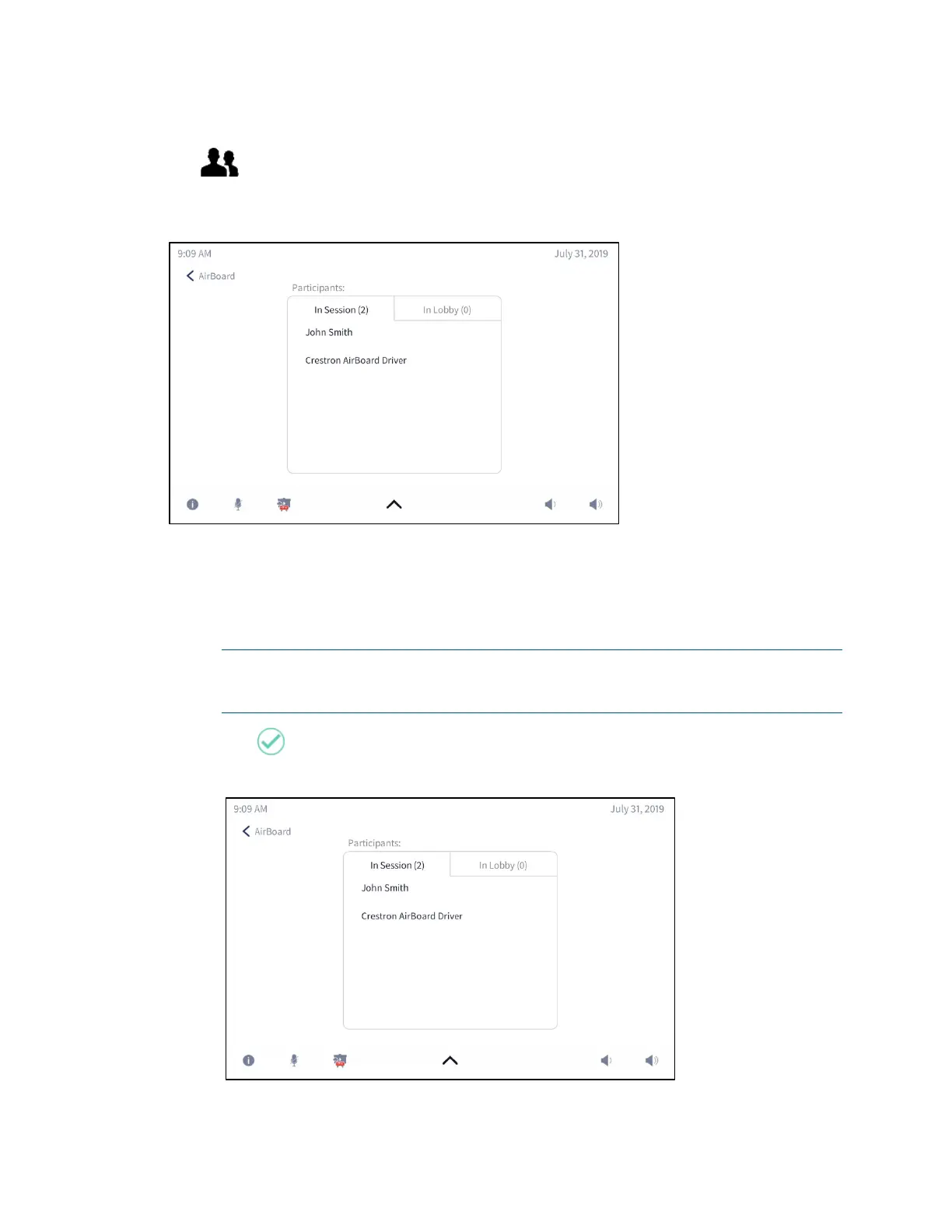
Tap to view a list of people viewing the Crestron AirBoard session or waiting to
view the Crestron AirBoard session.
Participants In Session
• In Session: Tap In Session to view a list of people viewing the Crestron AirBoard
session.
• In Lobby: Tap In Lobby to view a list of people that are waiting in a virtual lobby
to be admitted to the Crestron AirBoard session.
NOTE: Participants are placed in the virtual lobby only if the Crestron AirBoard
device’s Code Mode is set to Disable. For details on setting the Code Mode, refer
to page
57.
Tap to admit a user to the Crestron AirBoard session.
Participants in Lobby



 To Next Page
 Loading...












