Product Manual – DOC. 7844M CCS-UC-1: Crestron Mercury Tabletop Conference System • 87
Skype for Business
When configured, the CCS-UC-1 can make Skype for Business calls using the built-in
Skype for Business application.
Make a Skype for Business Call
Skype for Business calls can be made to a Skype for Business user, a speed dial entry, or
a phone number. Choose one of the following options to make a Skype for Business call:
Call Skype for Business Users
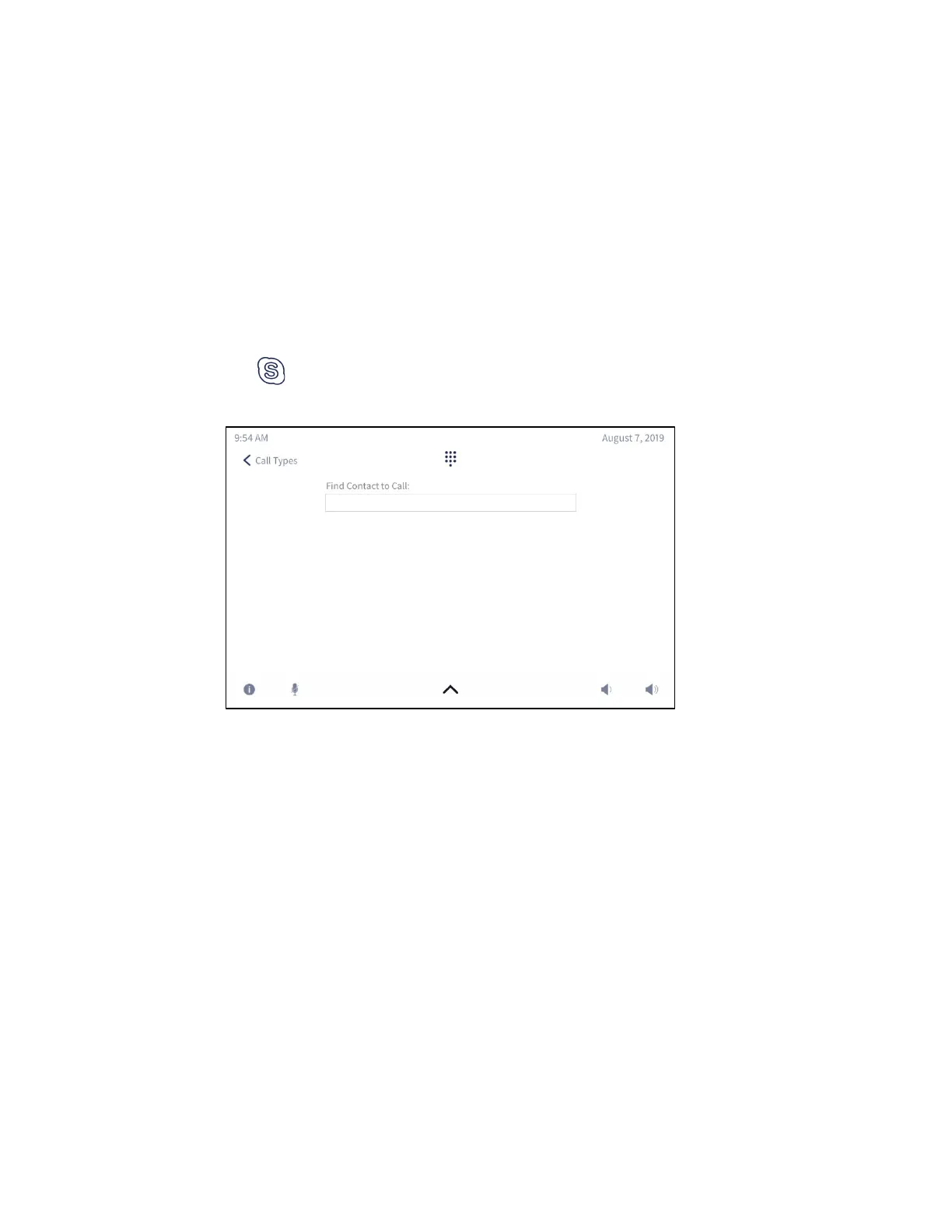
1. Tap . The Find Contact to Call screen is displayed.
Find Contact to Call Screen
2. Use the on-screen keyboard to enter the contact name or email address. The
CCS-UC-1 shows the search results on the display.



 To Next Page
 Loading...












