86 • CCS-UC-1: Crestron Mercury Tabletop Conference System Product Manual – DOC. 7844M
To make a call with a connected computer, follow this procedure:
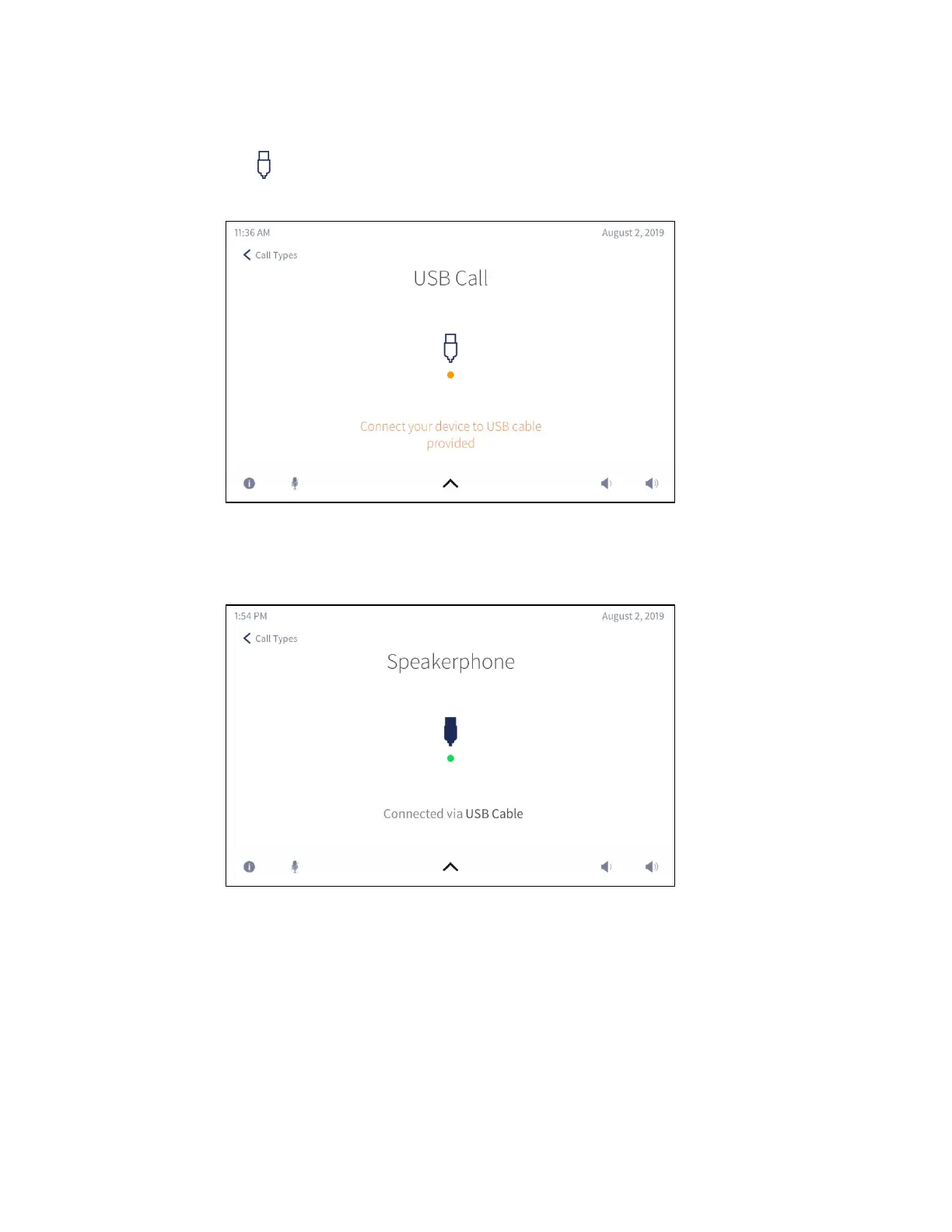
1. Tap . The USB Call screen is displayed.
USB Call Screen
2. Connect the USB cable from the CCS-UC-1 to the computer that is running the
audio call software. The
USB Connected screen is displayed.
USB Connected Screen
3. On the computer, use the audio call software to make and end the phone call.
4. When done, disconnect the computer.



 To Next Page
 Loading...












