64 • CCS-UC-1: Crestron Mercury Tabletop Conference System Product Manual – DOC. 7844M
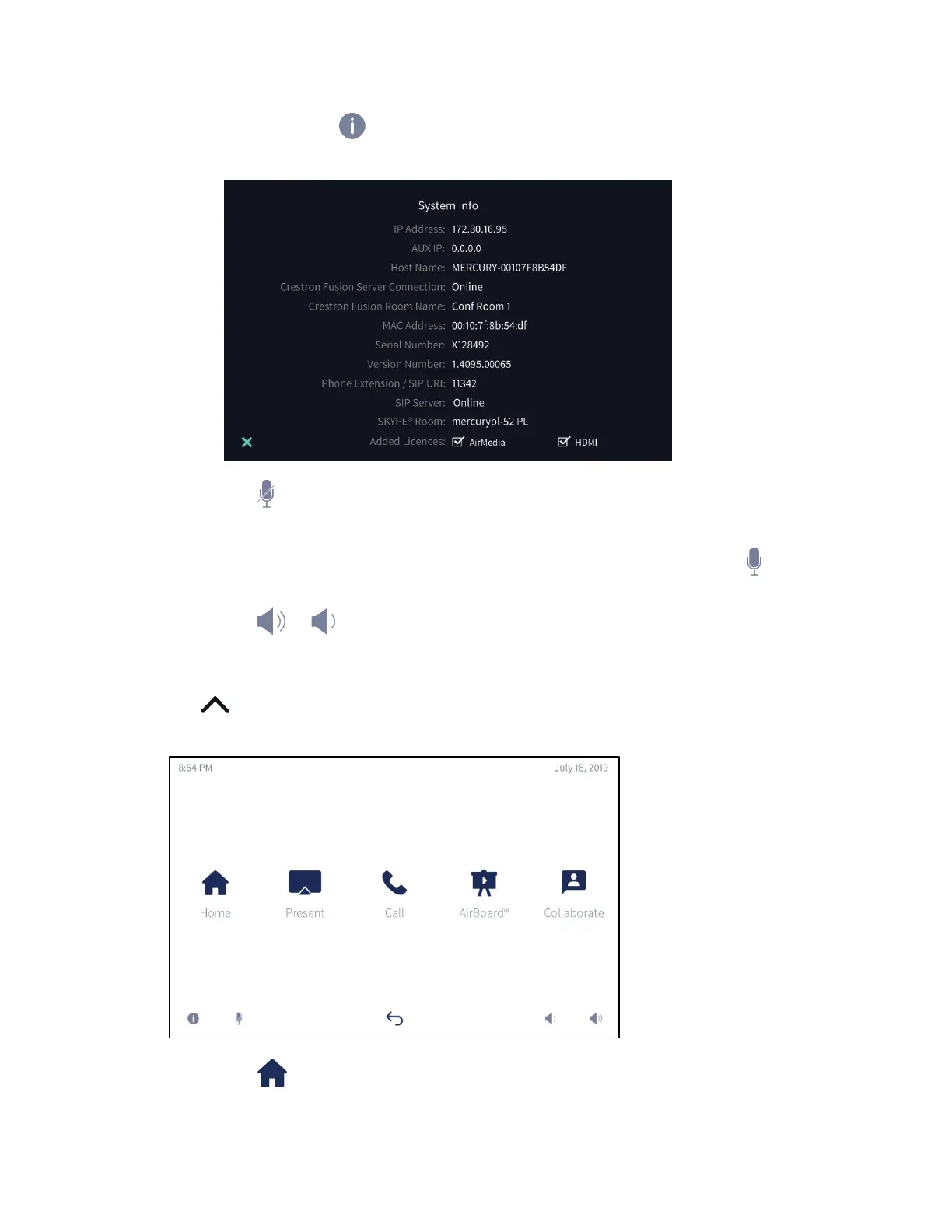
• Press and hold to view the System Info screen.
System Info screen
• Tap (or the mute bar on top of the device) to mute the built-in microphone
and connected CCS-UCA-MIC microphone pods. When muted, the button is
framed in red and the microphone icons on the tops of the CCS-UC-1 and
connected CCS-UCA-MIC microphone pods turn red. To unmute, tap (or the
mute bar on top of the device).
• Tap or to raise or lower the volume.
The Function Menu
Tap to display the function menu.
Function Menu
• Tap (Home) to display the home screen.



 To Next Page
 Loading...












