Product Manual – DOC. 7844M CCS-UC-1: Crestron Mercury Tabletop Conference System • 93
c. Tap the name or phone number that is displayed. The participant is dialed
and added to the call when they answer.
Crestron AirBoard Whiteboard Capture
When configured, the CCS-UC-1 can start and manage a Crestron AirBoard session to
share whiteboard content from a connected CCS-WB-1 Crestron AirBoard Whiteboard
Capture System. The CCS-UC-1 provides controls for managing the session and
distributing recordings.
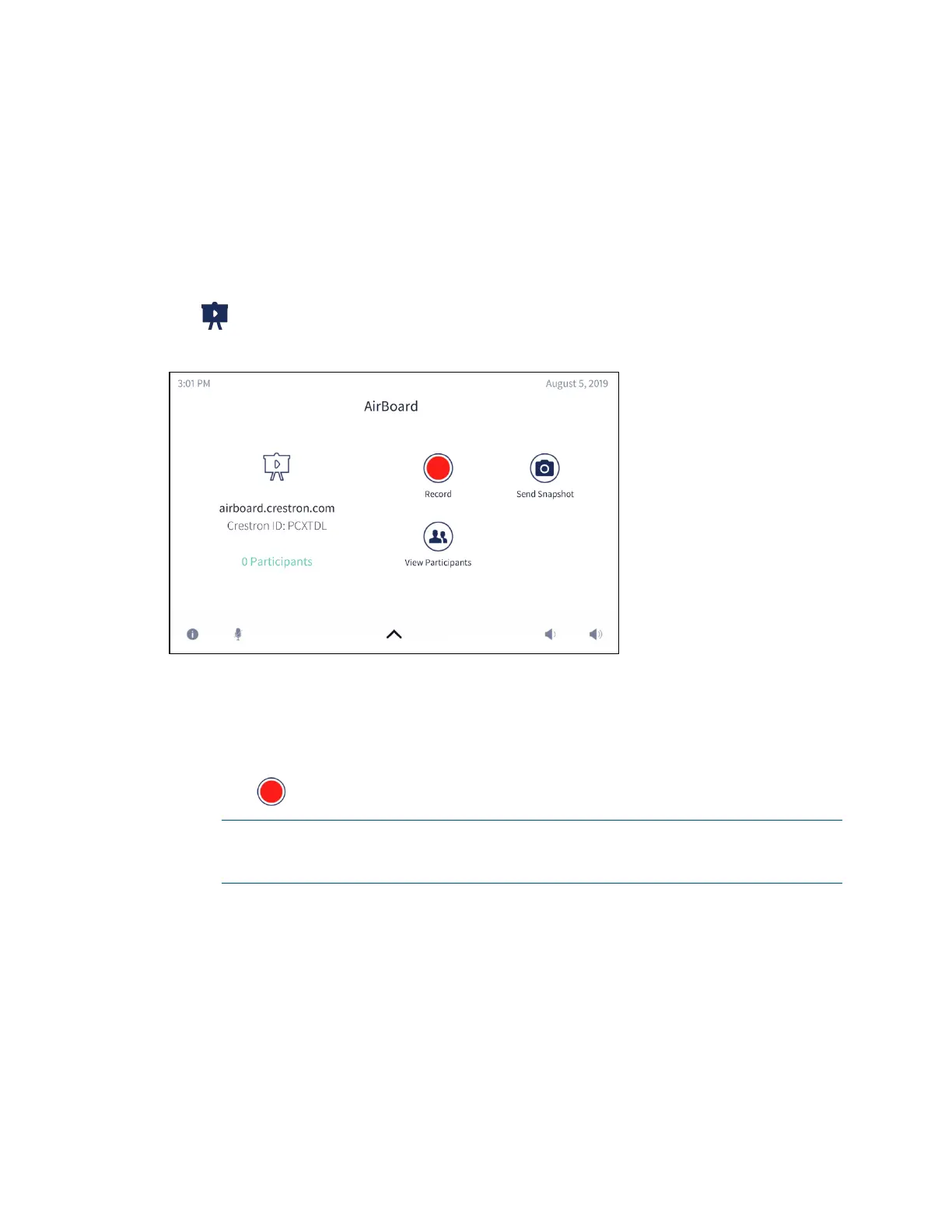
Tap to display the Crestron AirBoard controls.
AirBoard Controls
Record and Share a Crestron AirBoard Session
A Crestron AirBoard session can be recorded and distributed to those unable to attend a
live broadcast.
1. Tap to start recording the Crestron AirBoard session.
NOTE: The recording session automatically begins when selecting the Crestron
Airboard device as a presentation source as described in “Present Crestron
AirBoard Content” on page 71
.



 To Next Page
 Loading...












