Product Manual – DOC. 7844M CCS-UC-1: Crestron Mercury Tabletop Conference System • 17
DEVICE
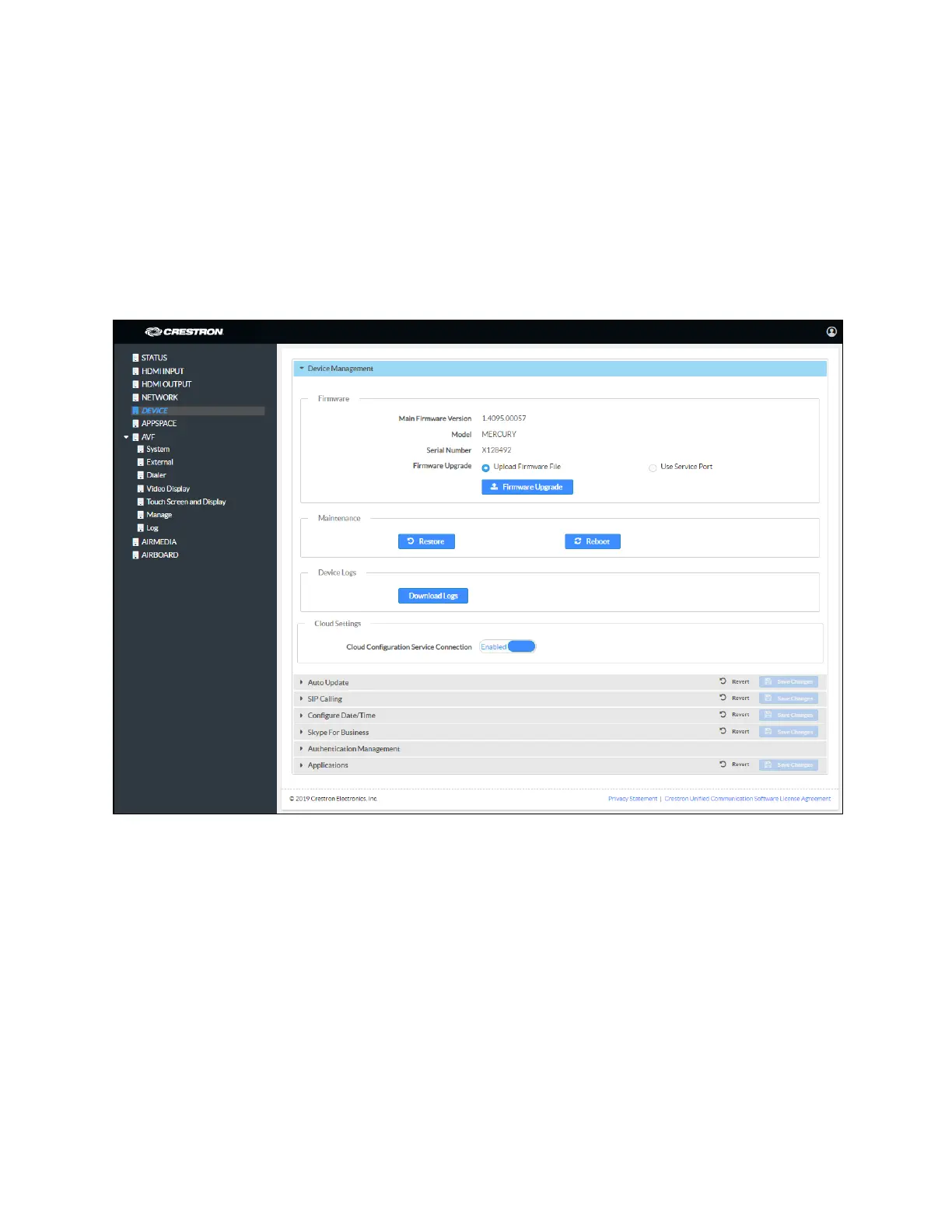
Click DEVICE to upload firmware, restore factory settings, download system logs,
manage cloud settings, manage auto update settings, configure the device for SIP
calling, configure the date and time, configure the device for Skype for Business,
authentication management, and set the device’s application.
Device Management
DEVICE Screen - Device Management
Firmware
To upload device firmware, follow this procedure:
1. Click Firmware Upgrade.
2. Click Browse and navigate to the location of the firmware file.
3. Select the file to use and click Open.
4. Click Load to load the firmware.



 To Next Page
 Loading...












