82 • CCS-UC-1: Crestron Mercury Tabletop Conference System Product Manual – DOC. 7844M
− Numeric Keypad: Tap the number to call with the numeric keypad, and then
tap .
− Address Book: Tap to search the local address book for a specific
contact. The
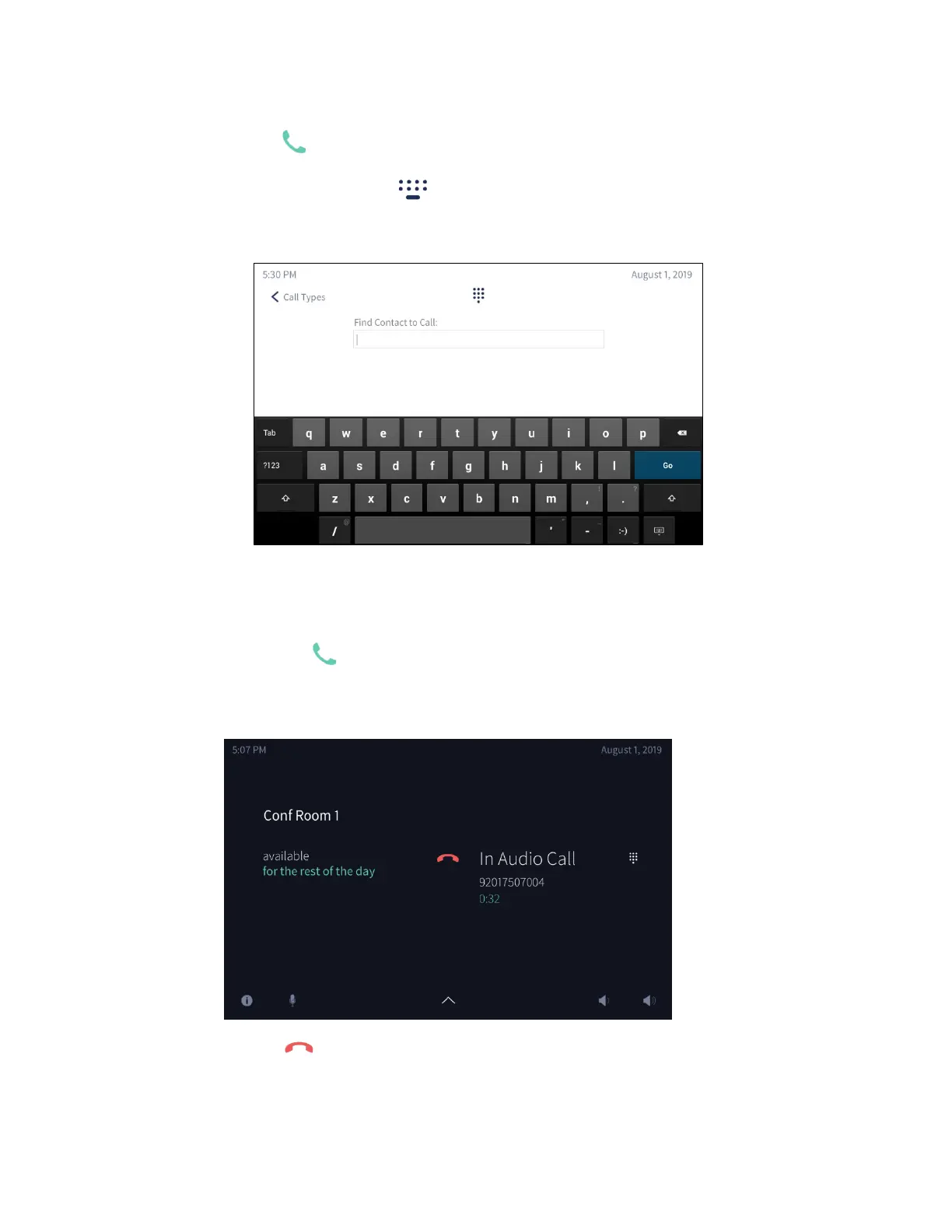
Find Contact to Call screen is displayed.
Find Contact to Call Screen
i. Use the on-screen keyboard to enter the contact name. The CCS-UC-1
shows the search results on the display. Otherwise, tap
Dialer to cancel
and return to the previous screen.
ii. Tap next to the name of the contact to call.
The In Audio Call screen is displayed.
In Audio Call Screen
− Tap to end the call.



 To Next Page
 Loading...












