84 • CCS-UC-1: Crestron Mercury Tabletop Conference System Product Manual – DOC. 7844M
To make a call with a Bluetooth phone:
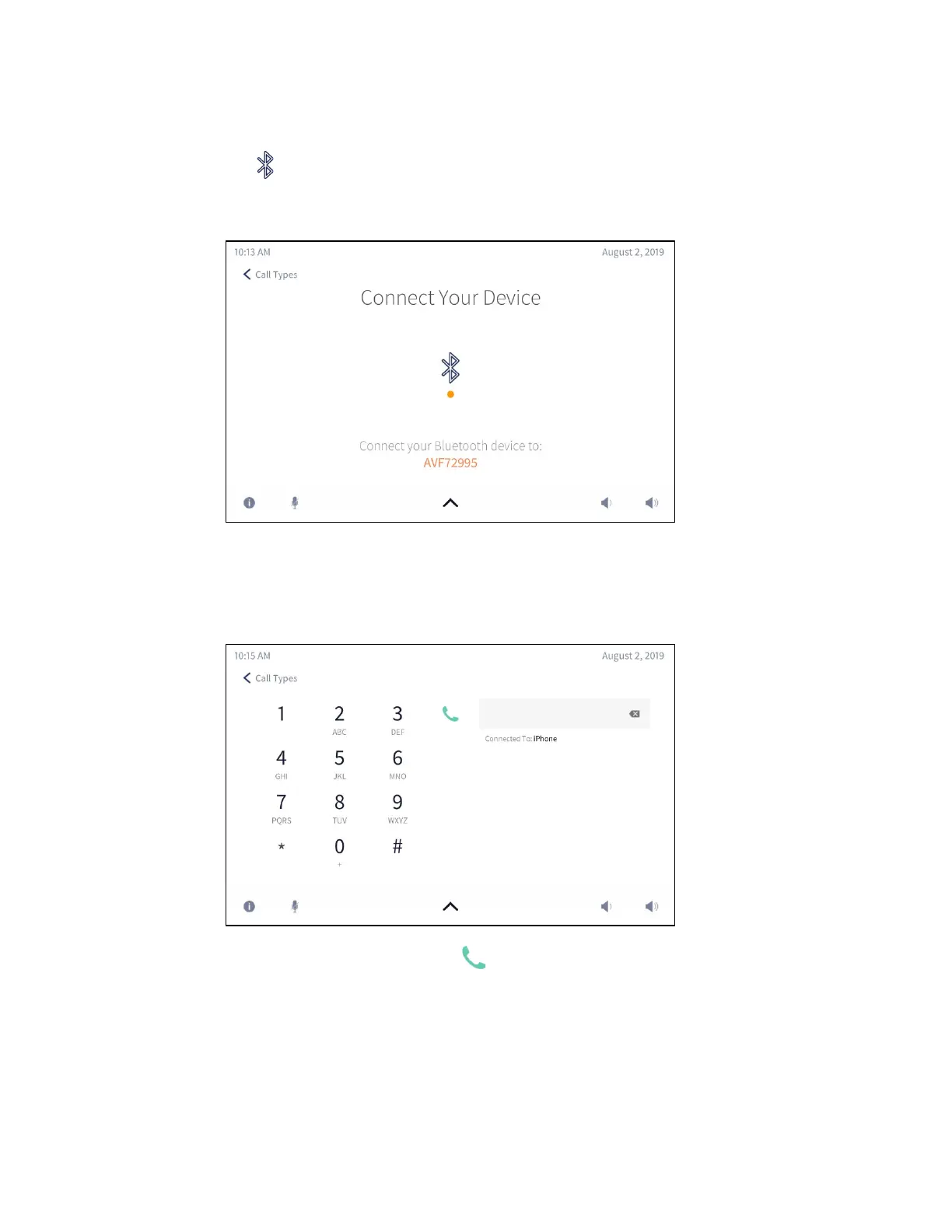
1. Tap . The Connect Your Device screen is displayed, indicating the Bluetooth
name of the CCS-UC-1.
Connect Your Device Screen
2. On the Bluetooth phone, connect to the device matching the Bluetooth name of
the CCS-UC-1. The CCS-UC-1 indicates that it is connecting with a Bluetooth
device and then displays the dialing screen.
Dialing Screen
3. Tap the number to call and tap . The In Bluetooth Call screen is displayed.



 To Next Page
 Loading...












