Control Functions 4-11
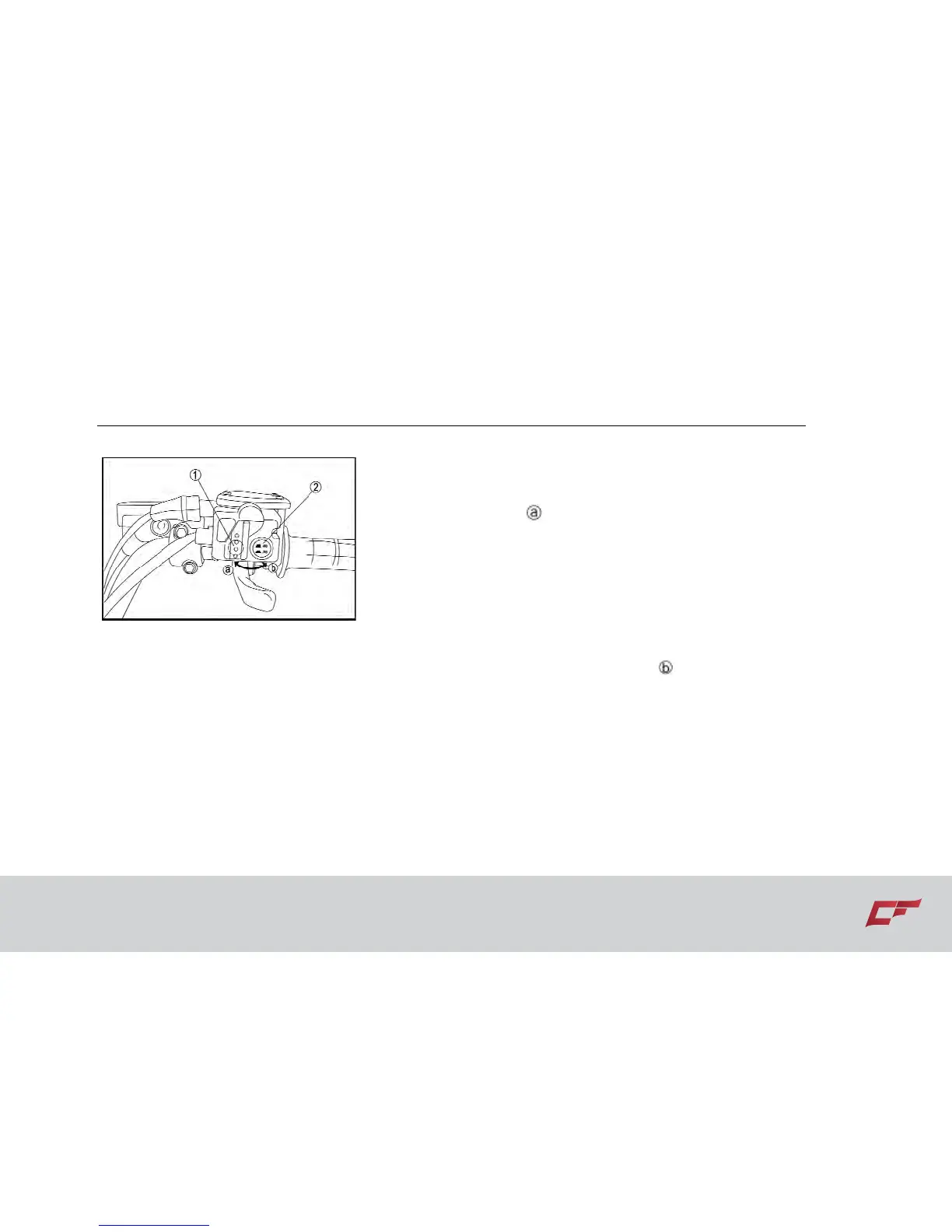
2WD/4WD selection
1. Selection lever switch
2. 2WD/4WD” selector button
From 2WD to 4WD:
To change from 2WD to 4WD ,stop the vehicle,
and then set the switch to “4WD”.When the
vehicle is in 4WD, the 4WD indicator will
come on in the multi-function meter unit
display .
From 4WD to 2WD
To change from 4WD to 2WD .stop the
vehicle ,be sure the select lever is set to
position , and then set the switch to
“2WD”.
Switch “4WD”/”LOCK”
To lock the differential gear in 4WD, stop the
vehicle, make sure the On-Command
four-wheel-drive switch is set to “4WD”, move
the select lever to position , and then set the
switch to “LOCK”. When the differential gear
is locked, the differential gear lock indicator
light will come on along with the differential
gear lock indicator in the multifunction meter
unit display .To release the differential gear
lock , stop the vehicle and set the switch to
“4WD”.


 To Next Page