Connectivity
●
Ther
e must be a WLAN connection be-
t
ween the Infotainment System and the de-
vice. Select Menu > Media > Settings >
WLAN > Share connection over WLAN >
Configuration.
Make sure that data transfer for apps is acti-
vated:
●
From the SETTINGS menu > Data trans-
fer for SEAT apps, there is a checkbox to
activate/deactivate the function and a drop-
down menu called Operation via apps
which controls the level of interaction be-
tween the apps and the system . Select Menu
> Settings > Transfer data from mo-
bile devices.
You can obtain information about the tech-
nical requirements in the CUPRA website, in
specialised CUPRA dealers or any SEAT deal-
ership.
Telephone functions do not form part o this
app.
Data transmission and control func-
tions
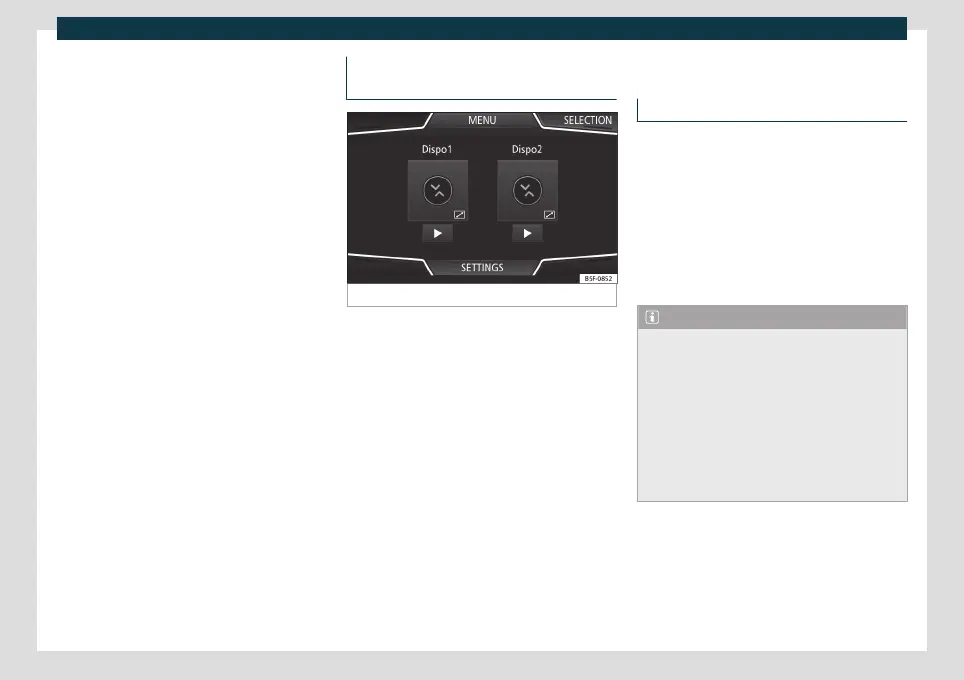
Fig. 141
Media Control Main menu
With Media C
ontr
ol you can operate the In-
fotainment System from other seats in the
vehicle in Radio and Media modes and, de-
pending on the country and the equipment,
you can switch the following information be-
tween a device and the Infotainment system:
●
Navigation destinations.
●
Traffic information.
●
Social media contents.
●
Audio transmission.
●
Vehicle data.
●
Location-specific information, for exam-
ple, POIs.
WLAN access point*
Introduction
The Infotainment System can be used to
share a WLAN connection with up t
o 8 devi-
ces
›››
page 168, Configuration for sharing
a connection over WLAN.
The Infotainment System can also use the
WLAN hotspot of an external device to pro-
vide Internet to the devices connected to
the hotspot (WLAN client)
›››
page 168,
Configure Internet access.
Note
●
Data transmission may incur charges.
Due to the high volume of data exchanged,
CUPRA recommends the use of a flat rate
tariff for data transmission. Mobile phone
operators can provide the relevant infor-
mation.
●
The exchange of data packages may gen-
erate additional costs, depending on your
mobile phone rate, particularly if you are
abroad (for example, roaming rates).
167



 To Next Page