Operating modes
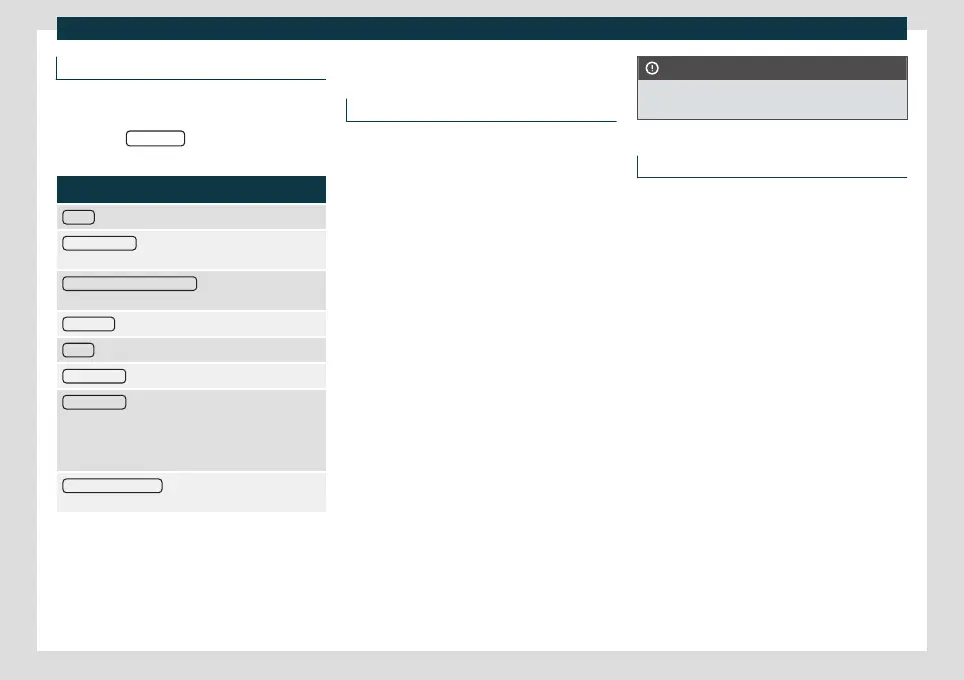
Media settings
●
Select the MEDIA main menu by pr
essing
the infotainment button .
●
Press the SETTINGS
function button to
open the Media settings menu.
Function button: function
Sound
: Sound settings
›››
page 155.
Manage Jukebox
a)
: To import files to the jukebox or to
delete existing files
›››
page 190.
Mix/repeat including subfolders
: Subfolders are included
in the selected playback mode
›››
page 177.
Bluetooth®
: Bluetooth
®
settings
›››
page 222
WLAN
a)
: WLAN settings
›››
page 192.
Video settings
: Settings for playing DVD videos or files.
Remove safely
: To prepare external data media for ex-
traction or disconnection. See also
›››
page 187, In-
serting or ejecting a memory card and
›››
page 187,
External data storage device connected to the USB
port
.
Traffic programme (TP) : The TP function (tracking of
traffic information stations) is active
›››
page 175.
a)
Only available for the model: Navi System Plus.
Navigation
Introduction
General information
A GPS (Global Po
sitioning System) satellite
system locates the current position of the
vehicle. The vehicle’s sensors measure the
distance travelled. The measurements are
compared with the stored detailed map re-
sources, according to road indications stored
in them. Traffic reports, if any, will also be
taken into account in the route calculation
(dynamic route guidance
›››
page 203). Us-
ing all the data available, the Infotainment
system calculates the optimum route to the
destination.
The destination is defined by entering an ad-
dress or a point of interest, e.g. a petrol sta-
tion or hotel.
Navigation announcements and graphic rep-
resentations will guide you to your destina-
tion.
Depending on the country, some functions
of the infotainment system will not be availa-
ble on the screen when travelling higher than
a certain speed. It is not a malfunction, but is
due to compliance with legislation.
CAUTION
The navigation announcements may be in-
accurate (e.g. due to out-of-date data).
Instructions for navigation
When the Infotainment system is unable to
receiv
e any data from GPS satellites (tunnels,
garages), navigation can still continue using
the vehicle sensors.
Possible limitations in navigation
In areas that are not or are only partially digi-
tised (e.g. insufficient definition of one-way
streets and road categories), the Infotain-
ment system will still attempt to provide
route guidance.
In the case of missing or incomplete naviga-
tion data, it may not be possible to deter-
mine the exact position of the vehicle. This
may mean that navigation is not as precise as
usual.
Navigation area and update of navigation
data
Road layouts change continuously. There-
fore, if the navigation data are not updated,
then errors or inaccuracies may occur.
CUPRA recommends updating navigation
data on a regular basis.
195



 To Next Page