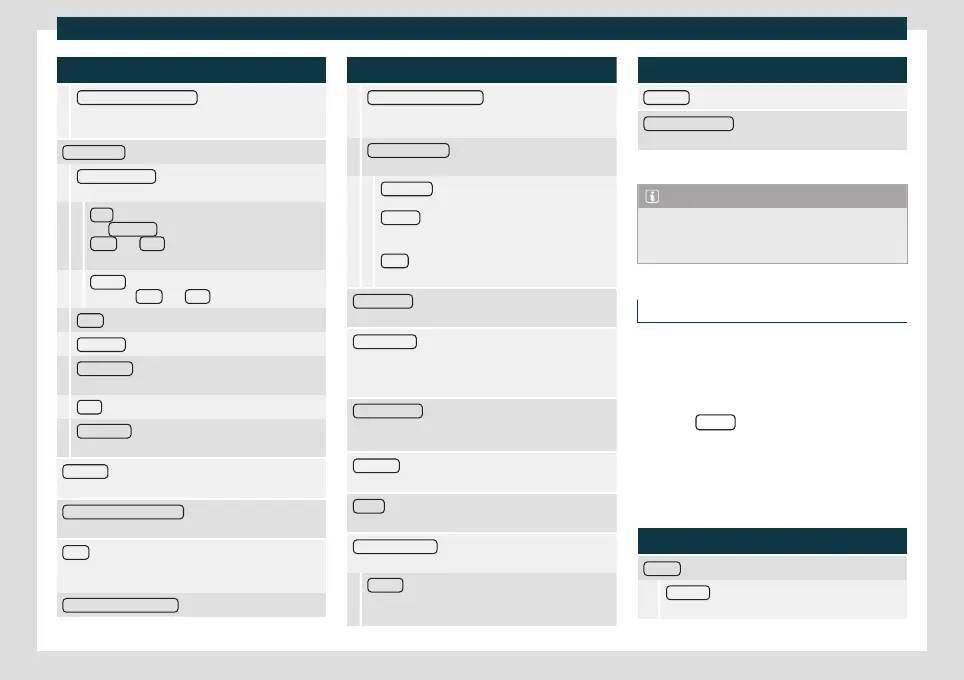
Introduction
Function button: function
Show clock in standby mode
: In standby mode, the
time is displayed on the infotainment system
screen.
Date and time
: Change the time and date settings.
Clock time source
: To select the time source (GPS or
manual).
GPS
: The time and date can be selected using
the Time zone
function button. In this case, the
Time and Date function buttons for manual en-
try will not be active.
Manual
: The time and date can be set manually
using the Time
and Date function buttons.
Time
: To set the time manually.
Time zone : To adjust the desired time zone.
Time format : To select the time display format (12 or
24 hours).
Date : To set the current date.
Date format : To select the date display format
(DD.MM.YYYY , YY-MM-DD or MM-DD-YY).
Language : To select the desired language for texts and
phrases in the voice control system.
Additional keypad languages : To select additional key-
board languages.
Units : To set the units of measurement of the vehicle's
displays: distance, speed, temperature, volume, con-
sumption and pressure.
Data transfer for SEAT apps
Function button: function
Data transfer for SEAT apps
: This allows data to be ex-
changed between the vehicle and SEAT apps. They
are not personal data.
Operation via apps
: Change the level of interaction
with apps.
Deactivate:
This limits specific functions that re-
quire a higher level of security.
Confirm
: Allows 100% of functions of the app,
and certain specific actions on the Infotainment
system have to be confirmed.
Allow . Allows all available functions to be execu-
ted from the app.
Voice control
: To change the voice control settings
›››
page 156.
Remove safely : To eject the data medium (SD/USB
card) from the system. After correctly ejecting the data
storage device from the system, the function button
becomes inactive (grey colour).
Factory settings : When the original factory settings are
restored, all inputs and settings that are made are de-
leted, depending on the selected settings.
Bluetooth : To change the Bluetooth
®
›››
page 222 set-
tings.
WLAN
a)
: To change the WLAN access point settings
›››
page 192.
System information : Display of the system information
(device number, hardware and software versions).
Update : To update the navigation data, do
›››
page 195 No remove the memory card while the
navigation data are being installed.
Function button: function
Copyright
: Information about copyright.
Configuration wizard
: Opens the Infotainment system’s
initial configuration wizard.
a)
Only available for the model: Navi System Plus.
Note
For the proper functioning of the Infotain-
ment system it is important that the date
and time set in the vehicle are correct.
Volume and sound settings
The settings that can be selected varies de-
pending on the country and the equipment
in question, and on the v
ehicle's equipment.
●
Pr
ess the Infotainment button and then
press the Sound
function button.
●
Press the main menu function button for
the settings that ha
v
e to be changed. All set-
tings are applied instantly.
Overview of screen and function buttons
Function button: function
Volume
: To change the volume settings.
Warnings
: To set the playback volume of warnings,
such as traffic announcements.
»
155



 To Next Page