Infotainment System
to 12 contacts can be added to the speed di-
al k
e
ys.
Assign the speed dial keys
●
In the main Telephone menu, press a free
speed dial key.
●
Select the desired contact from the list. If
the selected contact has several phone
numbers, select the number you want.
Edit assigned speed dial keys
●
Press and hold an occupied speed dial key
in the Telephone main menu until the Con-
tacts menu opens.
●
Select the desired contact from the list. If
the selected contact has several phone
numbers, select the number you want.
●
To close the Contacts menu without apply-
ing the changes, press the BACK
function
butt
on.
Delet
e assigned speed dial keys
●
The phone numbers stored in the speed
dial buttons can be deleted in the menu
User profile settings > Manage fa-
vourites
›››
page 223.
Make a call with a speed dial button
●
Briefly press an assigned speed dial key in
the Telephone main menu to call the tele-
phone number stored in it.
Note
The contacts stored in the speed dial keys
are NOT updated automatically. If a contact
stored on a speed dial key is modified on
the mobile phone, the speed dial key must
be assigned again.
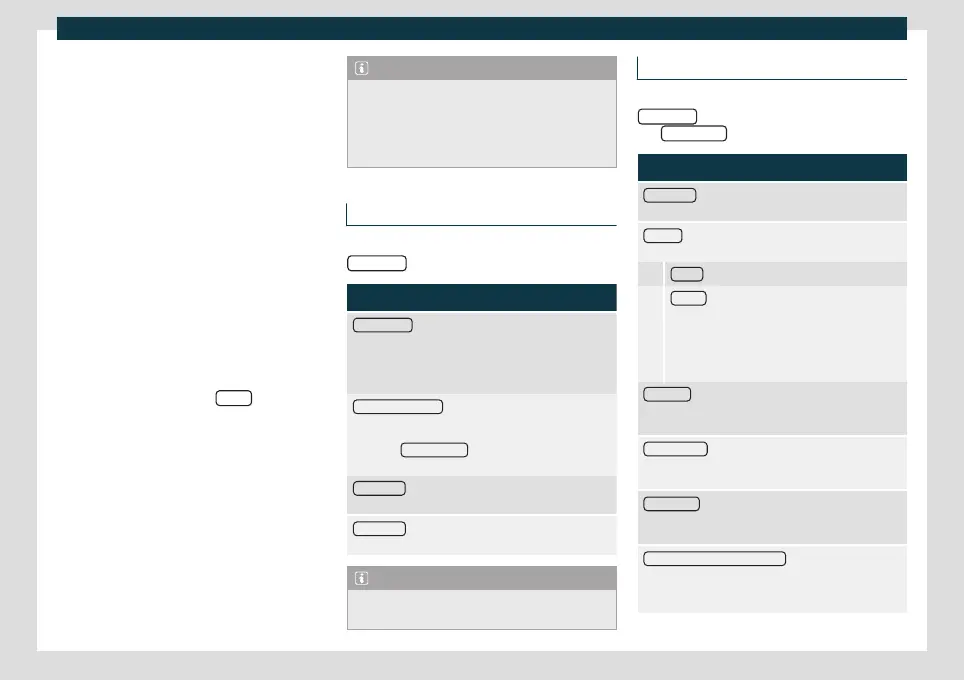
Phone settings
In the Telephone main menu, press the
SETTINGS
function button.
Function button: function
Private mode
: Private mode can only be activated dur-
ing an active call. When private mode is disabled (by
default), the call’s audio is managed through the vehi-
cle. When private mode is activated, call audio is man-
aged through the mobile phone.
Select mobile phone
: From the list, select the mobile
phone to be connected to the hands-free profile with
the infotainment system.
OR: Press Find telephone
to connect a new mobile
phone.
Bluetooth® : Opens the menu Bluetooth® settings
›››
page 222.
User profile
: Open the User profile settings menu
›››
page 223.
Note
Some telephones require a restart to down-
load the last added contacts again.
Bluetooth
®
settings
In the main Telephone
menu, press the
SETTINGS
function button and then press
the Bluetooth® function button.
Function button: function
Bluetooth®
: Press to deactivate Bluetooth
®
. All active
connections are disconnected.
Visibility
: Activating and deactivating Bluetooth
®
visibil-
ity.
Visible
: Bluetooth
®
visibility is active.
Hidden
: Bluetooth
®
visibility is deactivated. Blue-
tooth
®
visibility must be active for external pair-
ing of a Bluetooth
®
device with the infotainment
system. When a Bluetooth
®
audio device is active
and playing, visibility is automatically set to Hid-
den.
Forename
: Display or change the Bluetooth
®
name of
the infotainment system. This will be the name shown
to other Bluetooth
®
devices.
Paired devices : Viewing paired devices. To disconnect
and connect Bluetooth
®
devices and Bluetooth
®
pro-
files.
Find devices : Search for visible Bluetooth
®
devices that
are within range of the infotainment system. The maxi-
mum range is approx. 10 meters.
Bluetooth® Audio (A2DP/AVRCP) : If an external audio
source is to be connected to the infotainment system
via Bluetooth
®
, this function must be active
›››
page 189.
222



 To Next Page