Operating modes
User profile settings
In the main Telephone menu
, press the
SETTINGS
function button and then press
the User profile function button.
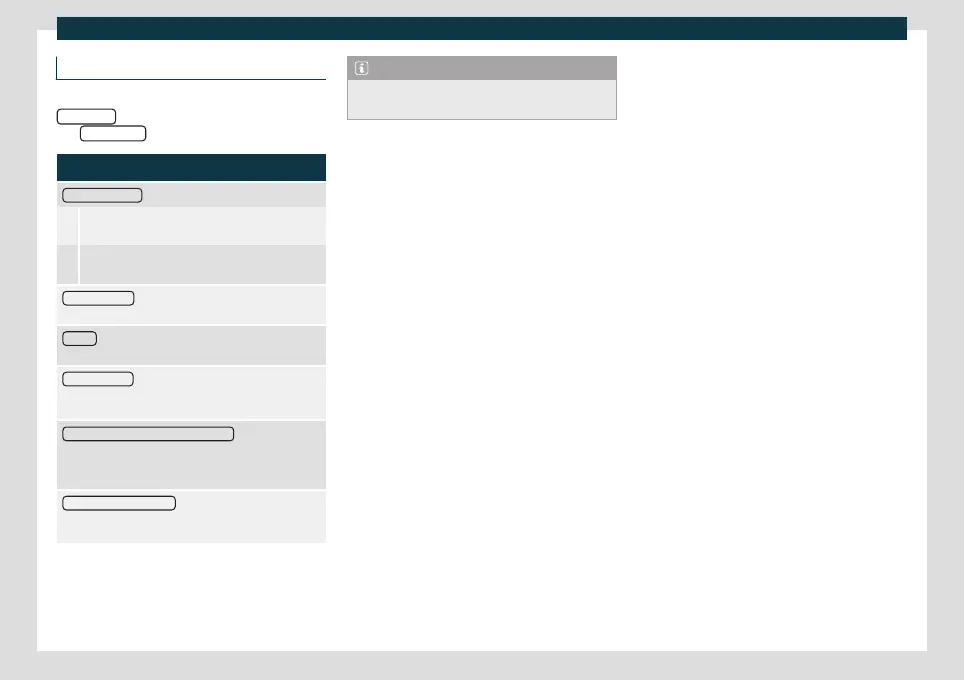
Function button: function
Manage favourites
: Edit the speed dial keys.
Occupied speed dial key: Press to delete the
stored number.
Free speed dial key: Press to save a phone book
number on the speed dial key.
Mailbox number
: To enter or change the voice mailbox
number.
Sort by
: To set the order of appearance of the phone
book entries (Forname and Surname or vice versa).
Import contacts
: Press to import the phone book of the
connected telephone or to update the imported
phone book.
Reminder: remember your mobile phone : If a Bluetooth
®
connection is active with a mobile phone, the message
“Do not forget your mobile phone” appears
when the ignition is switched off.
Show pictures for contacts
a)
: If the contacts in the phone
book have been saved with a photo, it can be displayed
on the speed dial keys, call lists and phone book.
a)
Depending on the mobile phone.
Note
Some telephones require a restart to down-
load the last added contacts again.
223



 To Next Page