Operating modes
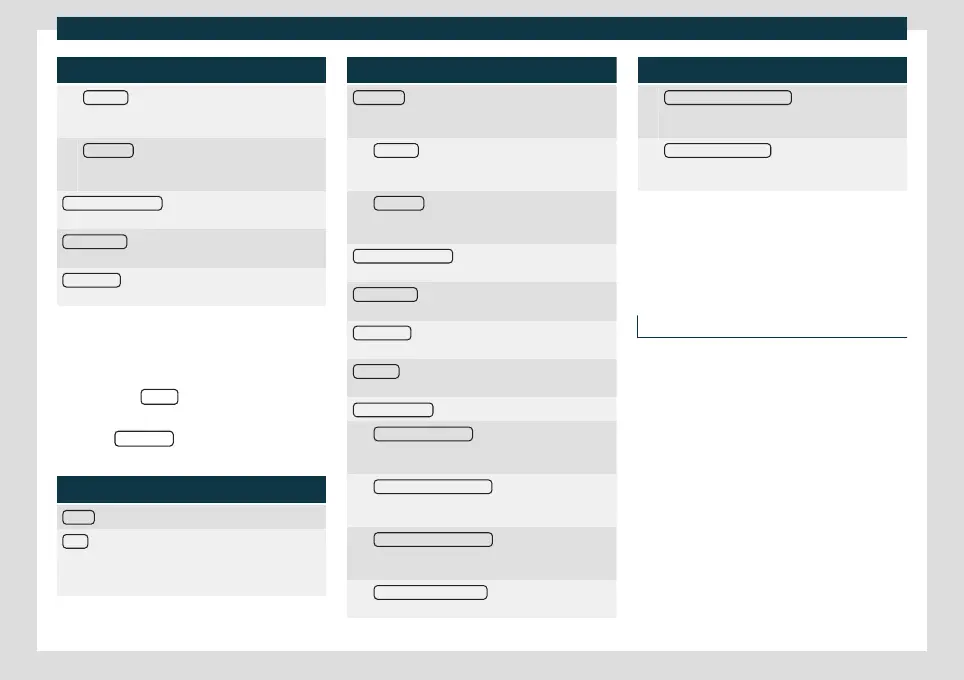
Function button: function
Preset list
: The arrow keys are used to switch be-
tween all of the saved stations in the selected fre-
quency band.
Station List
: The arrow keys are used to switch be-
tween all of the tuneable stations in the selected
frequency band.
Traffic programme (TP)
: The TP function (tracking of
traffic information stations) is active
›››
page 175.
Delete presets
: To erase all or some of the preset sta-
tions.
Station logos
: To assign logos to stations stored on
memory buttons
›››
page 174.
DAB settings
Select the D
AB
frequency band by pressing
the infotainment button
.
OR: Press the BAND
function button and se-
lect the D
AB
frequency band.
Press the SETTINGS
function button to open
the
DAB settings
menu.
Function button: function
Sound
: Sound settings
›››
page 155.
Scan
: Automatic playback (SCAN function). When au-
tomatic playback is active, each of the tuneable sta-
tions in the selected frequency band are played for ap-
proximately 5 seconds each
›››
page 175.
Function button: function
Seek mode
: To set the settings for the arrow buttons
and
. The setting applies to all frequency bands (FM,
AM and DAB).
Preset list : The arrow keys are used to switch be-
tween all of the saved stations in the selected fre-
quency band.
Station List
: The arrow keys are used to switch be-
tween all of the tuneable stations in the selected
frequency band.
Traffic programme (TP)
: The TP function (tracking of
traffic information stations) is active
›››
page 175.
Delete presets
: To erase all or some of the preset sta-
tions.
Station logos : To assign logos to stations stored on
memory buttons
›››
page 174.
Radio text : The radio text is active
›››
page 171, Radio
text.
Advanced settings : DAB services settings.
Autostore station logos
a)
: Station logos are assigned
automatically when the radio stations are stored
on the memory buttons
›››
page 174.
DAB traffic announcements : DAB traffic announce-
ments are played in the same way as TP traffic an-
nouncements in any equipment mode.
Other DAB announcements : DAB announcements
(news, sports information, weather, warnings, etc.)
are played while the DAB Radio mode is active.
DAB - DAB station tracking : Automatic station track-
ing within the DAB frequency range is active.
Function button: function
Automatic DAB - FM switching
: Switching to the FM
frequency band is permitted for automatic station
tracking.
Switch to a similar station
: This allows service provid-
ers to indicate alternative stations with similar con-
tent.
b)
a)
This depends on the country and unit in question.
b)
Only available for the model: Navi System Plus
Media
Introduction
Audio or image sources containing files in
diff
er
ent media are known as “media sour-
ces”. These audio files can be played
through the corresponding players or the in-
fotainment system's audio inputs.
Only supported files are displayed and
played. Other files are ignored.
Copyright
Consider the legislation on the intellectual
property of audio and video files.
»
177



 To Next Page